Hi all
Having problems posting pics (again) I understand you "sandwich" the http.......with [ img] and[/img]but still getting that annoying red x in a box.
Where am I going wrong, I havent used flickr in awhile could this be the reason although logged in ok?
ah should there be aspace in front of the first img
no
Well simon that really helps, have posted before with no problem?
do a search, this comes up at least twice a week forever. I think there are probs with Flickr so why not upload the shot to www.tinypic.com and use the readymade forum code they supply ?
thnks will have to transfer over to pc to access photos not on laptop and try a bit later.
If you use Firefox, there is a Greasemonkey script that will give you the correct code, from the all sizes page.
see if the answers in this [url= http://www.singletrackworld.com/forum/topic/posting-pictures-help ][b][u]thread [/u][/b][/url] helps?
flickr works fine, got to the all sizes link on a pic and get the link to paste in
[img]  [/img]
this is a prototype of my next bike.
If using flickr you have to click on all sizes buttom to view the images then you get the url.
what is missing is you need to click on the img button when writing your post.
I feel your pain i was there on saturday night just keep going you will get there in the end.
Jamie:Seriously Mods. Put up a sticky about posting pics.
...and i still agree with myself.
They should maybe think about making the instructions a bit more user friendly.There is a few steps missing from there destructions
[img]  [/img]
a bit of tooing and froing but it worked, the IMG and the post area didnt work enclosedwith my own brackets.
Well done!
worth it in the end 🙂
someone sticky this thread please! 🙂
No need to sticky if people click the help button.
Just testing..
[IMG] 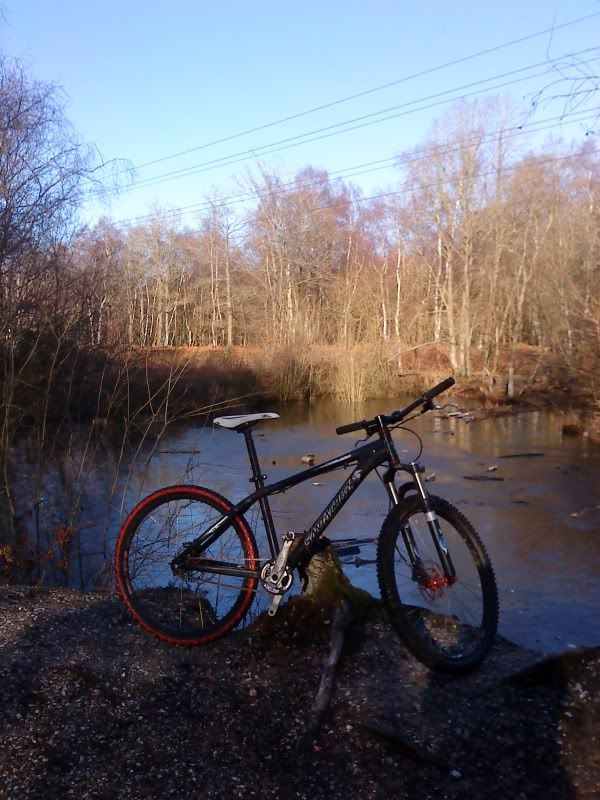 [/IMG]