I can easily post using postimg or something like that but when I try and post directly I can upload the photo ok but then neither of the two buttons that allow you to upload do anything

(posted using postimg)
Can anyone tell me what i'm missing? Neither Insert into post nor add to post do anything. The image is jpg and less than the maximum size
I've tried in both Edge and Chrome on Win 11 but they both behave in the same way
edit:deleted, all the text of the post is now showing
The process is a bit clunky and counterintuitive using the add media and images buttons. The easiest way is to open the image in its original location, copy it and paste it directly into your post.
I tried that but all that happens is that it uploads it to the 'media' area as above and I'm stuck again. I'm missing something somewhere. I'm used to the idea of uploading an image into a media area and then selecting it for processing in some way but I'm missing what I need to do to actually stick it in the post
Ah- they've ****ed it up.
Ah, did you just try? Was wondering if the hamsters were on strike

Yep - I've been trying on the "100 days" thread and not getting them to post (treied both Android and Windows). I just tried it again here and failed too.
Have you tried the voodoo doll and golem method?
I tried on another thread. It uploaded the picture but when posted it wasn't there. You can't post an empty post , so something must be there , just not a picture. Using Post Image is so much easier.
Yeah it seems to be broken currently. It's not working.
edit: drag n dropping the image straight onto the text box.
edit: the upload succeeds, but the insert into post button doesn't work... but if you copy the link to the image, when you paste that link BOOM HERE BE THE IMAGE
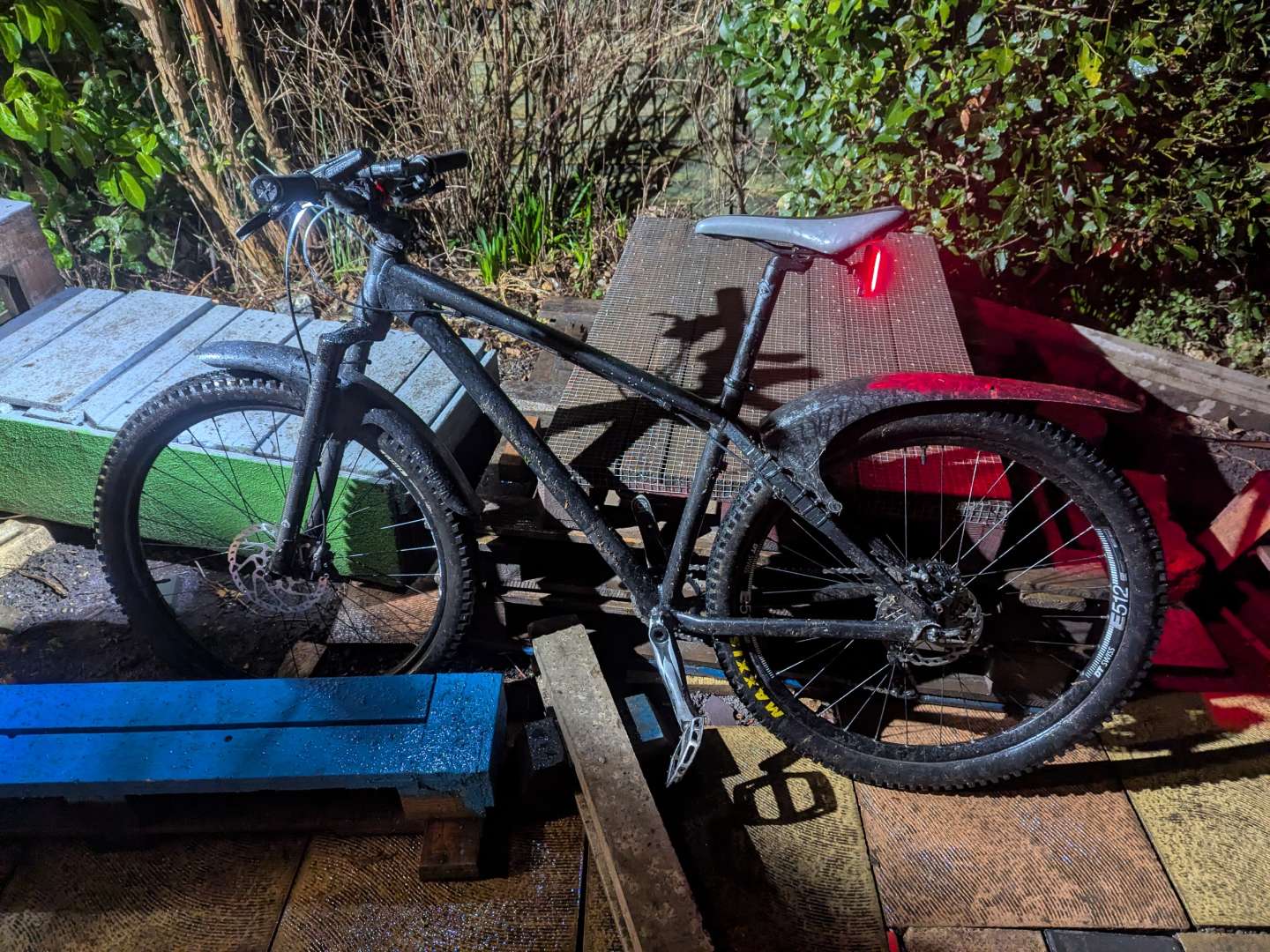
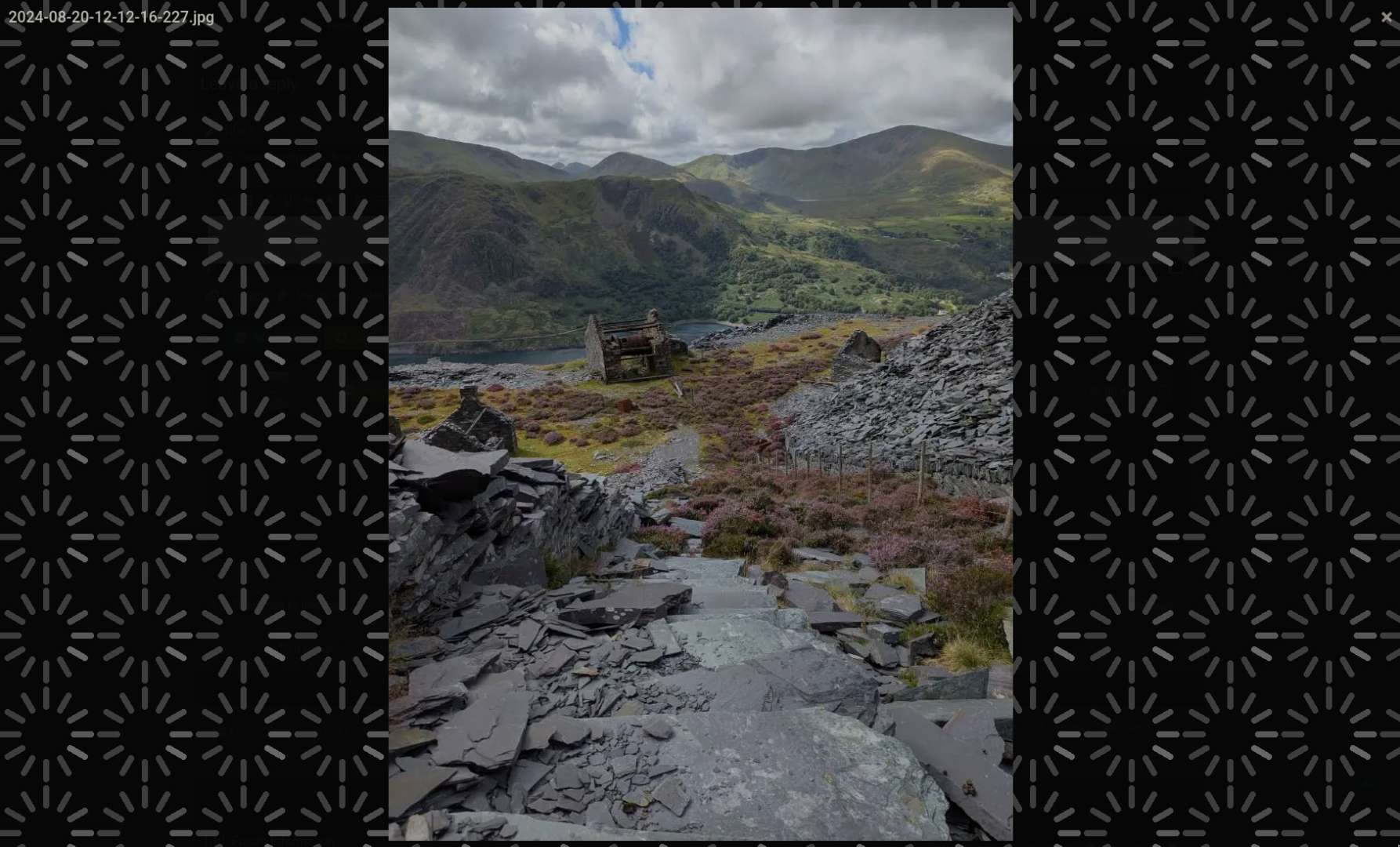
Do you mean copy the link to the image that appears in the 'my media' box?
I've recently discovered that on a PC I can take a screenshot of the picture I want to post and then simply paste it into the text box - works a treat!
(The screenshot app turns it into a PNG and as long as the size is less than 1mb you're all good)
As above, just literally Ctrl-V paste it (literally the image itself, not a URL or anything) into the text box... brilliant, how it always should have been. From another window, from a different browser, from your desktop, whatever.