
MegaSack DRAW - This year's winner is user - rgwb
We will be in touch
Having trouble getting on-line with PC - was working fine yesterday but now saying can't renew IP address. Anything I can try to fix it?
have you tried ipconfig /release?
then ipconfig /renew 
Open up a command window.
type the follwing
ipconfig /release
ipconfig/ renew
Hit enter after each command.
If it fails to get a new IP then you can't see the service provider.
have you tried writing it on a piece of paper - placing it on thePC and then bashing it with a hammer to see if it gets that?
Seriously though:
Is it wifi or cabled?
If wifi - try it through a cable
If it works through a cable then its the wifi connection (PC or Router) if it doesnt its probably the router itself - so...
Reboot the router (leave off for at least 30 seconds), check cables before switching on
Turn on and make sure the right lights come on according to your ISP documentation - should have one on and one flickering on most
Restart your PC or disable your airport if you are on a Mac
Switch on PC or renable airport
Try and connect if this doesnt work then you may need to check that it isnt using a static IP through the network properties - TCP-IP options and set it to TCP-IP (windows) or Network Utility on a MAC
If that doesnt work try the hammer, my house is full post it notes wedged into PC's through hammer action..
PS how did you post this if your not online?
[img] 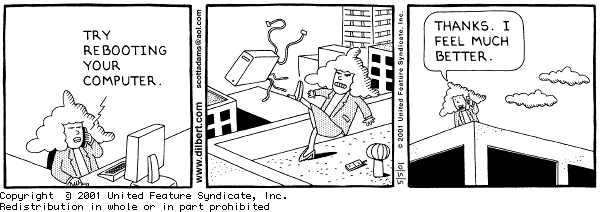 [/img]
*goatse lolz*
Two of my friends had a similar problem. Something disabled their network adapters. Easily fixed by going to Device Manager/Network Adapters and enable the disabled adapter.
Fingers crossed its that easy. 😉
To help, we're gonna need more info, as above. Also what have you already tried?
switch whatever it is the ip address comes from off and on.
that's any computery boxes with flashing lights on that you don't really know what they do but arrived at the same time as your broadband
my laptop has a switch on the case that disables the wireless bit and gives the same results
Thanks all - have already tried these things:
Re-enabling ethernet adaptor
Rebooting router
ipconfig release and renew
It's a wired connection and I've tried it on both networks in my house and the same problem exists
Has the DHCP server on the router/modem been stopped for some reason?
swap out equipment as much as you can would be my advice.
How can I tell woody?
But if that were the case how come it doesn't work with my homehub either?
I reckon it's the PC