
MegaSack DRAW - This year's winner is user - rgwb
We will be in touch
The right click on my mouse and my laptop seem to only work sporadically today. Is this simply a problem with the mouse or is my computer starting to die?
Yes
which mouse is it?
Its a Dell mouse with a red laser thing underneath.
[img]  [/img]
[s]Touch pad mouse being the source of the problem?
Plug in a external one & see what that does..[/s]
Doh!
Try the touchpad one...
[img]  [/img]
Try the touchpad one...
When the remote one fails the touch pad does too.
[img] 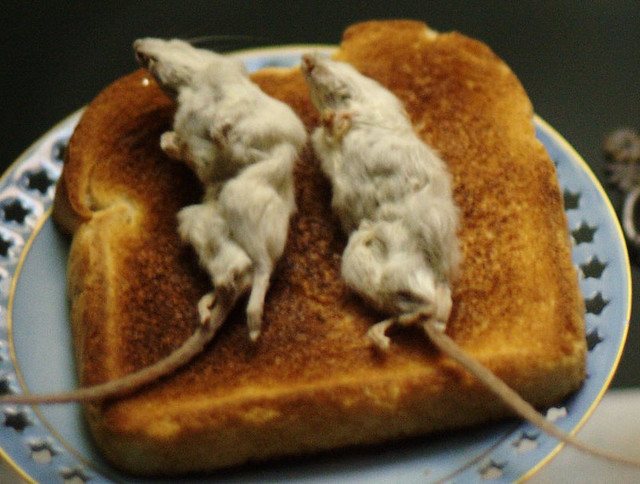 [/img]
That's made me hungry
Stuck key? Try pressing all the shift, ctrl, alt, win etc keys to release them.
Reboot?
Oh, also,
Shift-F10 is a shortcut for right-click if you need to work round it.
If the touchpad and an external mouse aren't working then it's not the mouse that's the problem 😛
I assume you've tried the faithful turn on and off again?
Is everything else working OK?
Thanks for the tips folks.