
MegaSack DRAW - This year's winner is user - rgwb
We will be in touch
[img]  [/img]
You'll notice there are no street details on the left monitor. There is also a difference in colour/shade.
We've reset monitors to default. Swapped leads. The usual.
This is where it gets weird.
A pair of new screens has been ordered and have the same issue.
Leads swapped again.
Mini HDMI to VGA convertor changed.
[u]Users previous laptop did the same.[/u]
My laptop is OK on the screens.
Support now want to rebuild the PC, but presumably they will just rebuild it the same as they rebuilt it when it was first provided, i.e. the same as now and the same as the previous laptop.
Any hidden settings on the display adaptor that may be causing the issue?
Shoddy (intel?) driver issue. Have you tried running them from a docking station rather than the laptop itself? I get similar behavior if I run one over HDMI and the other over vga on the laptop. Once in the docking station, with one using the DVI port and the other the VGA it all goes back to normal.
you tried different browser?
get a 3rd party graphics card if your using the onboard i chip one.
Docking stations no longer supplied, corporate laptop so can't play with graphics cards!
Switch which is the primary monitor in display settings, does the problem switch monitors too?
If so, try some webGL page and see if it has the same issue.
If so, gfx driver weirdness....
In that case just let the 2nd line monkeys do their thing again and again until it's fixed properly. Keep the case open so it starts to impinge on their SLA stats. Minions hate nothing more than a nagging unclosable case.
I bet you're using a mixed of digital and analogue outputs from the computer? e.g. 1x hdmi/dvi and 1x vga?
Correct chogin.
So what? All the dual monitor machines (desktops and laptops)in this building use 1 digital and 1 analogue. I can't replicate the issue here.
Depends on the graphics card(s). It could be the one of the output's hardware doesn't have the relevant hardware acceleration support, or something isn't enabled for it or the mode it's in prevents it. The browser would then drop the accelerated WebGL support and it's cutting back the content to display.
If it's a cheap card with VGA on the 2nd display it might have limitations in the hardware on the assumption it's only going to be used for a cheap monitor.
The different shading is likely just down to different calibration of the monitors.
My laptop is OK on the same two monitors using the same leads, laptop is the same model albeit a year older, it is Windows 8 whereas the guy with issues has 8.1 (or the later version with a start button)
Unusually, he got someone on support who really seemed to want to get their teeth into it, but as of yet, unsolved!
Lets not forget, his 5yr old laptop had the same issue, completely different model.
Yes the colour/shade difference will be down to having a mix of analogue and digital but I don't think that explains the browser issue. I was thinking colour settings but looking at the background picture that looks fine.
Is it actually failing to draw stuff on the left monitor or is it just that the contrast/brightness/colour is so different from the right one that you can't make it out?
Edit: The background image looks different to me. Look at the gravel it is way darker and more defined on the right hand monitor.
Prolly calibration, unless it's a WebGL rendering issue.
Try two of these, fullscreen.
[img] 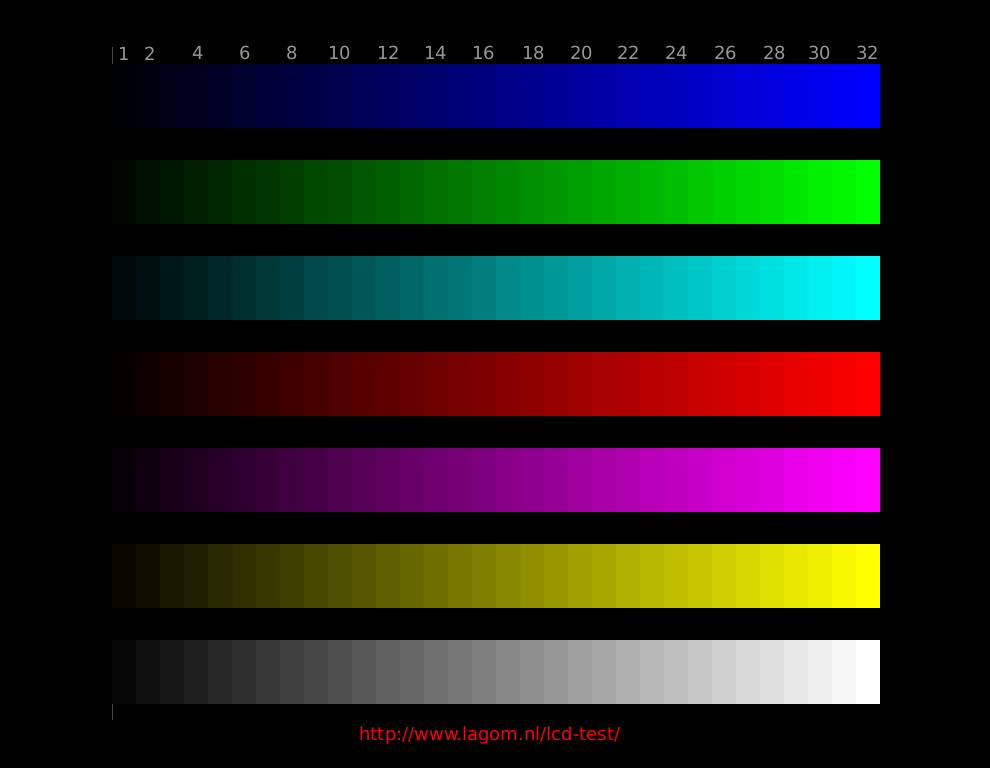 [/img]
EDIT - fark : http://www.lagom.nl/lcd-test/contrast.php
etc etc
Is there an ICM colour profile being used by one monitor but not the other maybe?
NEC make some really quite spectacularly crap monitors, I wouldn't be surprised if it was a hardware revision incompatibility.
I've seen the same sorts of things with the NECs we have at work.
Buy Dell screens, much betterer.