
Subscribe now and choose from over 30 free gifts worth up to £49 - Plus get £25 to spend in our shop
Wife's has an ipad2, do you have to use an airprint enabled printer?
I know that you can run apps such as printopia but my understanding is that you need to have your mac running at the same time.
Anyone have any ideas how you can print direct off the ipad, or am I stuck with getting an airprint printer.
thanks in advance for any help
I have an old, well few years old, HP printer photo printer that's connected to my wifi router, I have the HP app on my ipad and can use that to print wirelessly to the printer.
Tbh AirPrint is easiest But I use the e priint app just because it's habit
buy an all in one printer copier and just scan stick the ipad on the scanner and hit copy 😆
My IPad can print to my HP6500 wirelessly in the house and to it via e-print where you email the printer with the document to be printed as an attachment. Obviously you can email the printer from anywhere in the world as long as you have a connection.. Nifty unless there's no paper in the printer of course.
Have you got a mac as well? If so you can install AirPrint Activator which will allow you to print wirelessly to pretty much any printer, but the Mac has to be on.
If you have a wifi capable Epson there's an app that allows direct printing from iPhone or pad.
Out of date, but still makes me chuckle...
[img] 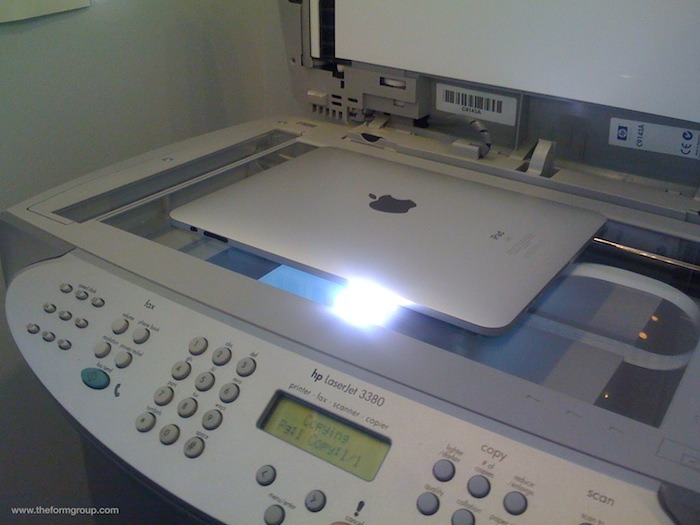 [/img]