I want to get the photos below printed onto canvas for Mrs Petrieboys Christmas and i was going to use [url= http://www.snapmad.com/index.php ]these guys[/url]
so far so good, however they warn that as the pic is wrapped around the frame, i should leave 32mm all around that i don't mind being "lost"
now what i don't get, and please forgive me if this is really stupid, but my images don't have a "size" until i print them, i only have a pixel size (3456x2304)
can anyone recommend an easy way of adding a black or white border precisely 32mm to these images (my photo editing skills go as far as removing chocolate stains from my boys and playing around with colour and contrast)
oh - and don't tell the wife - surprise innit
[IMG] 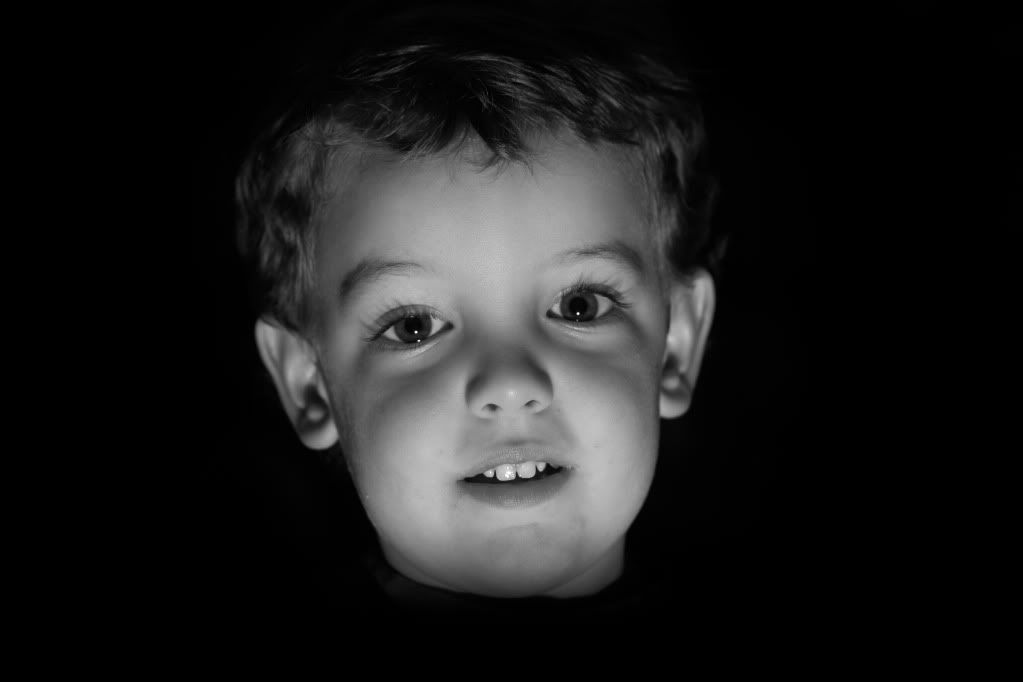 [/IMG]
[IMG] 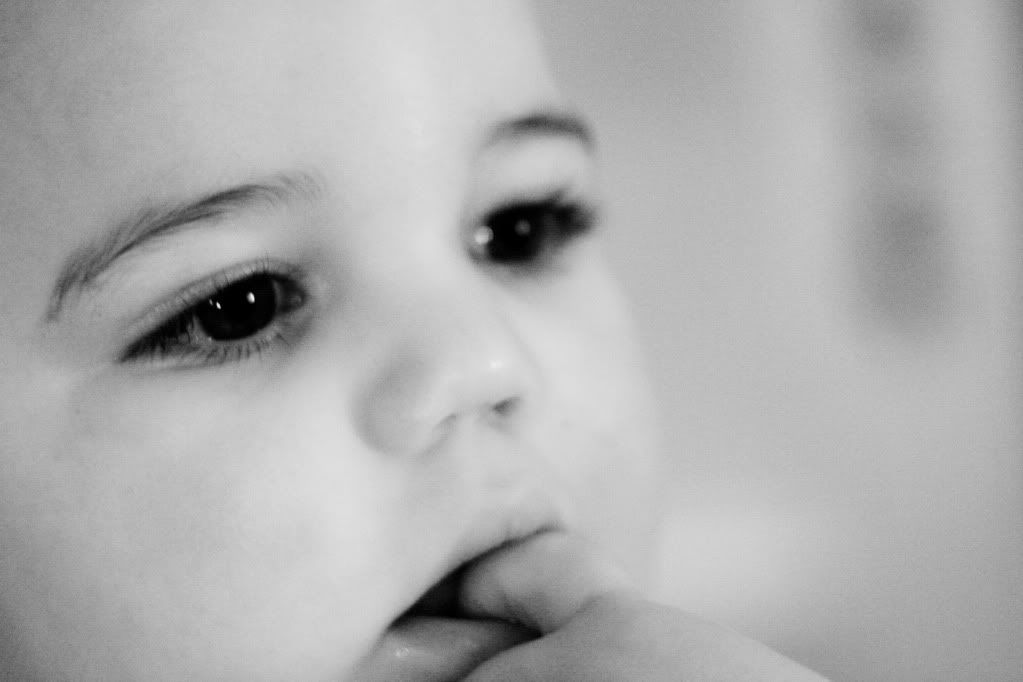 [/IMG]
[url= http://www.faststone.org/FSResizerDownload.htm ]Faststone[/url] will allow you to add a border, don't know if it will solve your problem though.
Fractions. Work out how much the border is as a fraction of the canvas side and apply that to the pixel size.
Most photo-editing software will have a pic dimention box that should show the size in either/or pixels and millimetres.
The top pic shouldn't be a problem, as it has a solid black b/ground, so adding a border and filling it with the black won't be an issue, and there's probably enough bleed around the image that you might get away without adding extra. The lower image is very tightly cropped so will need the bleed added and image extended into it. The people doing the print ought to be able to photoshop the bleed for you.
according to the website, i need to resize the image to 24"x16" and paste that onto a border that's precisely 673.6 x 470.4mm
i'm thinking i need to paint a solid black rectangle (or light grey for the lighter one) then paste the photo on top.
is this going to be fairly simple in photoshop??