
And if so, how?
Upload to postimages.org, click hot link for forums, paste in text box.
Ta
I have an Apple short cut that does all the pasting and copying for me. It uploads the image, copies the URL and it’s then ready for pasting into the forum with 1 click.
You need to enable the rich text editor in your account settings. That then enables the various rich text controls, including the image upload button.
I think they changed it to that setup a while back.
Testing...

[url= https://i.postimg.cc/phNkJq3H/20241219-073407.jp g" target="_blank">https://i.postimg.cc/phNkJq3H/20241219-073407.jp g"/> [/img][/url] [url= https://i.postimg.cc/YLM3JjpD/20241219-073413.jp g" target="_blank">
https://i.postimg.cc/YLM3JjpD/20241219-073413.jp g"/> [/img][/url]
Is that an old mug, or has it taken 10 years to load the image?
There really should be a Sticky Thread on this plus the Youtube embed.
https://singletrackworld.com/forum/topic/posting-images-on-singletrack-forum-using-postimage/
For YouTube, click share below the video. Copy the share shizzle, then come back here, paste it into the reply box. NOT using the link button. Just paste it in the box, hit submit, jobs a goodun.
But that's not a Sticky thread that permanently sits at the top of the Chat section.... or am I missing something?
No, it's not a sticky. There isn't a sticky or any kind of guide on the site, far as I know.
This problem has been going on since the beginning of this internet forums time.
You could go for Full Member, they have a secret area and image cache ;-).
You could go for Full Member, they have a secret area
"They" don't 🙂
and image cache ;-).
A what now? Full members can post images directly, but you won't be surprised to hear, that functionality falls over every now and then.
With postimg just copy the Direct Link - then, when you paste it in the reply box, the image appears, so you knows you've dunned it rite.

Desperatebicycle - that's the direct link and it hasn't shown the image? All I can do is the thumbnail link
[url= https://i.postimg.cc/vgW95tLm/20241214-121016.jp g" target="_blank">https://i.postimg.cc/vgW95tLm/20241214-121016.jp g"/> [/img][/url]
Hightensionline - haha!
Just tried following the instructions above, and from kayak23's earlier post, and all I can get is the postimage link to appear (as text).
Are you tapping the link icon above and pasting it into that?
Don't do that. Just paste it in the text box as is.
If you've tapped the link button it'll appear as a link and will appear as blue, tappable text. You don't want that.
I just uploaded a pic to Postimage, tapped to copy the direct link and just pasted it into this reply, no link button or nuffink.
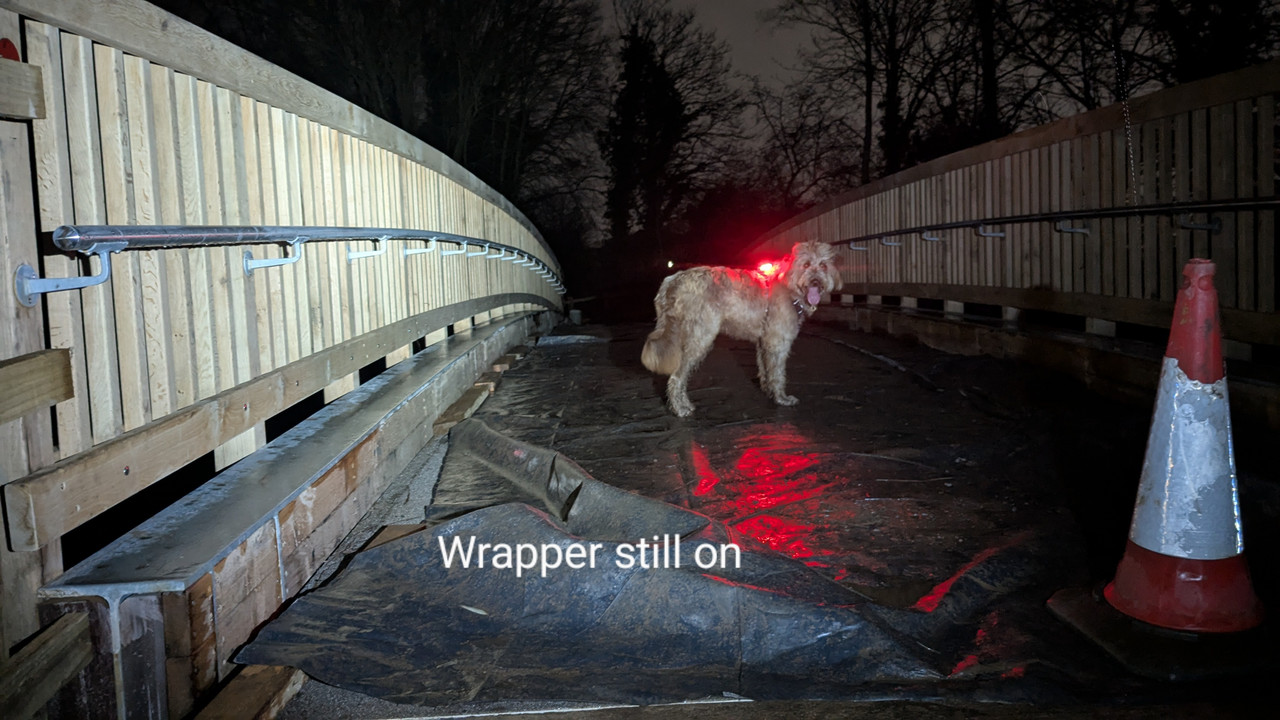
Like this.


Nope, haven't clicked any link icon; I have tried pasting the text link directly, as above, and tried clicking on the photo symbol, which says "insert/edit image". This brings up a box into which I can paste the link, but click OK and nothing appears - just blank. So sod it! I give up.
It may be that the process described works on a phone, but my photos are on my computer.
Hmm, open image in postimage. click share, copy direct link. paste (that was the tricky bit, finding the place in the reply box that lets you paste!) . Here tis. Hold up I have an old account lemme see if it's a full/free member thing
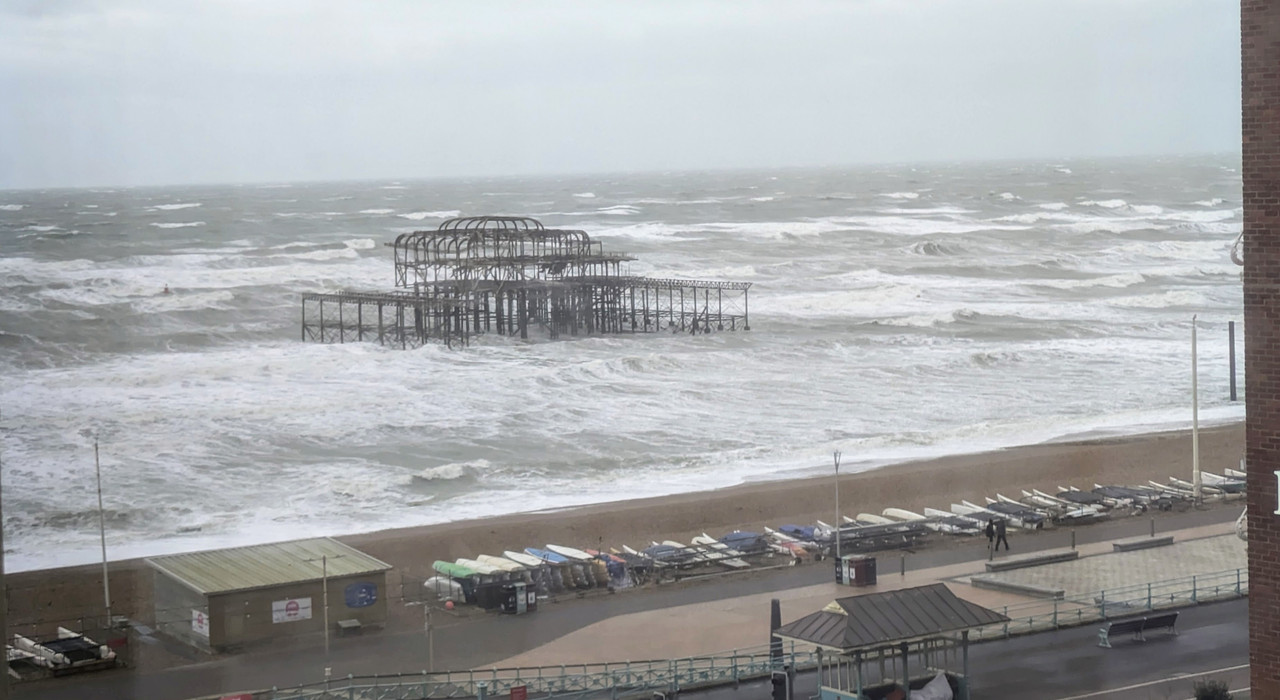
Well, that's what happens when you do the same actions with a free member account.
So, it's either "no" or "there's another way" !!
The other way works - copy the direct link.
Click the Insert Image button

Paste it in the top box
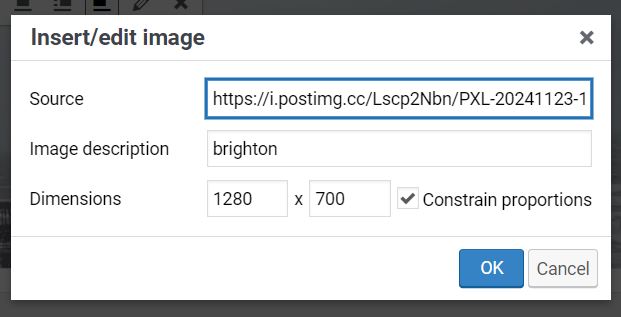
press ok. And as if by magic

I just clicked Daffyd17's link, hit share and chose the 'hotlink for forums' bit and pasted directly into the reply box.
[url= https://i.postimg.cc/wTS9TJyz/IMG-20191107-142100.jp g" target="_blank">https://i.postimg.cc/wTS9TJyz/IMG-20191107-142100.jp g"/> [/img][/url]
Or, you know £2.50 a month and you don't need a hosting site....
Or, you know £2.50 a month and you don’t need a hosting site…
This

"Or, you know £2.50 a month and you don’t need a hosting site…."
Fair enough, but as the thread title asked about free members...........perhaps a simple NO would have been clearer?
It isn't a no though. As DezB above.
Ha, it works! Pasted the direct link into the image icon box. Thanks @desperatebicycle 
So, can this solution and also the Youtube embedding not be put into a sticky at the top of the Forums under a banner like....
"How to on this Forum" or similar rather than keep going through the same old discussions time and again,
Additional forum use topics might also need including.
As a paying member I don't want any more of my screen take up with sticky posts, how-to's or FAQs. It's bad enough as it is
can this solution and also the Youtube embedding not be put into a sticky at the top of the Forums under a banner like
lOLZ - I remember there being a "help" page, I think it was forum version 1!
A what now? Full members can post images directly, but you won’t be surprised to hear, that functionality falls over every now and then.
Not unlike the ability to use emojis…
…just saying, like. [img]  [/img]