Help.....I've been trying to upload some pics using the IMG tab (pasting the photo location address into the IMG dialogue box) but I can't get it to work!
I'm sure I've done like this previously without any problems.
I've tried with photo's on dropbox, cloud and flickr without any joy!
What am I doing wrong?
Try it on this thread, then people might be able to see where you are going wrong.
Are you copying the page URL from the address bar or right clicking the image and copying image location? You need to do the latter
[img]  [/img]
[ img] [/img ]
Remove the spaces at the start and end of the text above.
If the path you have is https, usually remove the s so http://...
On flickr;
Click a photo to open it.
Click the Share icon Right-pointing arrow.
Click BBCode.
Pick the size you want to display.
Copy the code and use it on your website.
Gives you this... (with the extra links/text)
This is size square 150.
[url= https://c8.staticflickr.com/8/7032/26523279063_1459d20c9a_q.jp g" target="_blank">https://c8.staticflickr.com/8/7032/26523279063_1459d20c9a_q.jp g"/> [/img][/url]
[url= https://flic.kr/p/GpLJNT ]Hiding from the rain.[/url]
by [url= https://www.flickr.com/photos/dickyelsdon/ ]Richard Elsdon[/url], on Flickr
it comes with IMG tags so you dont need to press the IMG button to post it
Of course if you are doing it from a phone the above doesn't work, so you are screwed 😀
is this the place to try without fear of redicule (usually copies images from net then uploads to tinyurl which seems a long route)
attempt 1.
[img] 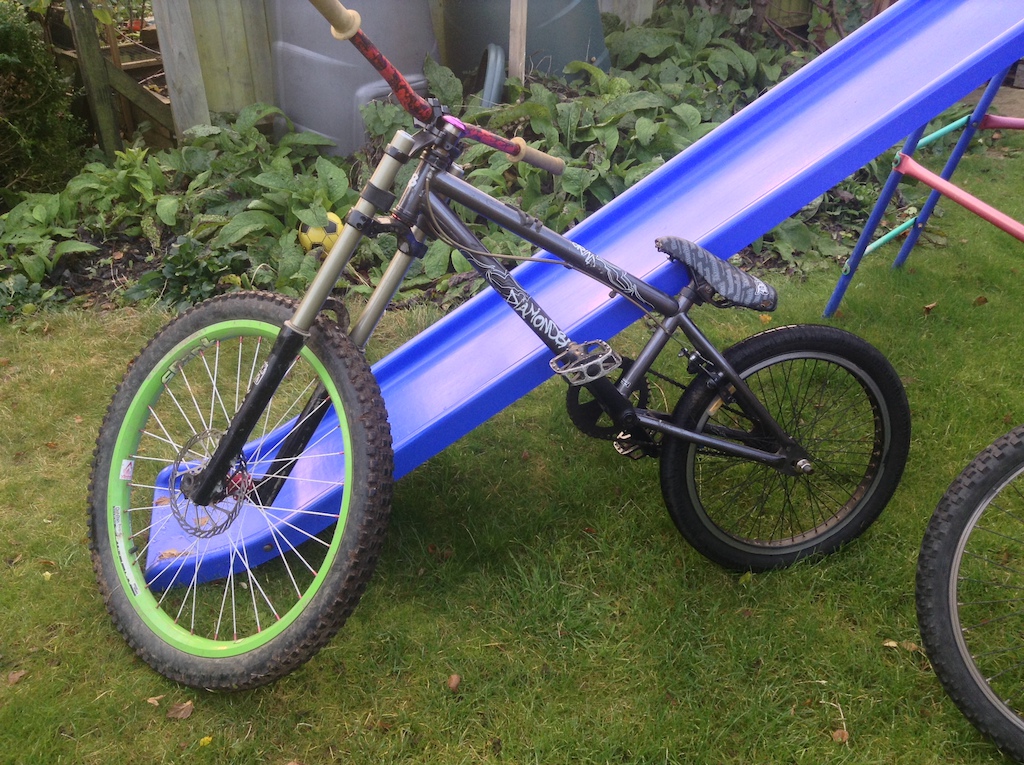 [/img]
edit holy sh1t it works - *walks off all smug*
[url= https://c7.staticflickr.com/8/7663/27333582542_26bcf88b8b_o.jp g" target="_blank">https://c7.staticflickr.com/8/7663/27333582542_26bcf88b8b_o.jp g"/> [/img][/url][url= https://flic.kr/p/HDnKNw ]20160601_181627729_iOS[/url] by [url= https://www.flickr.com/photos/35226079@N03/ ]davetparker[/url], on Flickr
Brilliant, it works!
STATO - thanks for the help 🙂
Cheers guys
^^^ OOh pretty
(STW mode) fence could do with a stain
Lol, I knew someone would comment on the fence panels! 🙂
Bike is for sale if anyone's interested? 😉
http://singletrackworld.com/forum/topic/fs-trek-fuel-ex97-size-xl-950
I cant see a bike in that photo, only what appears to be a massive stem
I used to be able to post from my smugmug images, but stopped a few months ago:
[img] https://richmars.smugmug.com/Other/Quad-Stills/i-9WhQrvP/A [/img]
image is here:
https://richmars.smugmug.com/Other/Quad-Stills/i-9WhQrvP/A
These thinly veiled FS adverts are getting more thickly veiled 😀
STATO - Member
On flickr;Click a photo to open it.
Click the Share icon Right-pointing arrow.
Click BBCode.
Pick the size you want to display.
Copy the code and use it on your website.
On Flickr, where on your screen is the "Share icon Right-pointing arrow"? I'm using Chrome desktop browser in Win7 and there isn't a share icon. Just a cloud, my avatar, and a full-screen button.
I don't like using the BB code on Flickr as it takes people straight to your Flickr page; I much prefer to just link to the image itself.
To do that I'd right-click on the image in your chosen size, select 'view image', copy the URL of the image itself and only then paste the URL into the wee window that pops up on the forum when you click on the 'IMG' button.
I don't like using the BB code on Flickr as it takes people straight to your Flickr page; I much prefer to just link to the image itself.
Photobucket is easier than that and just links the image, plus can use from app on phone.