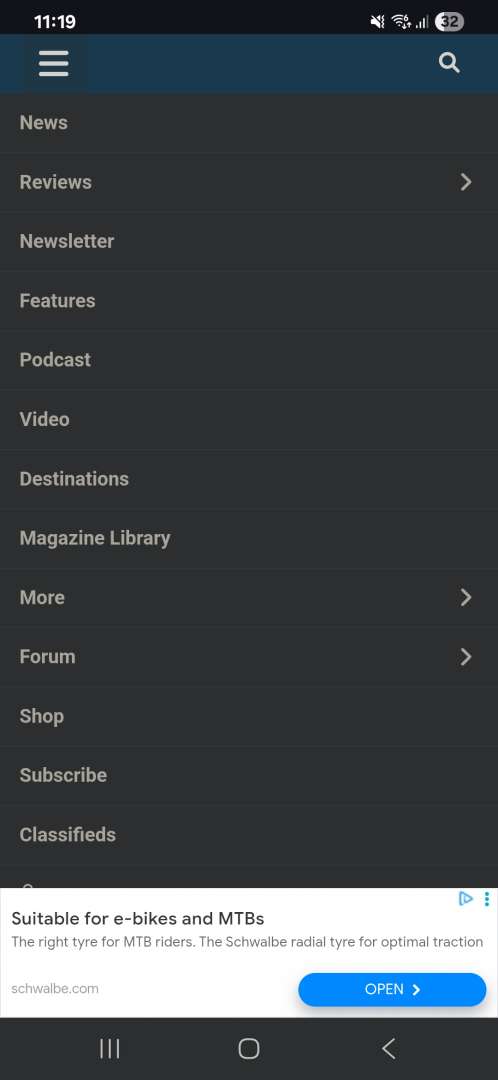
UPDATE: Reviews section refreshed, redesigned, searchable: Go take a look

just a minor one, but can we get the country of '****stan' whitelisted on the swearfilter?!
Recruitment clearly not going well - 2ndlifebikes has been our newest member for several months now.
I haven't measured it other than by eye, but it looks to be switching between desktop and mobile themes at a browser width of 1000px (as it always did) and requires a width of about 1800px before the blue header condenses down to fit onto one line.
I don't have my desktop browser maximised so there's two lines on my blue header, and it uses up an annoying amount of the window because of this, especially as the there's a significant gap between the two lines and the second line is mostly empty.
In the Members Area dropdown menu, there's both Members Feature and Members Features. Both lead to the same page.

dark mode is now available. I put mine into it. I don't like it and can find no way to change back
dark mode is now available. I put mine into it. I don't like it and can find no way to change back
Probably depends on your browser. I have Dark Mode set up as default in Chrome, so when STW made the change this afternoon, it went dark without me touching anything.
In the Members Area dropdown menu, there's both Members Feature and Members Features. Both lead to the same page.
We REALLY want you to read the members features.
I've increased the text font size by a point. It's now 16
Dark mode/light mode is now set by you in your browser or in your device settings. I've set Chrome on my machine to follow the device options. My device (Mac Mini) is set to auto, so it changes to dark at sunset or at such time that Apple deems I should have it.
dark mode is now available. I put mine into it. I don't like it and can find no way to change back
Probably depends on your browser. I have Dark Mode set up as default in Chrome, so when STW made the change this afternoon, it went dark without me touching anything.
Set my browser to light5 and STW is still dark and almost unreadable. there was a button on the blue banner to put it in dark but no way to return to light. Its pretty much unreadable for me in dark.
computer and browser set to light. STW remains dark and almost unreadable
all other websites remain light.
the blu8e banner across the top of the site
clearing cookies did it. Ta scotroutes. I can read it again
Dark mode/light mode is now set by you in your browser or in your device settings
The beige text is awful need to be more white, this is back to how it was when the last dark mode was added. Why do you make it so bad that I can barely read it other site seem to manage to get the dark mode balance just right. The dark background isn't black either. Not a fan of the blue either but the beige text is the worst
Is there more to on dark mode do or is that it?

oh, thank god dark mode came back, that was way too bright for a while there.
weird as ever - I find dark mode virtually unreadable and have no issues with normal mode. do you folk have your brightness turned up to 11?
Classifieds. The message function seems to be missing. Can this be fixed please? Ta
Oh, and login details / profile - where's that disappeared to?
(Pixel 8 phone, Android)
Oh, and login details / profile - where's that disappeared to?

Yeah not a big fan of the text colour with dark mode
weird as ever - I find dark mode virtually unreadable and have no issues with normal mode.
Same. Tried dark mode, it gives me a headache trying to read it.
One thing I really like that has appeared after the various updates is how easy it is to quote and even do a partial quote - that is good functionality
Yeah the partial quote from highlighting is nice, much easier than being forced to quote the whole thing then trim.
This might already be in the list but one thing I think is missing that's critical is the red PM message indicator dot. Assuming that will appear on the account person icon I can see how it'll work on a desktop but on mobile it will be way too hidden in the hamburger menu.
Yeah the partial quote from highlighting is nice, much easier than being forced to quote the whole thing then trim.
That was already working in the previous iteration.
How do you log off in Android?
001100111011000111100
How do you log off in Android?
Steps in screenshot below, note that the icon under Members Area doesn't show till you tap on the empty space (I assume it's a white icon on a white background). Once that menu opens, logout is shown at the bottom.
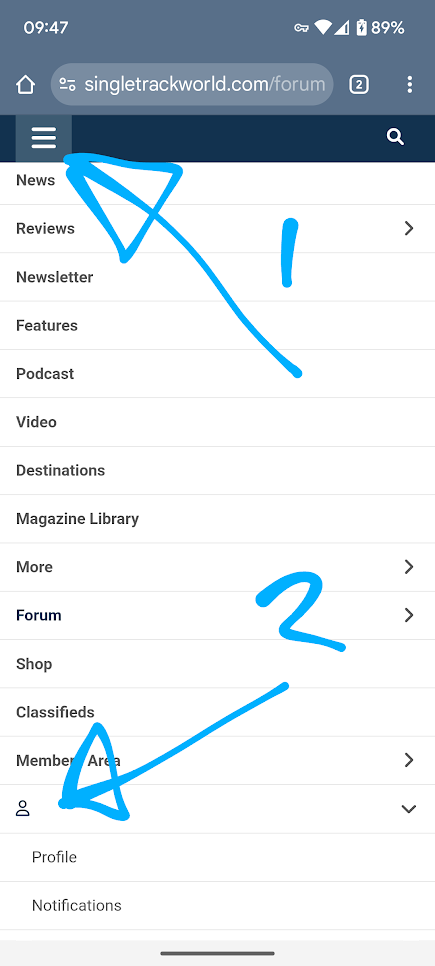
https://singletrackworld.com/login
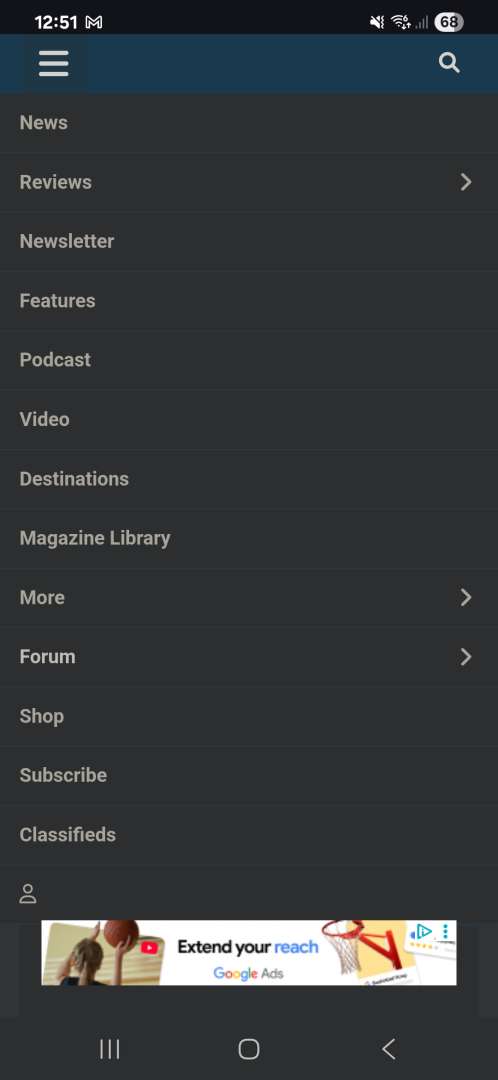
Posting that so can use it to login on my phone [ iPhone 12 mini ] as I can't get to the login option in the menu on that device.
Question for @mark
How does the posting/viewing/etc figures add up from 12 months ago to today on a monthly basis ?
Purely on a 'forum' basis not on a "we've had 12,0000,0000 views on the site".
Where a forum thread appears as comments under a news item it could do with a tad more styling being pulled in. Even just a divider between each comment would help. 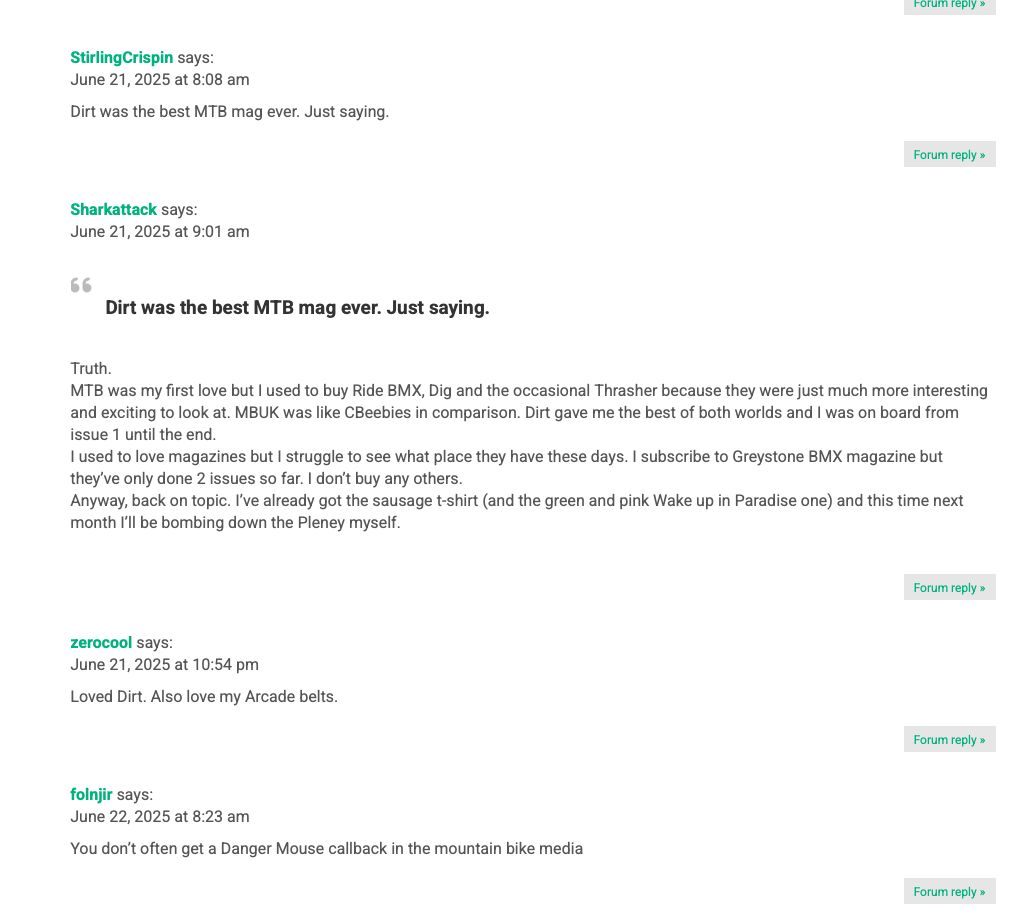
Anyone else seeing the caching issue again eg on the Luddite thread (wireless shifting) the latest posts view shows a post a few mins ago but it's not there when I view the thread.
Yeah the partial quote from highlighting is nice, much easier than being forced to quote the whole thing then trim.
This might already be in the list but one thing I think is missing that's critical is the red PM message indicator dot. Assuming that will appear on the account person icon I can see how it'll work on a desktop but on mobile it will be way too hidden in the hamburger menu.
One quirk I've noticed with the new quoting - and I appreciate that I'm probably in a large minority in using this workflow - I often triple-click text to select an entire line/paragraph. This isn't just an STW thing, it's an editing feature I've used across most Windows apps and web pages for decades.
If I triple-click the last paragraph in a post, the  quote flyout button doesn't appear. So for example, if back in the the post I've quoted here I'd triple-clicked the line starting "Yeah the partial..." then the button pops up as expected; if I'd triple-clicked the line starting "This might already..." then it does not; but if instead I drag-selected that paragraph (or indeed the whole thing) then I do get the quote button.
It feels like there's some sort of non-printing markup between the end of posted text and the start of screen furniture (like maybe the 'reply' / 'quote' buttons, somewhat ironically😁) which it thinks is still part of the text and the selection tool doesn't like.
It's a minor point in the grand scheme of things of course, I just thought it was weird enough to be worth mentioning.
While we're on general feedback, I'm happy to see Dark Mode but the Singletrack header is almost invisible.
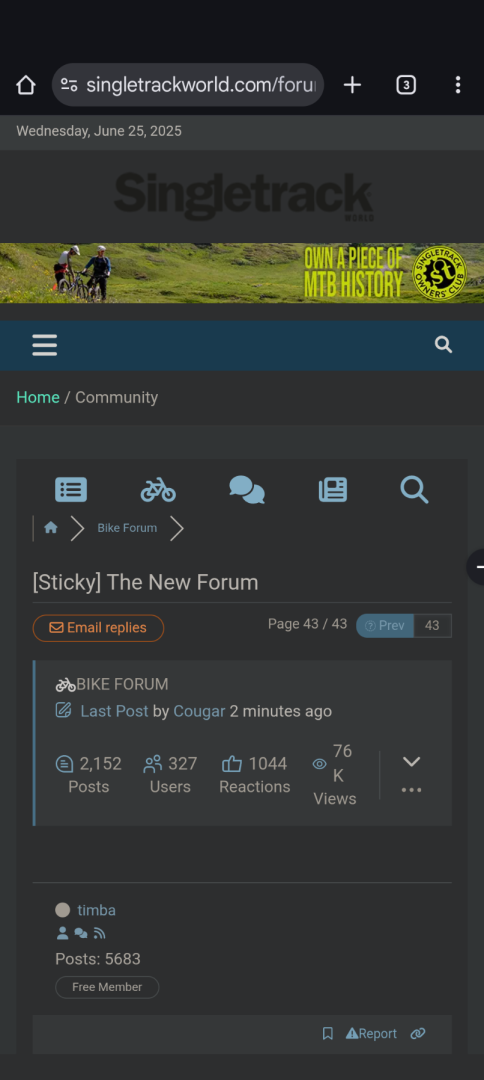
One quirk I've noticed with the new quoting - and I appreciate that I'm probably in a large minority in using this workflow - I often triple-click text to select an entire line/paragraph.
Well I’ve learnt something new, never knew of a triple-click before
Is the thread search function working? I've tried to search for the recent firepit thread and all I get is articles going back to over a decade ago. No forum threads appear.
Amazing what you can buy from Singletrack classified since the update!
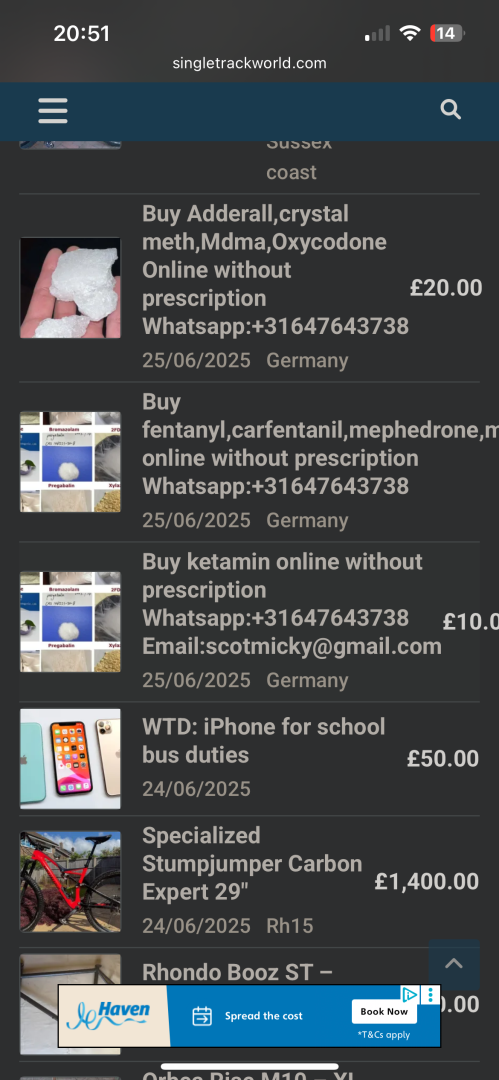
Is there import duties from Germany 🤔
Is the thread search function working? I've tried to search for the recent firepit thread and all I get is articles going back to over a decade ago. No forum threads appear.
I think there are4 two searches - one for articles and one for forum posts. the obvious one at the top is for articles. You have to go into the forum to find the forum search
Cheers TJ. I found the thread I was looking for. I had to narrow the search by date which seems easy enough to do once you dig further into the options.
Well this really is poor now and getting quite farcical. Paying for an ad free experience and I struggle to login because of ads covering the login.