9/5279984926/" title="Whistler 2010 027 by ro<img src="http://farm6.static.flickr.com/5168/5279984926_7e891d9473.jpg" width="500" height="375" alt="Whistler 2010 027" />
ah well screw it !
yep.
oh well walk away muttering FAIL !!!!!
[img] 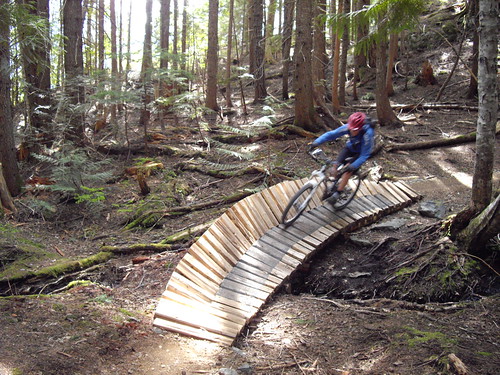 [/img]
ok so what did i do wrong then ?
you just need to put the;
between [ img ] and [ /img ] (without the spaces by the brackets)
or hit the IMG button and paste the link in there - they key is to pick the link location (the .jpg).
I dont think you should be allowed to drive on snow either 😉
well that last post was completely empty oldfart - what had you expected to put in there?
I wrote some nice instructions that you can find in the help pages, but basically.
Go to the photo you want.
Click on the 'share this' button.
In the menu that drops down select 'grab the HTML/BBCode'
At the bottom you have a choice, HTML or BBCode buttons, check the BBCode button.
Copy the code.
Paste the code directly into the forum reply box without [ IMG ][/IMG ]
Therefore satisfying your need to post a pic and Flickrs desire to be linked back to.
That's Flickr, don't know about other hosts.