
I have something like this in our kitchen [img]  [/img] .
It has an ethernet cable connecting it to the Youview box (and a TV aerial too).
Wifi in that room is not great as it's at the back of the house.
How can I add some sort of wifi to that room? Can I plug something else into the ethernet port (I'll still want the cable to the Youview box)? Do I buy a booster? Do I buy some sort of new faceplate?
You need a wireless access point. Or, if you still need Ethernet to the YouView box, a wireless switch.
like [url= http://www.dabs.com/products/tp-link-5-port-10-100-mini-desk-switch-tl-sf1005d-77SB.html?src=2 ]this?[/url]
No. [url= http://www.amazon.co.uk/WN3000RP-200UKS-Universal-Extender-Indicators-Coverage/dp/B00NIUHA84 ]I have one of these...[/url]
[img] 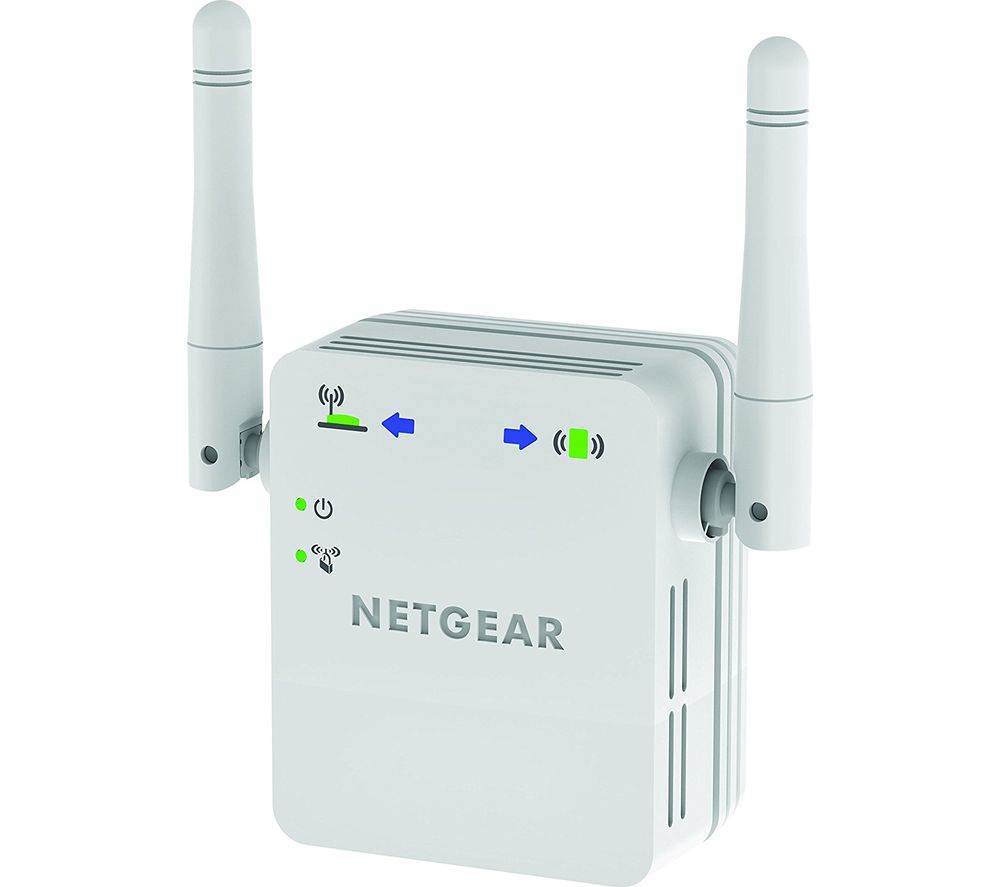 [/img]
If you do have a poor wifi signal then it can pick it up and provide a repeater (giving a decent signal), or you can run a cable to your ethernet outlet and it can provide wifi access via that.
Edit: Hang on... just re-read your post.
Yes. Maybe. If you have internet at the youview box it may be being passed on to the plug in the kitchen. Then see above. If not you'd want the switch you linked to split the incoming cable sending it to the youview box and the kitchen.
Something like this.
Connect one Yellow port to that ethernet port, connect another yellow port to the youview box.
Configure it to your network and ignore the WAN port.
If you have an old router kicking about you can probably use that to create a wireless access point. You'd just need to change some of the settings. Should achieve the same as the box xora linked to, possibly with better speeds depending on what you've got.
Hmm yes I think I saw one in the shed the other day.
Would I just connect it to the ethernet port and to the Youview box?
Pretty much. You'd go:
Wall socket -> ethernet cable -> old router -> ethernet cable -> Youview box
You'll need to log in to the router to change settings. Best way is to turn off wifi or unplug internet cable from you computer and connect the old router with an ethernet cable temporarily. Open a web borwser and go the the router management address, which is often an IP address of 192.168.0.1, and log in (details normally printed on bottom of router).
The model will determine what options you have, but look for a bridge mode or similar. Google the model for exact settings needed - see [url= http://forums.thinkbroadband.com/multiuser/4145500-orange-brightbox-as-repeater.html?fpart=all ]an example[/url]
Thanks for all your help. I got this working last night with a spare router from the shed! I am surprised.