Forum menu
On a website and next the address bar are a number of icons, I'm understanding 2 of them but the 3rd I'm stumped with - it looks like a 'size 2' lego brick in red with a line through it - like it isn't allowed/restricted.
My google ability is clearly woeful as I can't find anything about this - and I'm now wanting to know what it means.
Does anyone know and can tell me please?
Screenshot?
[i]Screenshot? [/i]
no, that's the power button.
Not possible as it is on a different machine (and I've not got access to any image sharing facilities here)...but basically a lego brick outline to the right of the URL, that is a pale red with diagonal line from top right to bottom left.
Ok. Well, that area is where extension icons live. Try looking at chrome://extensions/ to see if you can see it there?
Ok, ta.
Are you on the Lego web site?
What platform? I'm not seeing anything to the right of the URI on Mac OSX other than "share" and "tabs". What does the tooltip popup say when you hover over it?
If you go to view->customise toolbar then there's nothing like you describe.
no point Jef - it's not working just now
Lastpass?
[img] 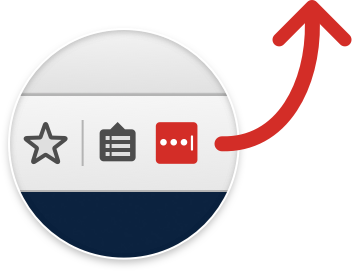 [/img]
To the left of the address bar not the right!
And no, not the logo website...a secure site and it suggests something isn't allowed as it is red with a line through it.
Oh, that's different!
I'm pretty sure I've seen the icon you're talking about, you know. It's an isometric view, yes? I [i]think[/i] it's somewhere in the developer menu, I'll have a rummage.
Well if you'd said which side of the URI !
Is there a tooltip when you hover the mouse over it?
Yes, sorry, got my sides mixed up, sorry.
Plugin not working/not allowed/needed??