
MegaSack DRAW - This year's winner is user - rgwb
We will be in touch
I was just looking at yesterdays posts on a couple of threads and noticed that the images i posted have gone, all thats there is the white box with red cross icon.
By mistake i posted A preview image and then re-posted the full size one. The post with the preview still has the image visible but the post with the full size image just has the white box red cross icon.
I think its something to do with Picasa Web Albums and possibly something to do with a non static URL for the full size image. All images were visible yesterday. Does anybody know if there is a way round this or is AN Other pic archive a better bet, if so which one ?
TA.
I post stuff from Picasa on here and it seems to work.
How did you go about getting the image URL though? I usually click on the "Link to This Image" button, copy the html and then edit it down to just the image url.
I double click the preview, this opens the full size img in a new browser window, then using left click "copy img URL" and paste that into the scrip window on the forum post.
I'll have a go at your suggestion and see what happens.
Double-click the preview? Confused 😕
I do this:
➡ From "My Photos" (single) click on album you want.
➡ When the album opens (single) click on the image you want.
➡ When the photo appears click on the "Link to this Photo"
➡ Tick the "Hide album link" box and select an appropriate size (500 pixels wide is the maximum allowable size according to the [url= http://www.singletrackworld.com/forums/forum-rules/ ]Forum Rules[/url], so pick "Medium 400px")
➡ Copy the embed image text and paste it here.
➡ Remove everything except the address in the img src bit.
➡ then add the img tags:
To get
[img]  [/img]
Im lazier, but mine also seems to work, I just RHC in FF on the image when open on it's own, copy img location and past it between the tags.
Yep, that works too Stoner but you end up with an image that is too big so you might get chased by the mods for posting it.
If you change the /sXXX/ part in the address to s400 then all will be fine.
e.g.
Change
to
[img]  [/img]
is this too big then?
According the rules, yep!
Im lazier, but mine also seems to work, I just RHC in FF on the image when open on it's own, copy img location and past it between the tags.
That doesn't work. That appears to be a session based URL to get one that will always work...
In picasa click on the "Link to this photo" link, select the size you want,get the code from the "Embed imagage" box and...
Copy out the image URL:
Wrap IMG tags around it:
[img] [/img]
[img] 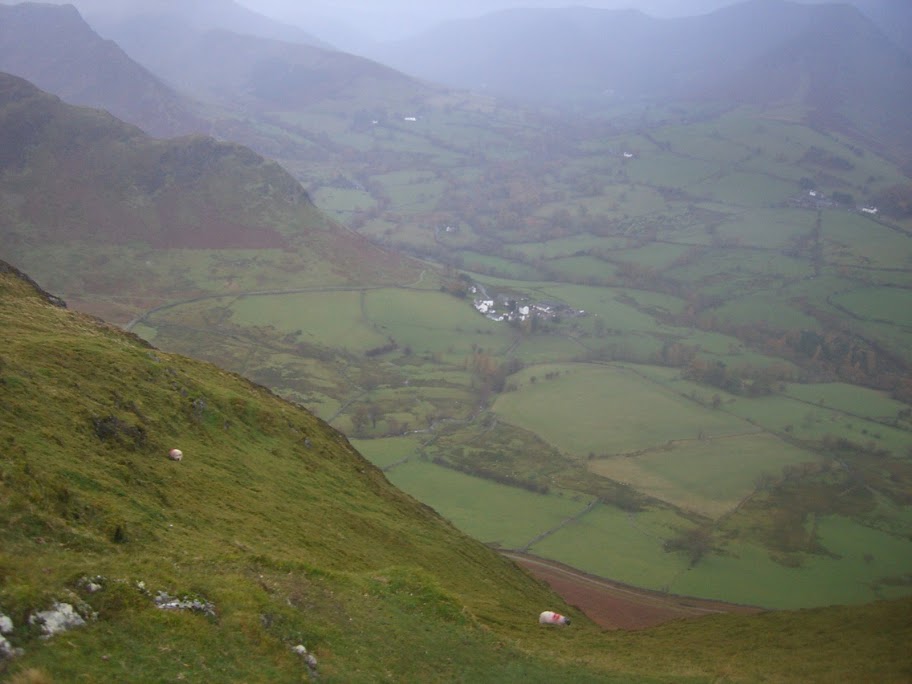 [/img]
Pic from yesterdays ugliest bike thread,
[img] 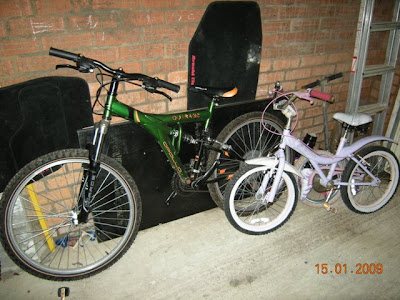 [/img]
& Some where nice just for testers,
[img] 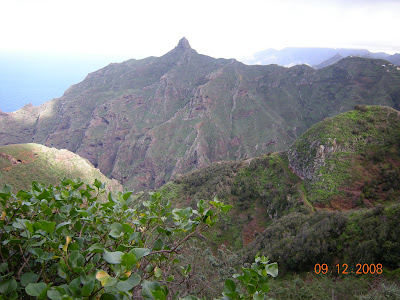 [/img]
Well that seemed to work... Used the GrahamS method, images changed to 400 size but from what i've seen on here size dosn't seem to matter much because everyone else's are so much bigger.
Titter, titter.
Fnar.
Yeah from what I've seen most people just post any old size.
The forum does automatically scale the image to be the right size if it is too big, so I guess the size limit in the rules is more to protect folk on slow connections. Also the automatic scaling may look crap so you're probably better to supply an image that is the right size to start with.
Any mods care to comment on that rule?