UPDATE: Reviews section refreshed, redesigned, searchable: Go take a look
I discovered this site http://tiltshiftmaker.com/ the other day and have been playing around. These are my two efforts so far
[img]  ?v=0[/img]
[img]  ?v=0[/img]
What's the feeling? Does this effect enhance photos? And would it be good for MTB photos?
Are there any other sites that have cool effects. I have tried to use Picnic but all that happens there really is my photos turn a shade of blue. I don't have Photoshop or anything so any other hints and tips for pics would be appreciated.
Think this works well with your second shot. I feel that this method of photo editing works great when the photo is of buildings from above etc...
But the 1st shot and mtb shots i don't think would work, although i am happy to be corrected.
Download Photoscape, it is a great editing tool, and has tilt shift making things, and other stuff too 🙂
poo
just becasue you can, doesn;t mean you should... It has to be the right shot for a tilt-shift fake to work, the top one doesn't work as the wrong things are in focus
This subject has previous:
http://www.singletrackworld.com/forum/topic/cracking-time-lapse-video#post-354285
Sometimes it's really amazing - it can make some scenes look just like little models..
[img] 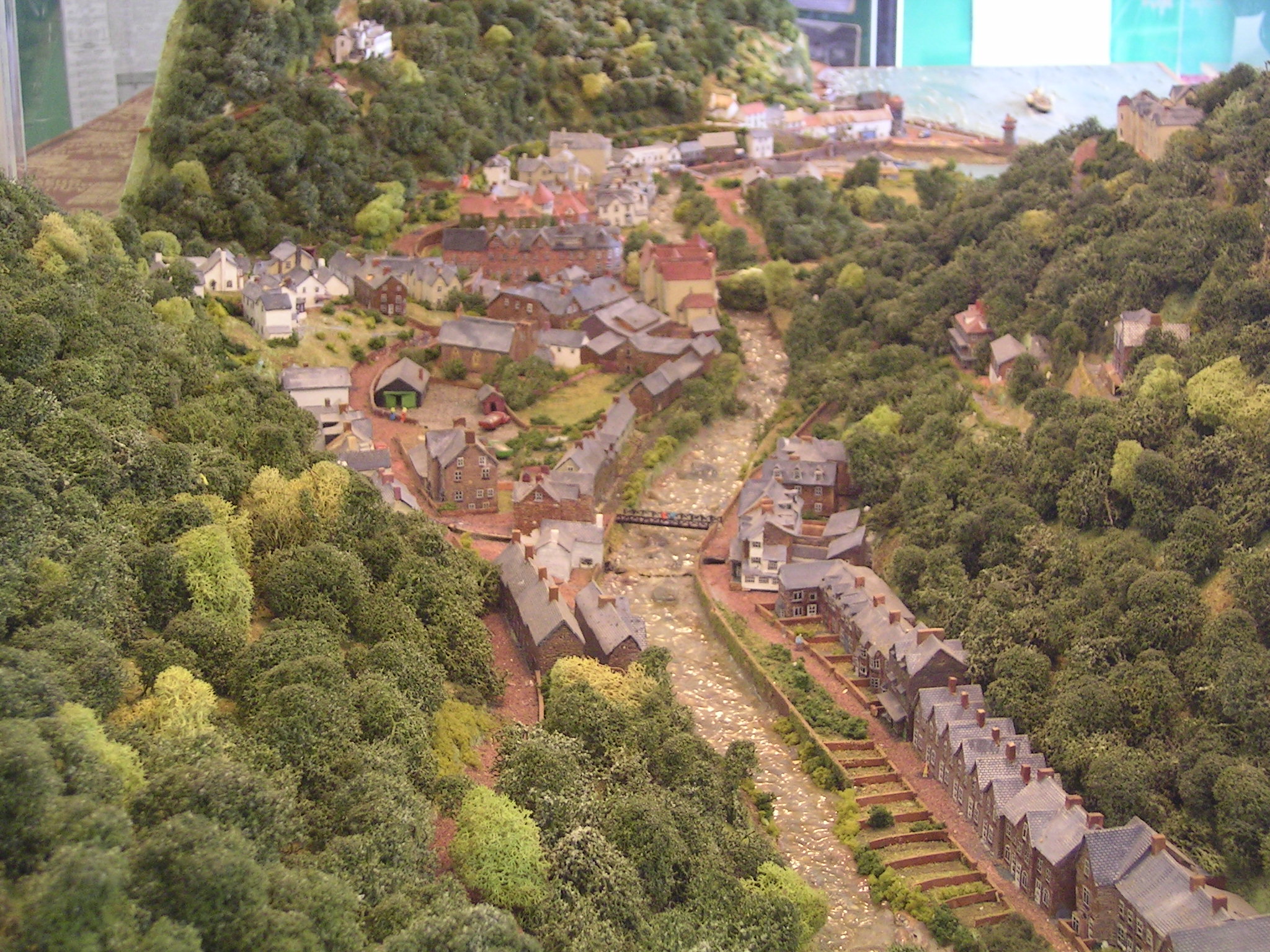 [/img]
One with a bike on (not mine).
[img] 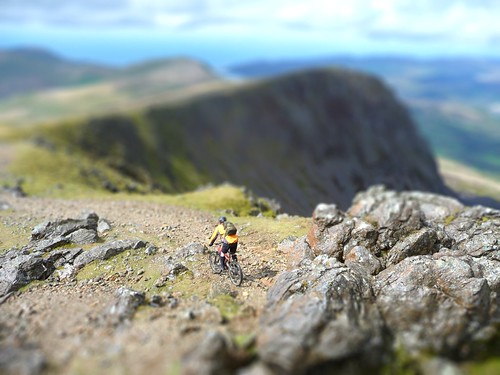 ?v=0[/img]
eldridge - MemberThis subject has previous:
Indeed it does, and each time you look more of an idiot. Amazingly, you've refrained this time. Go on, we could do with a laugh....
FWIW, I think that last photo's pretty good, and clearly this short term gimmicky nonsense dating back to before 1900 is still going. How short is your definition of short-term, Eldridge? Or do you normally operate in geological time scales?
I've got a lensbaby, so can do stuff on the camera. Haven't had it that long & been too busy working to properly get used to it. Need to get up somewhere high to experiment.
Couple of early shots with mine (remember no processing, all done on the camera & all manual)
[url= http://farm4.static.flickr.com/3366/3576753228_8b5c31625c.jp g" target="_blank">
[url= http://farm4.static.flickr.com/3303/3576753060_2596079cc0.jp g" target="_blank">
i've got a few of these of mixed standards that i've done, at home.
here's one from pinkbike yesterday that works beautifully:
[img] 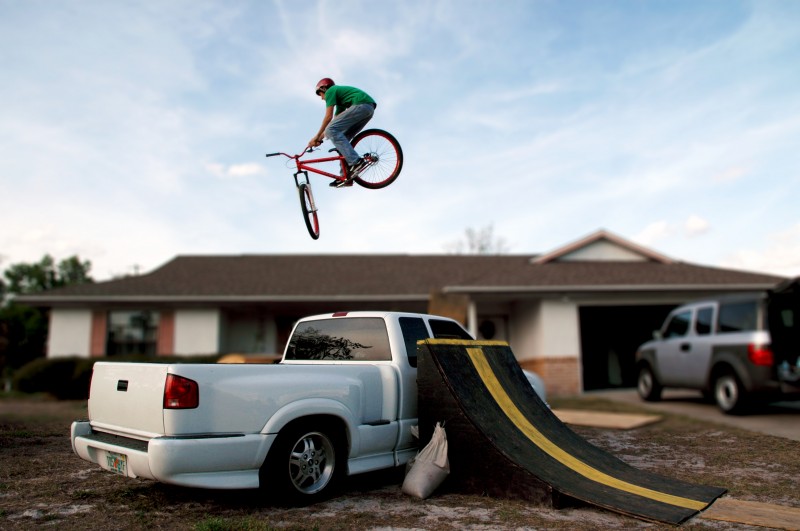 [/img]
Looks to me like the secret is not to over-do the "blurring".
I like flatboy's one - again makes the car look like a model.
Looks to me like the secret is not to bother...
the first one doesn't work at all, mainly because you've added blur on all sides of the subject, whereas the areas of the photo that are the same distance from the camera as the subject should be in focus. the second one works better.
it's nothing more than a gimmick imho. tilt shift lenses are primarily intended for architectural shots so that straight lines on buildings etc remain parallel.
Unfortunately it's like HDR in that it's wicked the first 2 times you do it and then you just feel a bit hollow and bored with it...
In the right hands and used cleverly it's a perfectly good technique to have in your toolbox. Like many techniques, including HDR and tone mapping, the Internet's full of people abusing it. But that's not to say it should be dismissed entirely, or that it's wrong to piss around with it until you either find an appropriate use for it or get bored with it.
I'm still lolling at druidh.
I'm not 100% sure why you'd want to make things look like models but if that's your bag then it seems to work just fine.
Real 5x4 tilt shift is more fun, especially for portraiture 😉
F5.6, Provia 100F
[img]  [/img]
reminds me of this:
[url= http://little-people.blogspot.com/ ]Little People Project[/url]
[img]  [/img]
[img]  [/img]
In the right hands and used cleverly it's a perfectly good technique to have in your toolbox. Like many techniques, including HDR and tone mapping, the Internet's full of people abusing it. But that's not to say it should be dismissed entirely, or that it's wrong to piss around with it until you either find an appropriate use for it or get bored with it.
With regard to HDR and tonemapping, I find a better and more natural result can be achieved by just shooting raw and carefully manipulating that before bringing it into photoshop... the recovery, blacks and fill light sliders give you a fair amount of control and don't result in that horrid flickr hdr pool esq eye burning look! Clearly you need a good shot out of the camera to work with though.
[i]the recovery, blacks and fill light sliders give you a fair amount of control and don't result in that horrid flickr hdr pool esq eye burning look![/i]
Yeah, that's what I mean - things used appropriately aren't the same as things used for the sake of it.
None of those are anything to do with HDR, though. Fill light is just a form of tone mapping and the recovery and black clipping settings are just slightly sophisticated contrast tools.
But ultimately, the goal is the same though? A more evenly exposed image, not directly possible by today's cameras?
I turned to HDR/Tone mapping but found it difficult to get natural results - I found it a horrid tool to use (Photomatix). I actually got what I wanted by just manipulating raw files and some old school photoshopping...
I do agree it works with some things. Its a way of being creative, even though it was originally designed for architecture. I had a go with a wide angle portrait I shot last year and it came out looking virtually like it had been shot on a full frame at a ridiculous large F number. That program ruins colours, and nothings particularly sharp so it is just a bit of fun. I would much prefer to be using a til and shift digi 'Blad though!
[IMG]  [/IMG]
Garylake, try Exposure blending in Photomatix. It produces much punchier but natural looking results without ruining highlights or shadows.
... and don't result in that horrid flickr hdr pool esq eye burning look?
Surely that depends, if you want to get a natural looking image or not? Some of the more OTT obviously-fake photos can be quite good, in much the same way a Warhol print of Marilyn Monroe is.
I reserve my own little bag of hate for blurry water landscape shots, particuarly the ones with purple skies...

