
Can anyone tell me if it's possible on PC (windows 7) to display all files in a folder when saving an item of a different format? ie folder contains both .doc & .xls files, but when saving an .xls files only displays those, & not the .doc files?
Save as / all files.
Where it says "File name" and "Numbers.xlsx" is written, you should be able to change it to say *.* and press enter.
[img] 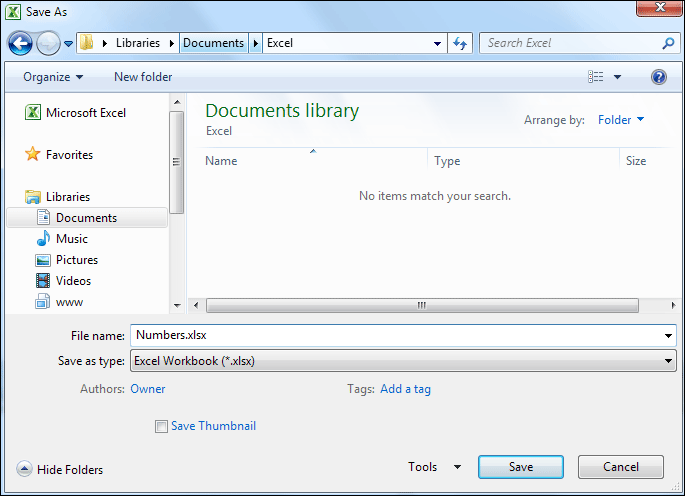 [/img]
Where it says "File name" and "Numbers.xlsx" is written, you should be able to change it to say *.* and press enter.
That doesn't work. It's using adobe illustrator, if I set to ai files it'll show illustrator files, set to save as pdf it'll show pdf files but not everything.
One of these days I'll get around to writing a "how to ask questions" guide, then I can retire my Computer/Telepathy Interface.
Why would you want to do that, anyway?
Because I often save files in a different format, but want to know what the other files I've saved are called. It's something that I have done for years using a mac & another thing I find limiting about using a PC.