given that I know nothing about apple products...(I know I'll hand in my STW membership later) I need help.
GF has a 2016 macbook (not a pro, the one with just a single - looks like a type C) port, and now during lock down as she's working more from home, would like to connect up a mouse, keyboard and monitor...Is there a device that she can buy that will connect all three, and charge the laptop at the same time...
Something like this?
https://www.amazon.co.uk/Anker-PowerExpand-Delivery-Ethernet-Chromebook/dp/B07PPGWQ15/ref=psdc_430443031_t2_B07YZ48HCT
Or if she doesn't have a monitor yet:
https://www.amazon.co.uk/P2419HC-Black-Computer-Monitors-pixels/dp/B07GHB2JJ9/ref=sr_1_3?dchild=1
What flaperon said, just check how many usb slots she needs. Bluetooth keyboard and mouse can make life less tangled ime
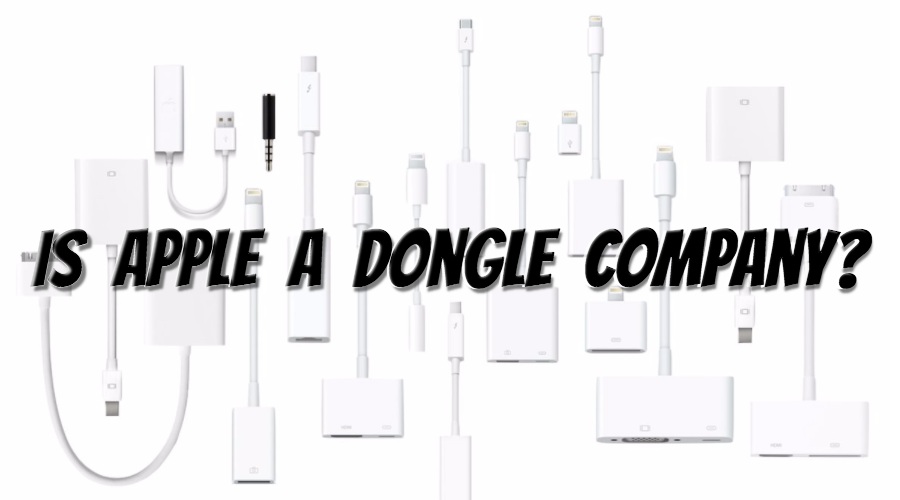
Get the monitor. One cable and it turns the tiny laptop into a proper workstation. It feels like the future every time you use it.
Unlike a dystopian dongle-world.
Usb c on the monitor does seem to add a premium to the price though - maybe £80 on that 24” monitor.
We used Lenovo USB-C port replicators at work (largely because we also used Lenovo laptops) which worked fine with MacBooks. Supports up to 3 monitors. Bit pricey though, I'm sure you can find cheaper. External monitor with USB ports as above is probably a good bet.
I use this one… cost about £50
https://www.owcdigital.com/products/usb-c-travel-dock
I have a 400gb SD card in it, another £40, which is used for a time machine backup.
Usb c on the monitor does seem to add a premium to the price though – maybe £80 on that 24” monitor.
It does, yeah. Or at least, you can’t buy a cheap monitor with USB-C support. If you want USB-C you’re forced into a higher end monitor with probably other features.
When I bought my monitor ~18 months ago, you couldn’t get anything with USB-C for less than about £500. As a result, I got an expensive but kickass monitor with more pixels, better image quality etc than I’d have bothered with if I was happy to use HDMI. Obviously prices are coming down as evidenced by the sub £200 monitor above.
Not all cheap USB-C equipped monitors will power the laptop though… which is important if you only have one port on the laptop… be careful.
I use a usb c hub with hdmi and regular usb. It also charges the MacBook Air with a usb c port connected to the charger. To keep it tidy, I use a usb c extension cable and hide the hub out of the way.