My laptop keyboard has started to become randomly insensitive to my touch typing. It's definitely not just misskeying or not pressing hard enough as it's happening for other people. Anyone else had this and if so, what's the problem and how is it solved?
Yes,
Keyboard full of fluff/crap,
Fished stuff out with paperclip/hoovered with brush attachment.
Prise the offending keys up (if it is selective keys) and remove the crap that's probably under there.
I think you just need to talk more.
Try explaining to it how it makes you feel. Has it been passing comment on your age?
don't spill coke all over it, that is a sure fire way of avoiding your arrow keys from giving up (as mine annoyingly have)
Not selective keys, but a good hoover might help.
I try and explain what I want, but it just doesn't seem to hear me... 😉
I try and explain what I want, but it just doesn't seem to hear me...
Keyboards are clearly male, then.
Take a photo of the keyboard before you take all of the keys off..
Hoover or compressed air can.
[img] 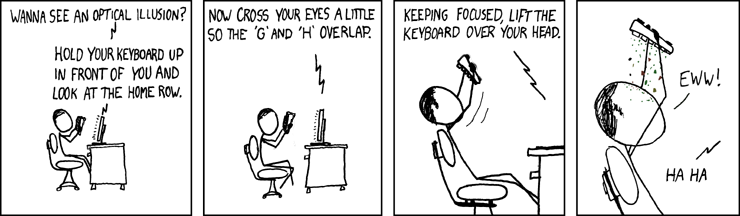 [/img]
If you can't get it working by cleaning, you can often get the keyboards on ebay at a decent price. Split tea over mine and got a new one for £15 or so, just had to prise off a bit of trim, four screws it was done.