
Click the link in the pink banner to see the future...
I can no longer get access to the BBCode (from Bez's Phorumr script) to post photos on here with a link back to the photopage.
like so...
[url= http://farm2.static.flickr.com/1161/4725609126_3734bb7a1d.jp g" target="_blank">
Otherwise I'm liking the look of it.
i like it.. i find it a much more usable interface
Get a few more pies down you mate.. your looking a tad thin.
It's ok,but I'll miss Bez's script.
ooh just discovered the keyboard shortcuts, they're a nice touch.
hmmmm... my script still works.. but I'm damned if I can remember who made it. Drac posted it a while back.
Lowey - how do you access your script?
I can only see the url and HTML options and I'm not sure how to add the Greasemonkey script to those.
Ooh, built-in 'view on black' (the magnifying glass/zoom in button)
Quite like the changes I think
Dunno mate.. Drac sent me the link but the slacker is on holiday now.
Search drac's post's.. it wasn't that long ago that he repeated it. Works a treat.
Bez made the greasemonkey script, it doesn't work on the new page for me.
Hang on, let me have a look at it, it's not really my thing but it might be obvious.
Dunno why it doesn't work, I've modified the wild cards to include the extended URL but it's not happening for me, maybe Bez can fix it. Must be simple.
Huh - it looks the same to me
confused
There's a preview button to see the new look.
edit: You only get it when you click on a photo.
Sorry just a quick test...
[img] 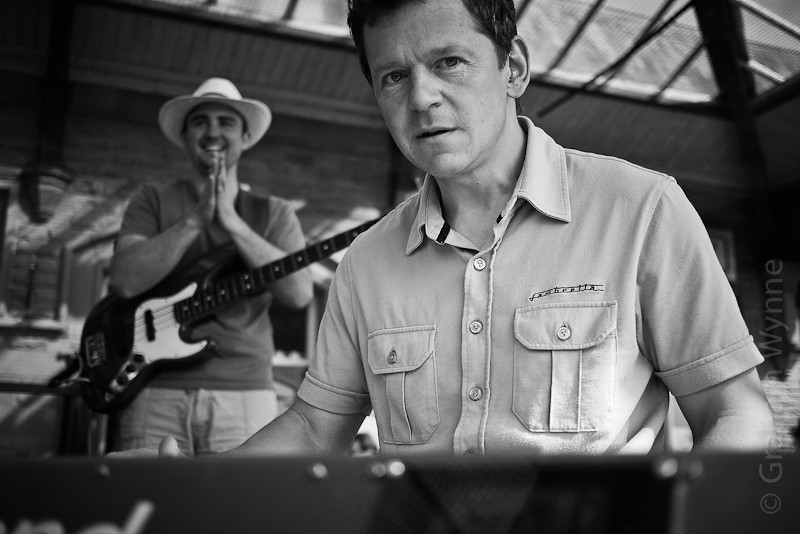 [/img]
Quite like the new layout I think.
gonna get annoying. more mouse clicks for the add to set and add to group. looks basically the same though at first glance.
Very similar, but a bit tidier and the default image size is bigger.
The "share this" options are limited though - I like to post images here which link back to my photopage and this isn't possible* with the nu look.
*without me having to do some leg work, and I've gotten lazy. Don't blame me; it's society's fault.
Can't see anything new, and no options to test new look. Confused also.
CK,
click on one of your photos to go to its photopage. There should be a pink banner on the photopage...
Sussed it out but I can't post pics using it.
Oh. Hadn't noticed the change till I read this.
Bear with me. It needs a whole new script and the way the new stuff is built, making something nice will be a lot harder. I've got it generating new text boxes with the BBCode in them, no problem. I just need to find a way of not having half a dozen text boxes on display at once, whilst also retaining the HTML content in the elements. Ideally, if I can tap into the script firing from that size selector I'll be away, but I don't know if I've got time to unpick it all - I might just take an easy option for now. Anyway, it's past my bedtime so you'll have to wait. I will fix it though.
Haven't had a chance to look at the new design really, the most obvious thing for now is that the page is now too wide for my netbook, which sucks.
Not on me hols Lowey today left and then off on long days off.
Sure Bez will fix it but can't understand why flickr don't have bb code.
If you're desperate, the allsizes script works well with the new look although you need an extra click to find the BB code for posting to places like this.
[url] http://www.flickr.com/groups/flickrhacks/discuss/72157594303798688/ [/url]
[i]can't understand why flickr don't have bb code[/i]
Nor can I - people have been asking for it for years. Yet they've added a 'grab link' option, which (unless I've missed something) is totally pointless because it's just the URL you see in the browser chrome. Equally baffling is that for want of a single slash their HTML link isn't valid XHTML either. I've fixed that as well 🙂