
MegaSack DRAW - This year's winner is user - rgwb
We will be in touch
Is there a way to select just text (or paths or objects) in a select all/dragging the selection tool over a large area?
I've got a complex map with everything in a single layer that i'd like to separate our a bit to change things...
I suspect i know the answer.
Using CS4, but also have access to CS5.
You can select most elements/colours etc using the Select > Same drop down menu.
with everything in a single layer
That'll be your problem right there. Find who did that, then slap them round the face with a wet fish
binners - Member
with everything in a single layer
That'll be your problem right there. Find who did that, then slap them round the face with a wet fish
It's an export from another program which offers no control on pdf generation.
mastiles_fanylion - Member
You can select most elements/colours etc using the Select > Same drop down menu.
omfg, that function has given me a semi!
So many problems are fading into the background. Cheers.
That'll be your problem right there. Find who did that, then slap them round the face with a wet fish
Yeah, and then slap them again!
Gah, I remember having to remove all the text from a map, so's it could be interchanged with other languages. Needed to preserve the original text cos it was still useful, but it had all bin converted to objects. Not only that, none of the individual letters were grouped. 😡
And now I find Winegums sez there's a funktion what cooduv done it quickly and easily. 😥
I hate everything sometimes.
Elfinsafety - MemberGah, I remember having to remove all the text from a map, so's it could be interchanged with other languages. Needed to preserve the original text cos it was still useful, but it had all bin converted to objects. Not only that, none of the individual letters were grouped.
Ouch.
And now I find Winegums sez there's a funktion what cooduv done it quickly and easily.
Was the original originally done in a GIS package? Would have been even easier then.
And now I find Winegums sez there's a funktion what cooduv done it quickly and easily.
🙂
Just ask me next time. It is one of two useful things I know about computers. The other being the Shift/ctrl/alt/cmd + delete function in Quark XPress 🙂
Actually thinking about it now, I doubt it cooduv bin done that way, as there were other things that were similar in terms of fill and stroke. Mightuv worked oh well too late now anyway.
But this thread does mean I now know how to simplify a tube map so all it has are the lines and station bits with no text or owt else. Going to do a big one and have it on the wall as a bit of art. 🙂
Nice one Winegums.
[img]  [/img]
[img] 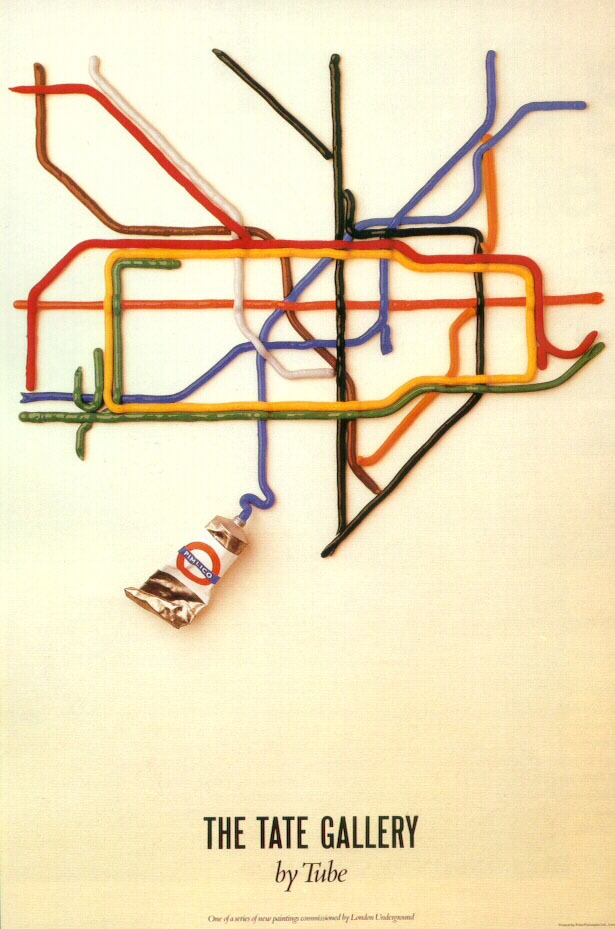 [/img]
[img] 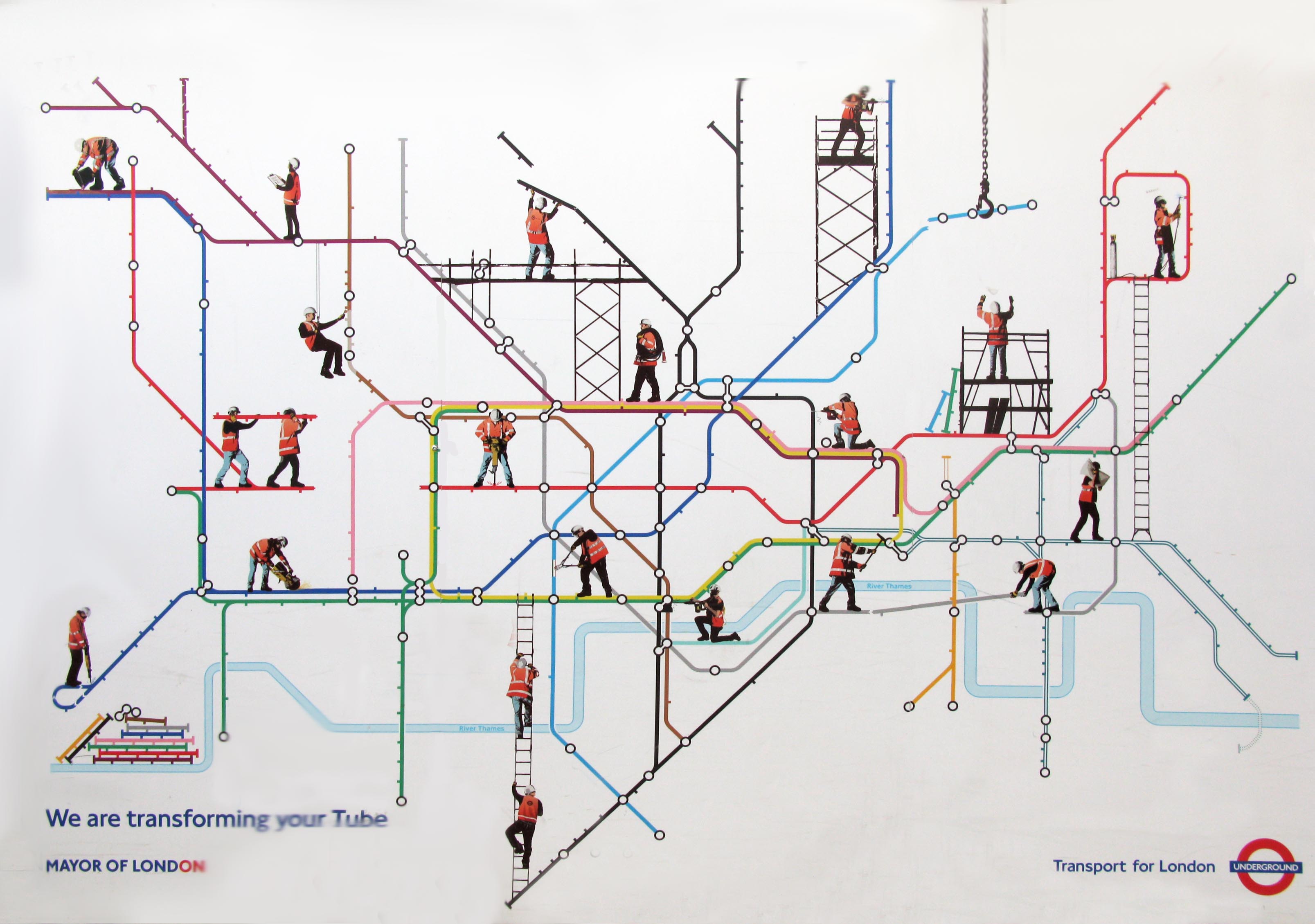 [/img]
😆omfg, that function has given me a semi!
That'll be your problem right there. Find who did that, then slap them round the face with a wet fish
Then punch them in the crotch with a dead sea urchin fastened to your fist.
If anyone is interested this is what i was working on:
[img]  [/img]
Close up of the section just above the centre, and slightly to the right:
[img]  [/img]
That's about 18,000 little circles and 10,000 lines connecting them. Understandably selecting all the circles or lines one by one wasn't going to be feasible (this century).
Looks very nice, what is it?
Every member of crew, company and organisation who has worked on a film or TV production in the North East of England in the last 40 years, all linked to the productions they were part of.
This is a more useful version for just TV productions, with productions scaled based on the number and weight of connections to them (a kind of proxy for the jobs created/significance for the region's tv industry):
[img]  [/img]