I took some photos at a wedding last weekend and a relation would like to use one of the photos for her business, the picture is of their B&B. She would just like me to change the colour of the roof as its slate and there are water lines down it. They cover half the roof so cant just spot heal. I'm a real beginner so advice please.
Ta
Hard to say without seeing the pic, but if the water lines are just a different color one approach would be to first duplicate the base layer, make a rough selection around the roof using the lasso tool, then apply a layer mask to isolate it from the rest of the building.
Then with the layer selected go to adjustments - hue and saturation, select the channel which best matches the colour of the water lines and either reduce their saturation or change their hue so they match the rest of the roof better, you may need to do this across a couple of colour channels to completely disguise them.
If it looks OK you can then spend some time tidying up the layer mask.
If the water line are a different lightness, it's going to be a bit harder, maybe using the clone tool in place of the hue and saturation.
Find a hi-res pic of a slate roof on Google images and comp it on over the one in the pic, on a separate layer.
Distort if need be and layer mask it so you can remove edges where it meets chinmeys, neighbours roof etc.
Play around with hue/saturation and levels to match the colour of the real roof.
Should be quite easy.
Do a proper clipping path of the roof, copy it to a new layer, selective colour/blur or copy it twice and see what you get in merging filters on the two layers.
remember to not have the house layer linked.
soften the masked edge flatten done.
Hi
its this one if it helps with a solution
[url= http://www.flickr.com/photos/60927976@N07/9535178011/ ]house roof marks[/url]
err - she wants to alter a picture of her B&B to advertise the business??
yes, watermarks on the roof is hardly going to effect the stay. but makes it look more appealing.. is that a problem for you. I know no one else has ever edited something to make it look nicer, but..
Im just trying to do my auntie a favour.
Try [url= https://repixl.com/ ]https://repixl.com/[/url]
Edit - Not mine, don't work for them, not a relatives site etc etc etc
easy. magic wand selection with a tolerance of 10-20, refine edge and use the mask for whatever combination of HSB/curve/colour balance gets you a darker area with the correct colour. then flatten onto a copy of the background layer and use a soft edge brush in lighten/darken mode to even out the bits that stand out.
or give this company a call 😀
[url= http://www.taylorjames.com/discipline-print ]http://www.taylorjames.com/discipline-print[/url]
err - she wants to alter a picture of her B&B to advertise the business??
I think the term is 'tidy up', not 'alter'. I used to do this sort of thing all the time, especially with skies, where someone had taken a photo on an overcast day, so the sky was just white, so I'd select the sky, and looking through my collection of skies, find one that most closely matched angle of light, etc, drop it in and resize, etc. Just makes the scene as a whole look more cheerful. I'd clean up water marks, or rust stains from old metal work, too.
Just makes a building look a little tidier, is all. Not mis-representing it.
Send the pic to Mrs Toast 🙂
[url= http://www.flickr.com/photos/pacef8/9547362682/ ]http://www.flickr.com/photos/pacef8/9547362682/[/url]
will this do
Is this any good?
[img] 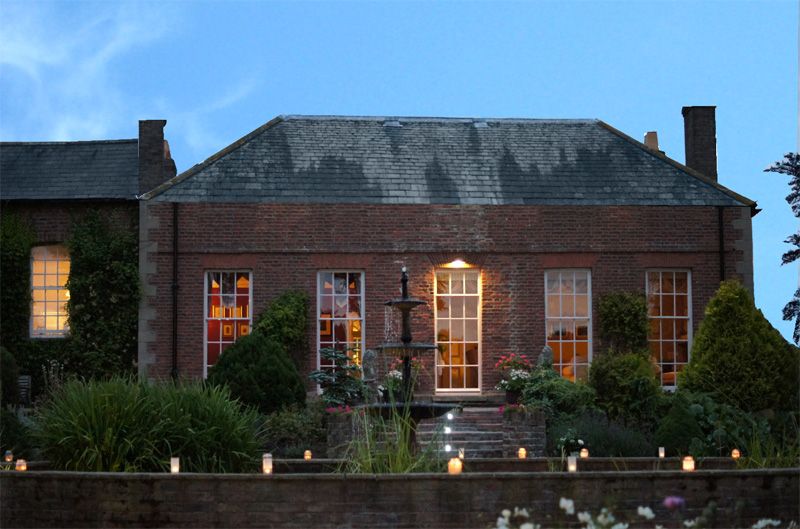 [/img]
Sorry don't like heights so had to lower the roof a bit
Going to have the rest of the afternoon off now because of feeling giddy
so the sky was just white, so I'd select the sky, and looking through my collection of skies, find one that most closely matched angle of light, etc, drop it in and resize, etc
My most successful alteration was like that - trying to take pictures of birds, got a good one with a net in the background, but I'd also missed one completely so had a frame full of perfect blue sky. Sorted 🙂
To the op - picture is a bit gloomy.. can you brighten it up a bit?
Jamie to the thread please.
Here you go shuhockey:
[img] 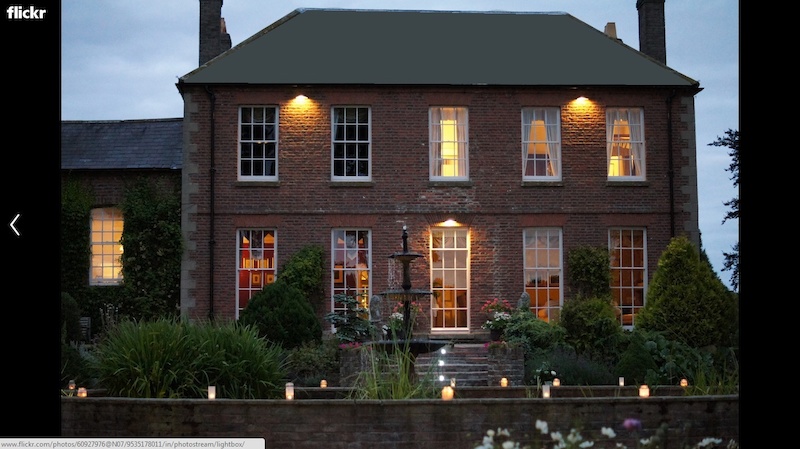 [/img] 😉
Hi
I can brighten up a bit. (Thats something I can do, using a bit more exposure!) manged to make the roof a little better using color replace.
[url= http://www.flickr.com/photos/60927976@N07/9544860245/ ]bit brighter[/url]
Tried using a google image of slate but got lost!
Thanks J
Can you go back and take another picture on a nice day?
not really a great photo though is it?
If you are going to all that effort to photoshop it I would consider 'turning on the lights' in the two rooms upstairs. They look odd being dark.
Proper laughing at 29er. Reminds me of this:
[img]  [/img]
[url= http://www.27bslash6.com/missy.html ]Lost cat clicky[/url]
Thanks J
Your welcome, I knew you'd be pleased 😆
make a new layer
choose replace colour (image, adjustments, replace colour)
eyedrop the colour to replace
open the colour picker by clicking on the coloured square
adjust to taste
mask the image, remove everything else other than the changed bit of roof (the replace colour will likely change a whole bunch of other bits too)
voila!
Anyone else see Tom Baker in the downstairs window?? 😯
I'd level it horizontally too...currently the roof line and mid line of the house are not horizontal.
Sorry wrong Dr., I meant Jon Pertwee
[URL= http://i142.photobucket.com/albums/r90/dezb99/Junk/bnb_zpsbd670230.jp g" target="_blank"> http://i142.photobucket.com/albums/r90/dezb99/Junk/bnb_zpsbd670230.jp g"/> [/IMG][/URL]
YHM.
only gave it 10min though as the image is very fuzzy and small (was it a phone pic) any longer and i would have to charge.
🙂 @ DezB
[url= http://www.flickr.com/photos/60927976@N07/9544993803/ ]with windows[/url]
Shhh.. dont tell anyone its the same window x 3!
Hmm, shuhockey. Another fountain in the garden would look nice too...
][img]  [/img][/img}
Still need taken properly .
Hi MrSmith has saved the day.
Any chance of a brief how to (or which option above?)
No it was a Sony A55 at 9pm in overcast conditions, wasnt really thinking but the auntie liked it.
Camera Sony SLT-A55V
Exposure 0.008 sec (1/125)
Aperture f/1.8
Focal Length 50 mm
ISO Speed 3200
Windows look better like that, lets have a go.
If it's for a website / brochure, then I'd just use this one as it looks nicer, so will get more people booking.
[img]  [/img]
I'd stay there!
Nice 'shop job there footflaps 🙂
[img] 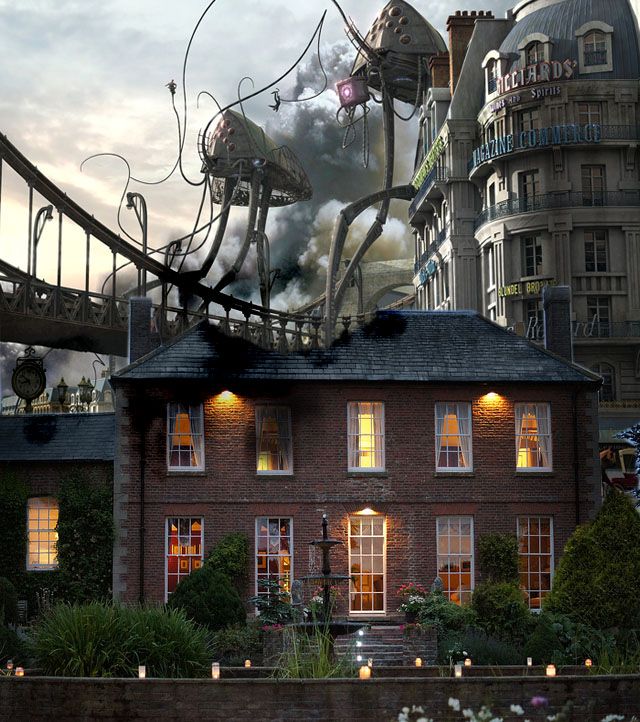 [/img]
Hahaha love photoshop threads.
Gnnr....Love it.
Nice 'shop job there footflaps
Thanks, took me literally seconds...
I'd leave there if that happened!
Oh dear this has got out of hand!
Wish I knew how to use it properly.
Is it a local B and B for local people?
[img]  [/img]
Also catering for posh parties too:
[img]  [/img]
Yes, I am bored and stuck on a train.
Love the work!
shuhockey - I think your best bet is with a 'self intersecting luminosity mask', so that you can select just the lighter tones within the roof and darken them without affecting the rest of it
just google for a tutorial, there's a good one on www.thewonderoflight.com
😆
I can't help feeling that there are some people with a bit too much time on their hands... 😆
The martian attack is brilliant.