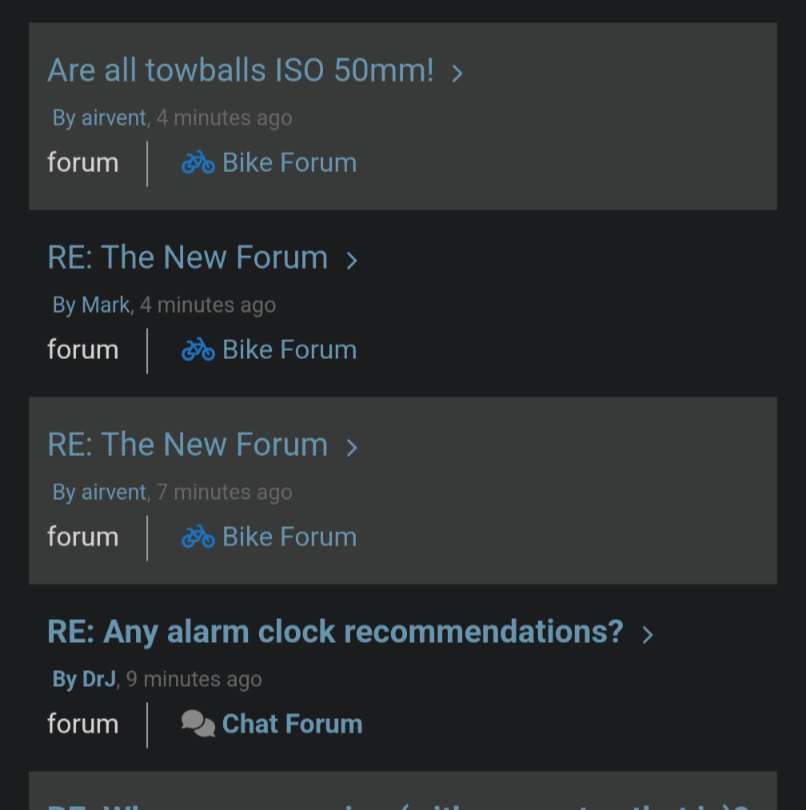
UPDATE: Reviews section refreshed, redesigned, searchable: Go take a look
That's odd, I had a big blank space down the left.
Gone now though
Had the same, if you scrolled up to the top of the page there was a message saying there was a critical error on the page. I just thought they were being over dramatic about Mark's spelling of delay 🙂
Is there a difference in posting delays between Bike and Chat (he tested)?
Posting at 10:49. Test.
Wow. Appeared immediately. Chapeau IT gnomes.
Now adding a small image. 10:51
Post appeared fast but without the image.
made file
select and check
Clicking “insert into post” does nothing <!-- Font Awesome fontawesome.com -->
hit reply. <!-- Font Awesome fontawesome.com --> <!-- Font Awesome fontawesome.com --> <!-- Font Awesome fontawesome.com -->
Ooh. Strange effects up there
<!-- Font Awesome fontawesome.com --> <!-- Font Awesome fontawesome.com --> <!-- Font Awesome fontawesome.com -->
Is there a difference in posting delays between Bike and Chat (he tested)?
Posts on this thread are appearing on refresh. I've made a few posts on the "testing posting delays" thread maybe 10-15 minutes ago and, ironically, they still aren't showing.
That's odd, I had a big blank space down the left.
Me too, but I also had a brain fart 🤪
Anyone worked out how to embed videos yet?
I have been on here less last few days and ventured back in this morning, made some comments on a post, edited them, all showing up straight away. I'd like to say a big thankyou to Mark and the team for the huge amount of work that has clearly gone into this, and the time it has taken out of your already busy lives to get us here.
Yes, it's not quite perfect yet, but it seems now to be pretty functional and back to being a great place to spend a coffee break seeking knowledge and finding happy things 👍
Deffo getting there.
Anyone worked out how to embed videos yet?
No response needed. Just found by testing in the test thread that it works with the URL or with the [ video ] tag now, so that's fixed.
I have been on here less last few days and ventured back in this morning, made some comments on a post, edited them, all showing up straight away. I'd like to say a big thankyou to Mark and the team for the huge amount of work that has clearly gone into this, and the time it has taken out of your already busy lives to get us here.
Happy to echo this. Seems to be running well on iOS and macOS Safari. Thank you.
It’s running as smooth as fresh tarmac for me today. Appreciate the hard work from the team!
We've taken a welcome step forward today. I dare say there are still issues and we are monitoring very carefully.
@cougar you asked: The issue is that WPForo uses it's own inbuilt cache syste, VIP has its own cache and specifically it doesn't cache anything for logged in users. We need to use cache for logged in users in order to get the forum to work so there was a conflict there. Getting under the bonnet it was apparemt that WPForo was trying use a part of the server for cache that VIP doesn't allow any access to. ie. A conflict of access between VIP and WPforo. In short WPForo, out of the box, is not compatible with VIP file system. So we had to build the brideg betwixt the two using Object cache instead of the standard WPForo method.
We have also restarted the migration of old to new. Only 8 million posts to go.
In case it's not been mentioned - the Insert Link dialog has white text on a white background (for both the labels and edit boxes) in the dark theme.

might be being daft, but i cant see the 'insert image' icon any more. you used to be able to insert from local pc, is this kaputt for the time being? and if its a photo from flickr/imgur etc, do you just put the address between html img and /img tabs and hope for the best?
ta
EDIT: might have found it, use My Media below the text box?
EDIT: test

I hope I don't jinx it with this post, but it really does seem as if the lag has gone. Wahay!! I'm sure the last week or two has put a few years on you Mark! Thanks to you and the team for working so hard to fix it and keeping us informed along the way. Have a beer or two to celebrate, you deserve it! The styling and layout tweaks can wait until you catch your breath.
Edit: Yup - 5 or 6 seconds tops to post that 😀
Ooh, I've been out and about today so not had the chance to see what's been happening.
Now seems like a good time to try out Mark and the IT team's hard work
<Edit> well that seemed to work very well, about 15 secs from posting to screen refreshing with this post in it.
Congratulations folks, you've been doing some excellent work over the last few weeks and it's certainly appreciated here.
I know you've still got loads of work to do, but I hope you'll all have a celebratory drink this evening.
<Edit 2> and just because it now looks like I can, here's a photo taken today
OK, the photo didn't work but that might have been because of the file size

Yep, user error
Thanks everyone. Today has been a good day - we hope to have another tomorrow and can start making a lot of adjustments and improvements.
I think I’m following the right process to post an image but none are appearing.
click my media
click add files
seiect from iPhone photo library.
file appears - await checkbox and check it.
Edit - No image appeared but some weird “font awesome” notices appear
now in presume I should click “insert into post” <!-- Font Awesome fontawesome.com --> <!-- Font Awesome fontawesome.com --> <!-- Font Awesome fontawesome.com -->
nothing reported when I do that.
now click “reply” at 18:12

Sadly the lag hasn't completely gone. I posted on the Nigel Farage thread nearly 20 minutes ago and it's not appeared yet.
VIP has its own cache and specifically it doesn't cache anything for logged in users.
What's their logic here? Obviously you've all been working on it for days and I'm on the outside looking in throwing peanuts, but I don't understand why the solution isn't to disable the wpforo cache and get on to VIP to change their caching policy?
@mudfish what I just did was click on 'add file', 'select file', then once it's loaded tick the box to the right. Then I selected 'Insert File Into Post' (or whatever the option below Select File says) then 'Add Reply' and the image loaded.
Or you can just copy and paste images directly into the editor.
@mudfish what I just did was click on 'add file', 'select file', then once it's loaded tick the box to the right. Then I selected 'Insert File Into Post' (or whatever the option below Select File says) then 'Add Reply' and the image loaded.
Hoorah this time it worked
so “webp” images are perhaps unsuitable
that’s exactly what I did mine ended up with a strange bit of html code rather than an image - it was a “.webp” maybe those are not liked
I’ll try a std image here
i get “attached successfully”
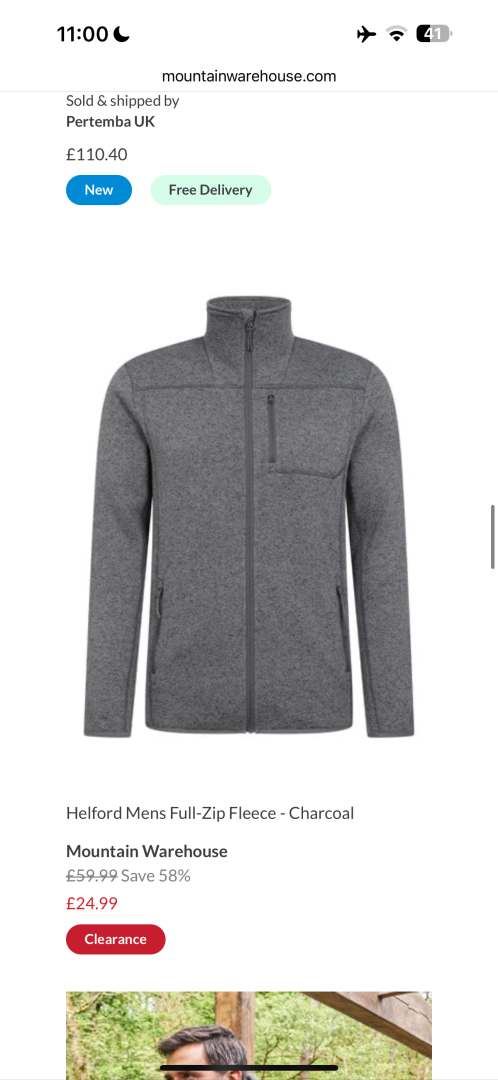
Can't open the PSA thread. Everything else opens just fine...
Image pasted in

Seem to be back to lagging when opening a thread or going back to overview etc.
The PSA thread won't open for me either, it just hangs.
-- Edit --
But it does if I click on the Last Post link >
Odd. Perhaps something dodgy on the first page?
We are aware of that. It's odd for sure but we are looking at it.
If we can't fix it today for practical purposes I might suggest we start a new one.
We are aware of that. It's odd for sure but we are looking at it.
I was going to say that it still hangs if you go into it through Last Post & then select 1 from the page dropdown, but scrap that, it does load page 1 but it's just really, really slow. There's no end of images and links on the first page along with a number of those dodgy Amazon links that display as broken Kindle pages
There's also a post that generates an internal server error at Ribble. It displays quickly if you click on it but I don't know how long the forum software tries to get hold of the image before giving up.
The caching issue has been pretty well behaved all day, but the following 2 threads seem to be "stuck" at the moment. The forum tells me there are new posts, but isn't showing me them.
https://singletrackworld.com/forum/off-topic/broccoli-and-wilson-step-back-from-bond/#post-13536021
https://singletrackworld.com/forum/off-topic/ukraine-2/paged/409/#post-13536007
We are aware of that. It's odd for sure but we are looking at it.
If we can't fix it today for practical purposes I might suggest we start a new one.
Yeah, I'm not sure there's much value in retaining the history in that thread.
New topics not showing up
For me the forum is becoming borderline unusable.
wouldnt work from laptop this morning - adverts would load on the sides but forum was just blank. Just plain black.
on iPhone tonight I tried looking at the bike forum. List of topics loaded, clicked on the sticky bargain threads and it crashed. Had to close the tab and try again.
Next I tried clicking on the weeksy thread and it sent through a 503 error.
during the week I have replied to a few posts but you are hanging for literally minutes each time and replies can’t be seen easily.
I’m not being down on anyone but genuinely considering not even looking anymore as it is becoming painful to use.
Still delays on my ride thread. Two posts with pics went up instantly but a couple of later posts are missing
Sorry but it’s borderline unusable for me now. Loads pages so slowly, then it loads, then freezes and darts up and down the page as if I’m scrolling, then finally settles on a random point on the page.
The scrolling is taking you to the last read post.
This morning I'm seeing multiple instances of the same thread.
Another weird glitch