I just don't understand. I take it you have to have the all singing all dancing version for seamless transfers?
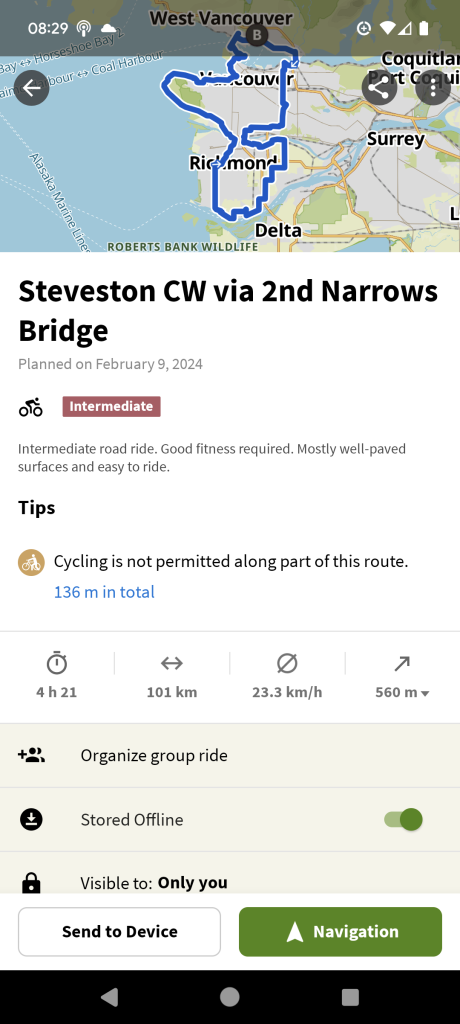
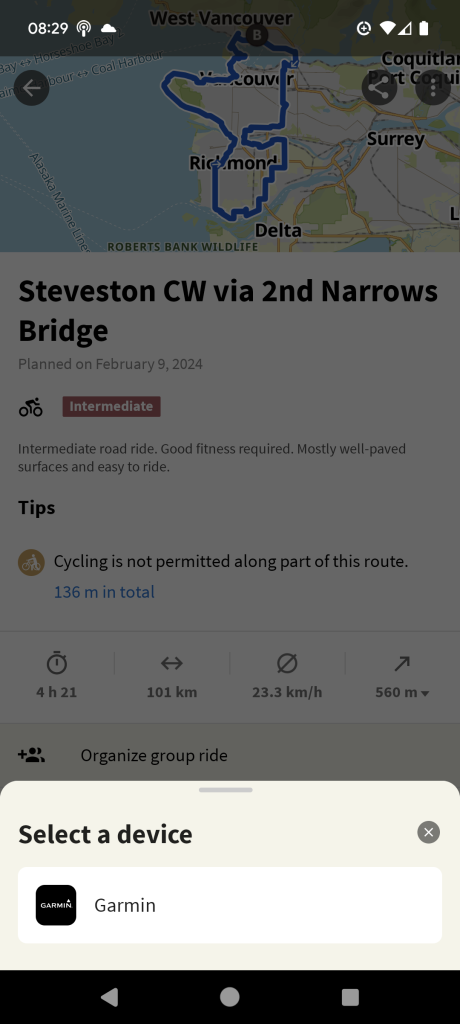
I have a 530 and I just can't get a pre ridden route off of Komoot onto my device.
Has anybody done it?
Are you using Garmin Connect?
If you set up the synchronization from Komoot to Connect then any Komoot route you've created will automatically sync to Connect and then appear on your 530 next time you sync that (or even just switch it on). Sounds long-winded happens within a few seconds.
FWIW you don't need the Komoot IQ App to do this.
You can also export the route as a GPX file and then import that?
I can save the routes and or download GPX files as planned tours within Komoot.
The issue is getting them onto my 530. I have connect and Bluetooth on but no dice.
From phone or PC? I've got a basic garmin (Edge 800) that I connect to the phone with a cable and adaptor. Download gpx from komoot, copy to device. Clunky but it works.
I think it's the Garmin IQ app that's at fault The Komoot app isn't downloading to it, it's permanently queued.
I've tried removing the app and restarting the phone but it looks like a wired connection like the above is going to be the way to go.
I only have basic Komoot, but with worldwide maps. I found the easiest way is via the Komoot IQ app on Garmin itself - when connected to my phone I just tap download and the route loads after a couple of minutes.
https://support.komoot.com/hc/en-us/articles/360023082291-The-komoot-app-for-Garmin-devices
Not the same I know but I found I could drag and drop a gpx to the garmin connect app on android and it would then open it. From there you can send it to your garmin.
It is far harder than it really should be.
I plan route on pc and save, open Komoot phone app and download the gpx to the phone which I then open from the download folder and it automatically opens in the Garmin Connect app, save it in Connect and sync from there. Works reliably.
I've free Komoot with one of payment for world maps.
You can also export the route as a GPX file and then import that
I don't know how the 530 works, but my Explore 2 doesn't work with gpx files directly. You need to put the GPX file into the Garmin's NewFiles directory; when the Explore boots up it converts any GPX files in the NewFiles directory into .fit files and then transfers them to the Courses directory.
If you drop a GPX file directly into the Courses directory it won't be seen.
From Komoot, download the GPX, open Garmin Connect on the laptop, Import GPX file... Fire up the device, sync with laptop.
Have you set up the synchronization between Komoot and Connect? If you do that then you can uninstall the Komoot IQ app. You don't need it.
It is far harder than it really should be.
Not if you set it up as I've described. It really couldn't be any simpler.
Not if you set it up as I’ve described. It really couldn’t be any simpler.
+1.
I can't believe all the other solutions being proposed. Haha
Two other thing to check though:
One: have you ever successfully done this before using Scotroutes method? If not, check your Komoot and Garmin Connect accounts are linked.
Two: do you have plenty of storage space on your 530? If not, delete some old route or activity data you no longer need
Two: do you have plenty of storage space on your 530? If not, delete some old route or activity data you no longer need
If the 530 is the same as the 830, there's a hard limit of 100 saved courses on the device. When you get to 100 nothing new will sync, either from ConnectIQ Apps or from Garmin Connect. Helpfully it doesn't generate any sync errors or give you any warnings when you've hit this limit, it just doesn't sync properly.
The only solution is to remove saved courses (easiest way is probably to connect to a PC and clear out old routes in the courses directory...)