I've inherited a Samsung LCD telly from my old man. He's replaced it due to a large number of dead pixels in the centre of the panel.
[IMG] 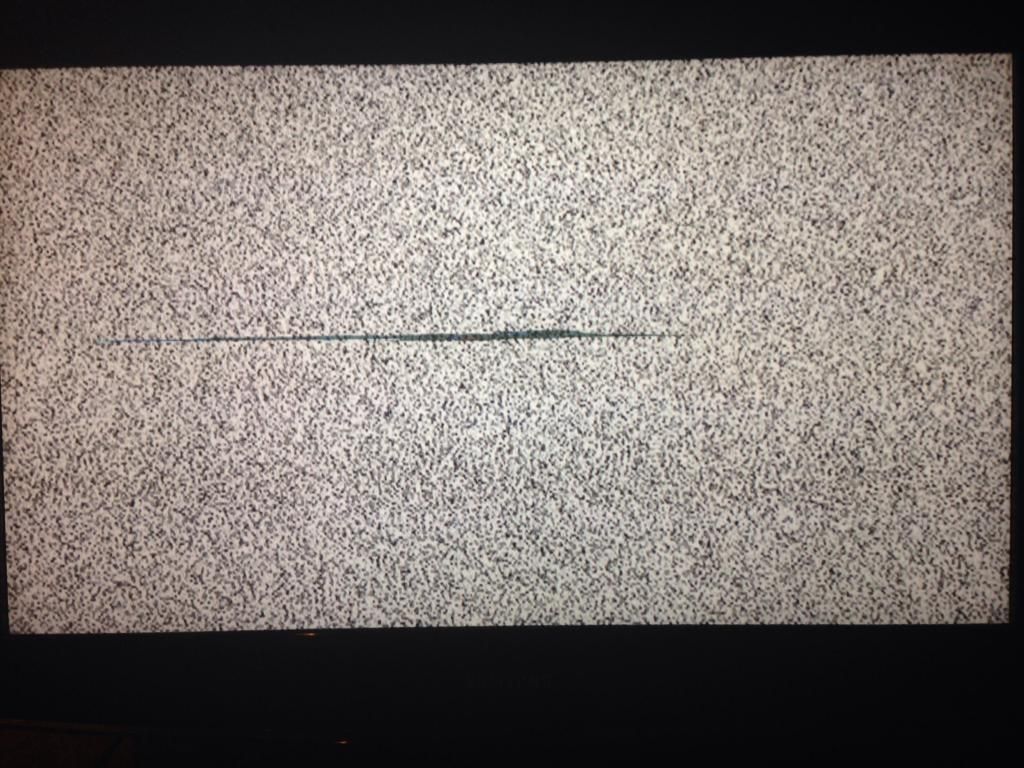 [/IMG]
It's a few years old and not worth much but I'd like to put it up in my workshop, before I do are there any known fixes? Googled the problem but most people seem to have trouble with black bars etc. It's currently hooked up to the laptop displaying one of those fit inducing YouTube vids that allegedly 'fix' dead pixels but I'm not expecting much.
More than handy with a soldering iron etc if required. Has anyone had anything similar?
Hard to tell from that photo but are you sure that is actually dead pixels?
Because I can still see details in that big black bit. It looks more like the polariser or diffuser has somehow split/cracked which is preventing the pixels from being lit properly by the backlight.
(I'm totally guessing at this!)
I've seen software that exercises panels to "unjam" stuck pixels, but that's in the PC / phone markets. No idea whether you could get some sort of test pattern for the TV though.
That doesn't look like dead pixels in the strictest sense though. I'm not sure what it is, but suspect it might be Something Else.
Don't think thats pixels. I'd go with polariser or glass or something. Then just bin it.
If the screen still works but the backlight is somehow broken then you can always turn it into a ghetto projector:
Thanks, see what you mean as the pixels aren't actually dead you can see through them.
[IMG] 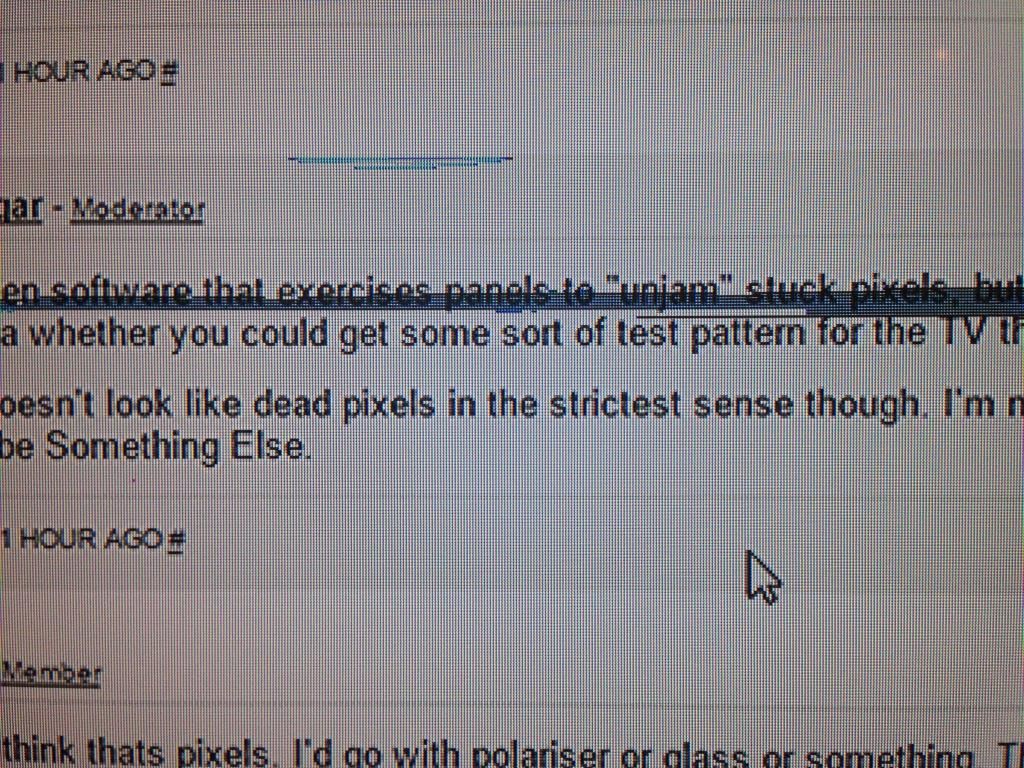 [/IMG]
As I mentioned it's only going up in the workshop but it would be nice if I could sort it.
Thanks.
Looks like a multiplex chip has failed.
Try prodding or squeezing around the screen biezel to see if it happens to be a lose connection.
Looks b0rked to me though.
That looks like its had a hit. Exactly the same happened with my old Samsung
Bollards.
I'd be surprised if it's had a whack as it's only him and his misses who used it, will whip the back off and have a prod about.
Cheers.
GrahamS.... That's genius!