The words are too small and if I embiggerise them the words don't fit. I've gone on the settings they make everything else big but this website.
I've downloaded a font size app which makes it all fit a treat but will only do one page at a time.
Yes I could get some specs but I'm sure someone on here has the solution.
Sent from my sensibly sized Galaxy s4.
You have to stretch the screen to fit each time, the quick double tap doesn't work as the format of the website is for desktop browsers and not formatted for phone use.
You need reading glasses!
Double tap works on chrome/Android so it's possibly browser dependent but it's a small screen on a desktop based site so options will be limited
Yeah this site sucks on phones and small screen devices in general. It is also hard to select buttons. The problem is that the formatting coding is crap.
Works really well on android/chrome IMO. Double tap forum posts and it all auto zooms to screen width.
Works really well on android/chrome IMO. Double tap forum posts and it all auto zooms to screen width.
Likewise.
Will the iPhone render the page in landscape if you turn it 90', does that help?
I regularly read it on an iPhone 4S which is the same size screen.
Generally I hold the phone in landscape then double-tap the thread text to zoom it to fill the screen. Seems ok.
Will the iPhone render the page in landscape if you turn it 90', does that help?
Yes
I zoom in when you're in landscape til the text fills the screen (i.e. the ads on the side are cropped out) then turn the phone to landscape and the text is a decent size
The font app makes the writing as big as on the left. As soon as you go to a different page you have to tap on the app again. There must be something that makes it big all the time. Bit of an evening bump.
[img] 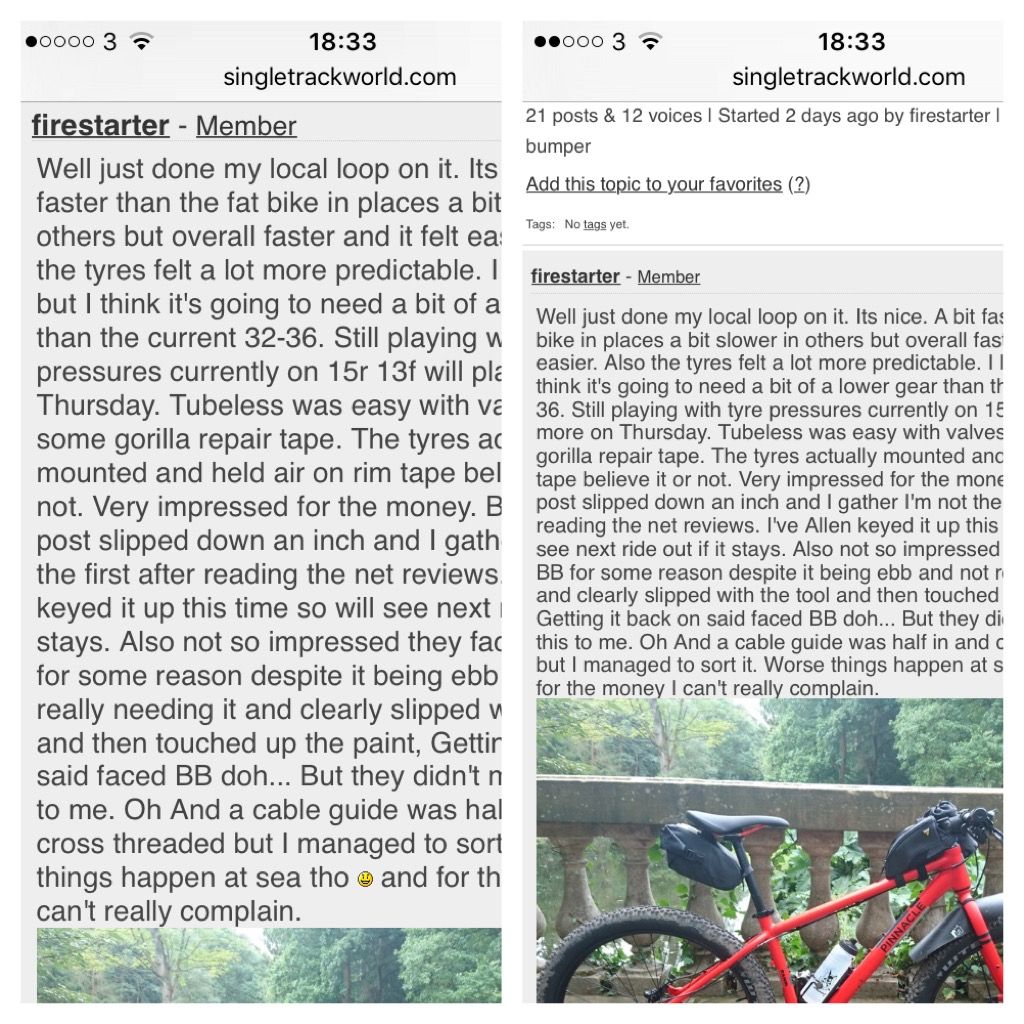 [/img]
GrahamS - Member
I regularly read it on an iPhone 4S which is the same size screen.Generally I hold the phone in landscape then double-tap the thread text to zoom it to fill the screen. Seems ok.
This is what I've done since I got my iP3G, which would be what, nine years ago?i still do the same on my iP6+ and my iPad 3, it's the best way of using the site while still respecting the site owners right to have adverts on it.
The only difference between the phone and pad is that I use the phone landscape, and the pad portrait.
Here is what I see reading the thread in landscape after a double-tap on my 4S. (No special font app installed)
[img]  [/img]
Is that still too small for you? Seems comparable.