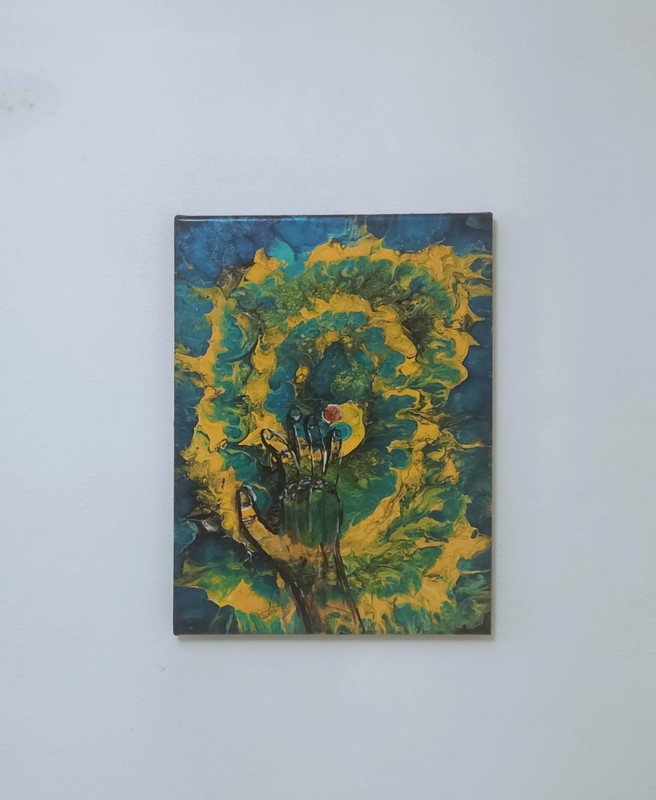
Anyone know of any free software that will allow me to combine two pictures - say a hand and a painting - so it looks like the hand is pushing from behind the painting.
sort of this
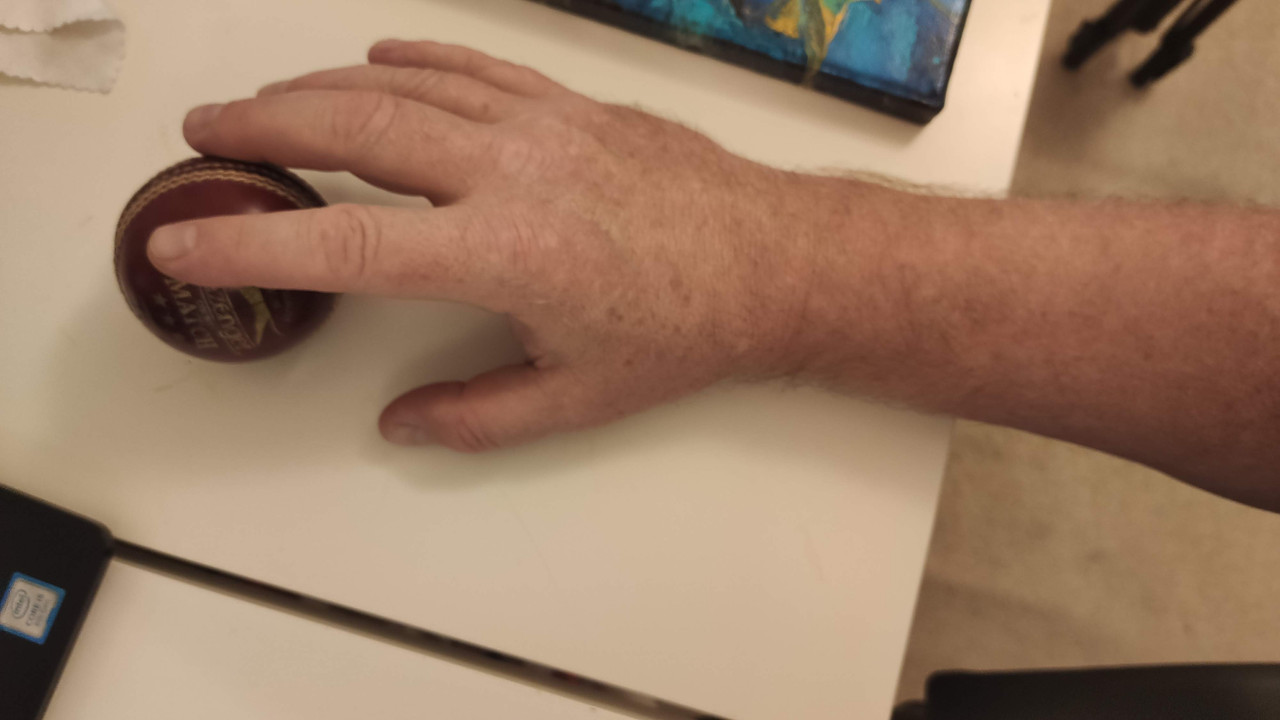
Combined with the painting to create this image but with the hand covered in painting
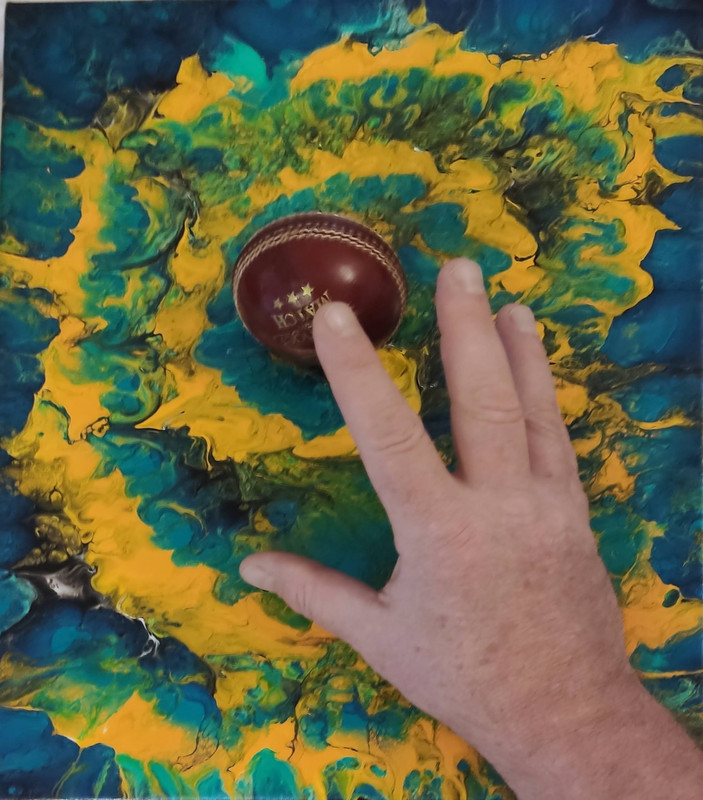
Basically I am trying to digitally create an image so I can then replicate it on the actually canvas just using shading to imply the hand and ball are there
I think the thing you need to google is shader map or bump map generator. Normally these need a grey scale image of the 'bump' (the hand) with different shades of grey implying differnt heights.
https://shadermap.com/tutorials/
https://cpetry.github.io/NormalMap-Online/
I think that does exactly what you want.
I just made this (click on the diffuse and load the painting). Has instructions on how to use a photo to create a bump map.

The problem with what you are trying to do*... Is shading along won't work.
* I think you are trying to make the painting stand up as it covers the hand? Thus woukd require distorting the painting to show height.
It will just look like a flat painting with shading of a hand over the top. It won't look like a hand coming out of the page.
[i] I think you are trying to make the painting stand up as it covers the hand? Thus woukd require distorting the painting to show height.[/i]
It can work well and saw some on a Facebook art group but I can't find them now. It is a bit like the 'weave' in this one : https://www.nicksartstuff.com/product-page/woven-canvas
I found a good example, not my work.
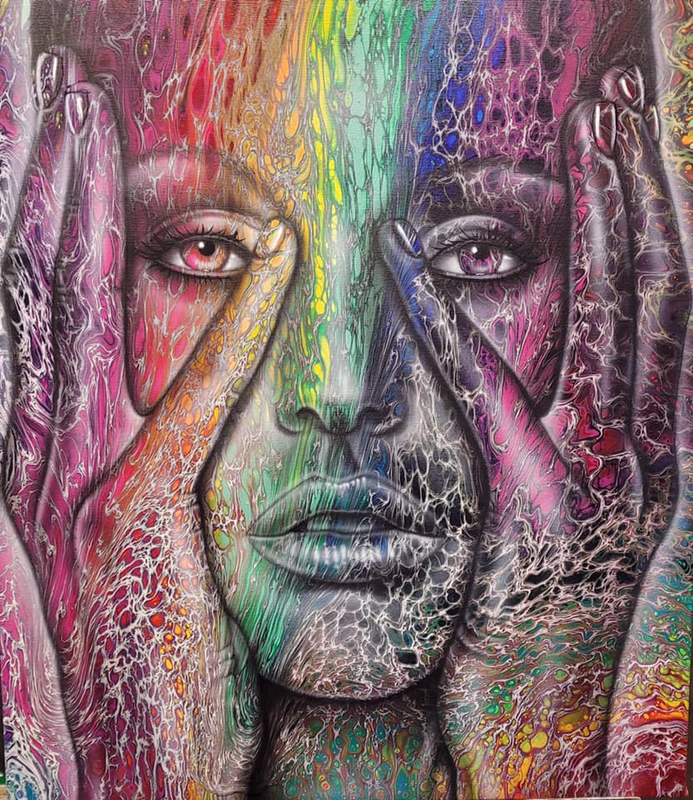
Something that will help me get that effect?
This kind of thing?
Texture overlay is what you want. However, with that example, those two images interact.
this is free - I don't do huge amounts of image stuff (and it's surprising what you can do with windows paint 🙂 ) but this has more features than I use - just don't tell someone you're downloading gimp software
(GNU Image Manipulation Program).....
krita is a pretty good free option as well.
not sure about specifically what it's like doing what the OP is looking at, as I'm a fully paid up adobe zombie!
Gave up on trying to use software as I would have top learnb that as well as how to paint.
Clearly I now need to learn to paint. I have painted the lowlights in but might need some further work.
It is a bowler having just released the cricket ball which is whirling away into the distance. It works best if you squint a bit, shut your eyes and turn around and just imagine the painting 🙂
More practice required and I think a different background style with more small patterns would help too.