Forum menu
Is there any simple and free software out there?
GIMP
Not that simple, but free and very powerful.
If you add the GIMPshop plugin it looks more like photoshop.
GIMP for free in the style of photoshop
Photoshop and the entire adobe creative suite has a 1 month trial at the moment
However they are not the simplest of products, what are you trying to do with them?
How much editing do you want to do? Gimp is pretty powerful but also complicated. Paint.net is nice and simple for doing basic stuff (cropping, minor colour tweaks, red eye, etc).
I am a basic user.. Want to corect colour balance and remove some telephone wires from a landscape.... nothing complicated.
Gimp'll do that well easy. The learning curve isn't [i]that[/i] bad. It's basically the same as photoshop for most basic things, yet different enough to make photoshop users feel uncomfortable.
and crop
yep and 1000's of other things if you have the know how (google)
[img]  [/img]
There you gooooooooooooooo
For extra-extra clarity, the magic floating menu with the 'Crop to Selection' bit happens when you right click on the picture... but it's the same menu as the one at the top. [i]Which I've only just noticed[/i]
Not sure if GIMP has adjustment layers, but its really worth learning how to use them if it has. The other main difference between Ps and GIMP is CMYK support, which is missing from GIMP. Not an issue if you're not going for commercial repro. From what I've read GIMP is excellent, once you get a handle on it.
I'm a fan of paint.net - free, fairly powerful, but not as nearly complex as the GIMP:
[img] 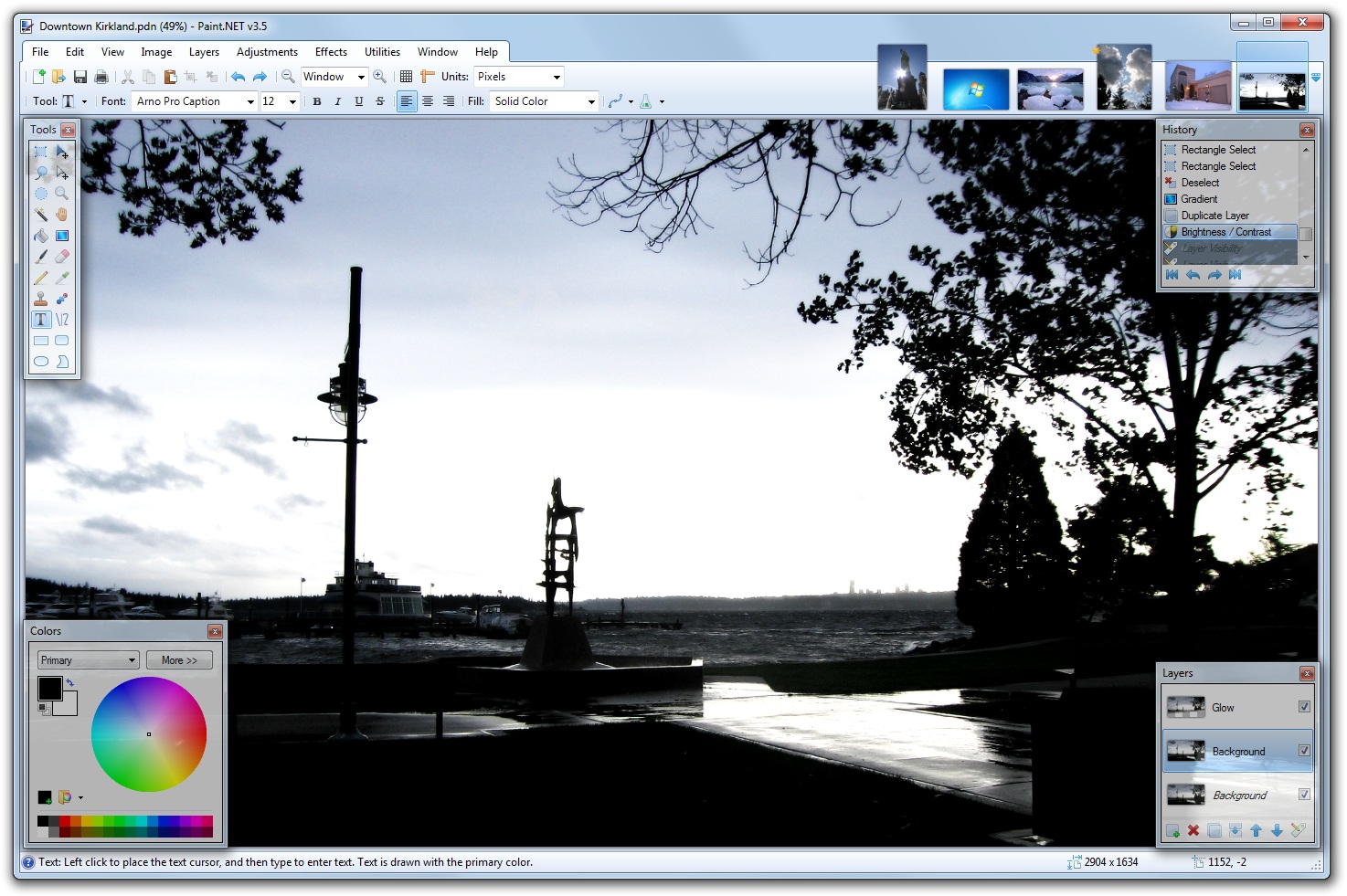 [/img]
If it's just digital developing you're wanting to do, then Darktable is pretty useful. It's not editing software, so no high heels on badgers or similar manipulations.
Can I stitch photos with Picassa or Gimp?
No but ICE is great and free (windows only)
[url= http://research.microsoft.com/en-us/um/redmond/groups/ivm/ice/ ]ice[/url]