Forum menu
Where’s the send button?
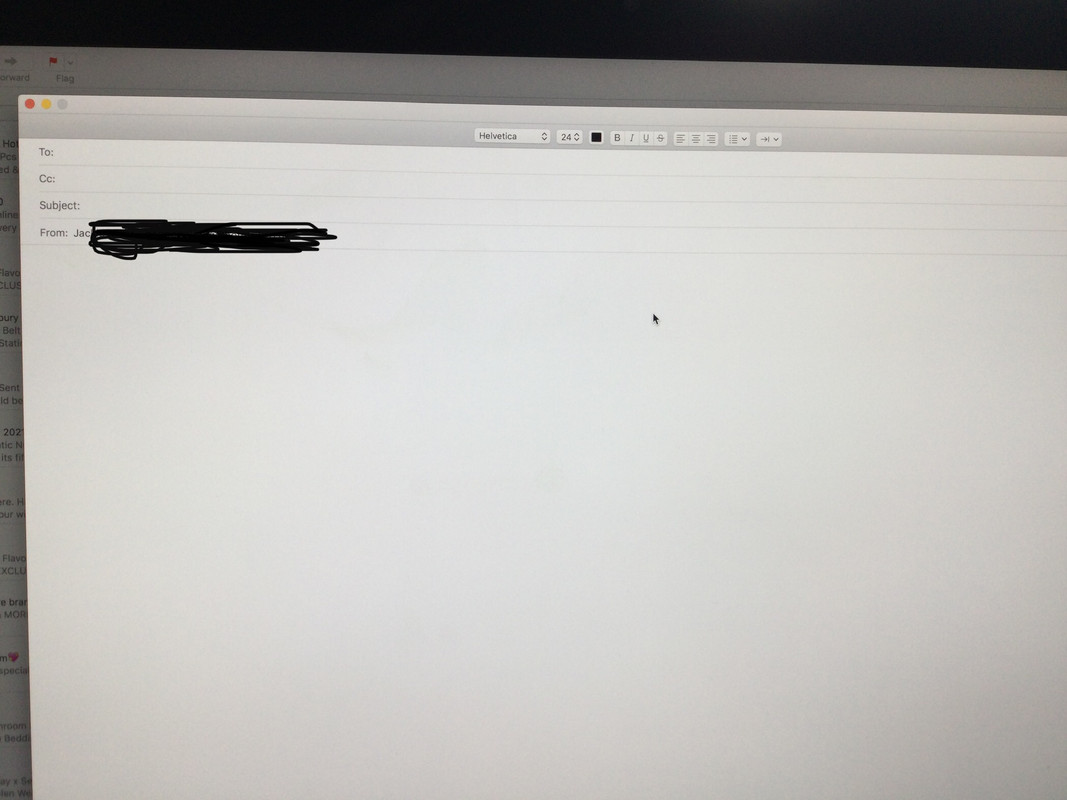
maybe you have to put an address to send it to first?
Send button should be next to the Green button - top left.
Right click that slim bar where the minimise button are and you'll be able to customise that top bar.
Paper plane next to the green dot. You've broken yours.
Stw, to the rescue. Fixed.
Why have the option not to have a send button though?
There should be a Paper aeroplane icon in the top left of the window normally. Maybe open a new message window just in case
Because you can do it through a keyboard shortcut or from the Message drop down in menu bar.
Some people don't like screen clutter! 🙂
CMD + Shift + D
Clicking with the mouse is for dummies.
Reckon With that font size it will def get stuck at some bend in the internet
Has the frame somehow moved off the screen (ie, you have accidentally dragged it)? If so, double click anywhere in the top part of the bar and it will resize.