Forum menu
That worked about as well as everything else
https://www.flickr.com/photos/79912681@N06/38962629344/in/datetaken-public
Oh.... It posted a photo, but not the one I was trying to post.
This new random 'luckofthedraw' feature is great! 🙂

nope
I posted a photo, looked fine on preview but hasn’t appeared!
Ok, so random img from google (cup of coffee)
1st just copied img and pasted into text box:
That didn’t work ..
So same img but posted via the img post button and voila!


I give up. 😂
Were you not paying attention during th e Mods training session?
Appears not.
</span><span style="color: #444444; font-size: 12px; -webkit-text-size-adjust: auto; background-color: transparent;">Were you not paying attention during th e Mods training session?</span><span style="color: #444444; font-size: 12px; -webkit-text-size-adjust: auto; background-color: transparent;">
Not on a weekend.
)/GetImage.ashx?src=Chiws.gif)
Just trying something.. evidently not working.
Must have a go:
[img]  [/img]
Well that didn't work.
Now added the html manually as I have no buttons.
That worked.
It's all very slow isn't it?

[i]It’s all very slow isn’t it?[/i]
Yeah, the wait after clicking "Submit" or "Edit" is like, old skool internet. Remember when you clicked on a pic of a sexy lady and it would draw her line by line. And sometimes the bit you really wanted to see wouldn't even appear. Almost like those days.
<div class="irc_mimg irc_hic i9FOTqQ24rzA-lvVgf-rIiHk"> </div>
Just testing on my Mac this time..
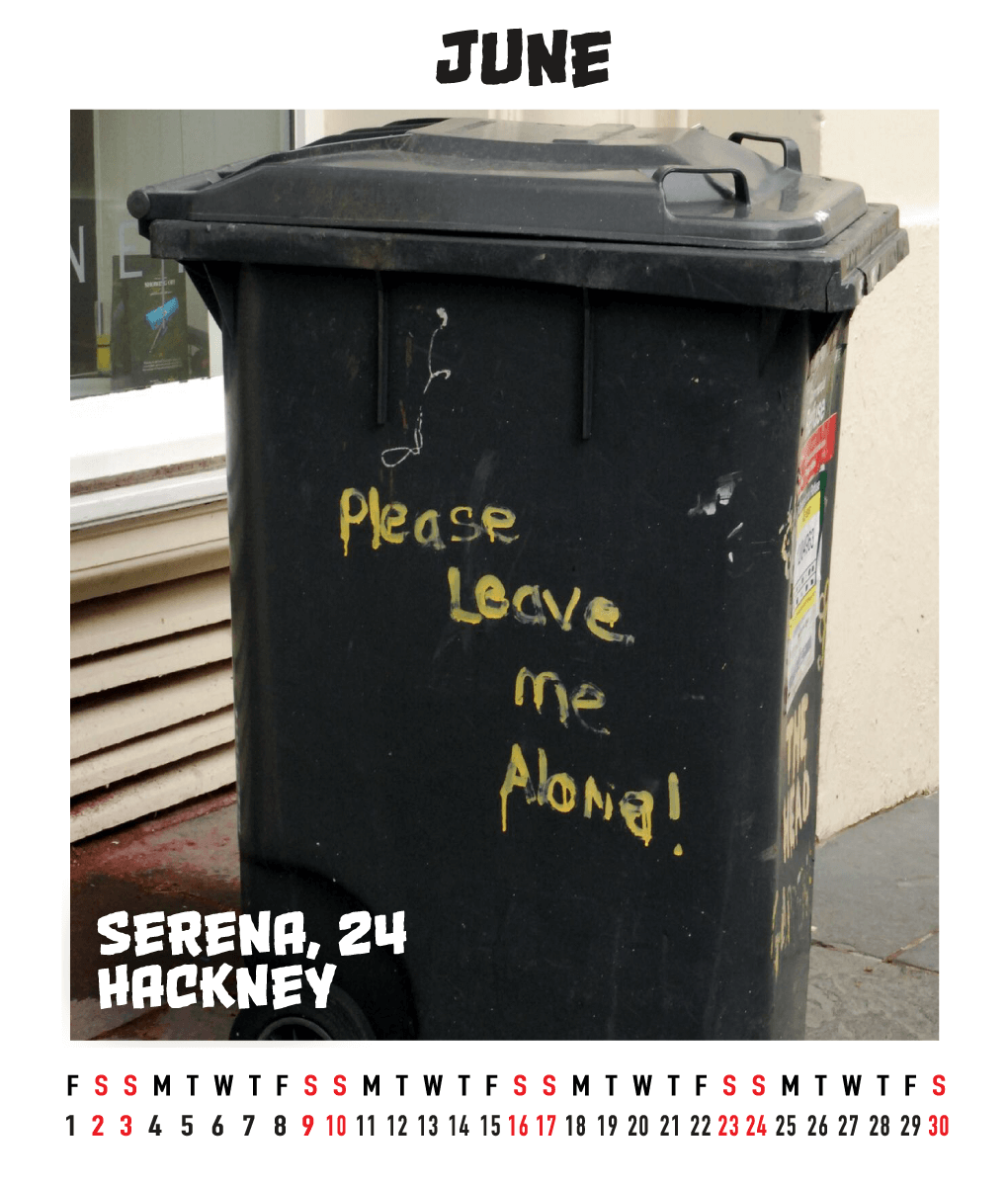

hmm well that didn't work out



This thread broken ?
What aracer said.
I'm using Chrome and see no button, the Preview button doesn't do anything and if I do what is being suggested in this post (paste images into the message box), nothing happens.
Chrome is stating "Not secure" in the address bar though. I have all my settings set to "Allow" (or the ones I'm allowed to change at least). Anything else to try?
Oh well, there you go, another thing I didn't know was wrong. I don't see the second page anywhere, I thought I was replying shortly after aracer's post back on the first page, turns out there's a whole page worth of posts since then that I can't see until I post a reply.

<div>
<div></div>
<div>"Viewing 40 posts - 1 through 27 (of 27 total)"</div>
</div>
<div>
So that' works well then.</div>
<div></div>
<div>  </div>
<div></div>
<div id="new-reply-9805464" class="bbp-reply-form" style="margin: 0px; padding: 0px; border: 0px; outline: 0px; font-size: 12px; vertical-align: baseline; background-image: initial; background-position: initial; background-size: initial; background-repeat: initial; background-attachment: initial; background-origin: initial; background-clip: initial; clear: left; color: #444444; font-family: 'Helvetica Neue', Helvetica, Helvetica, Arial, sans-serif;"><form id="new-post" style="margin: 0px; padding: 0px; border: 0px; outline: 0px; vertical-align: baseline; background: transparent;" action="http://singletrackworld.com/forum/topic/did-you-know-forum-new-feature-essential/" method="post" name="new-post">
<fieldset class="bbp-form" style="margin: 0px 0px 10px; padding: 10px 20px; outline: 0px; vertical-align: baseline; background: transparent; clear: left; border: 1px solid #eeeeee;"></fieldset>
</form></div>
This forum has reached full bonkers as my son would say...............
Oooh that brings out a phone number.
weird works on one windows 10 pc and doesnt work on the other
This thread now has the glitchy page numbering too.