Forum menu
My daughter's laptop has updated to Windows 10 and now I can't connect to our home broadband router. However, I can get it to work with my phone as a hotspot.
I've tried various different drivers, restarting, resetting and updating the router.
I just seem to get spat out and the connection to the home router fails.
This is not my area of expertise and it is now doing my nut in! Any suggestions welcome 
If you access the router by typing in 192.168.1.1 (typically) in the web address bar, you should be able to change the settings.
There'll be something called "standard" make sure it's set to 802.11 b/g/n
Does it work when its connected to the router via a wired (ethernet) connection?
All the other devices in the house work fine with the router.
Not tried my daughter's laptop with an Ethernet cable, but it is a separate piece of hardware to the network card, so not sure how that would help. Her laptop connects to internet via my phone's hotspot ok, so the network adaptor is functioning ok with that. I just can get it to connect to the router!
The router is set set to 802.11 b G n but as I can't connect to it via her laptop I've checked it on another device.
Can it 'see' the network on your home router? If it can then try deleting the stored credentials on her laptop as maybe they got messed up during the upgrade.
Try changing the channel that the access point is using.
Thinking back, I definitely had an issue with mine when I updated it to Windows 10. I remember pissing about with different drivers. Pretty sure windows just installs a generic driver, think I DL'd one from the Lenovo website for mind and that fixed it.
Loads to try here
http://windowsreport.com/windows-10-cant-connect-this-network/
That's not a bad idea except that the computer CAN connect to wireless on the phone. I would probably still try that as well though
Try this:
Plug it in with an Ethernet cable, go into device manager, right-click the Wi-Fi adapter and select "update driver."
This should choose the best available driver from Windows Update. Failing that, have a look on the manufacturer's website.
Probably won't make a difference but, have you rebooted the router?
Asus don't list a Win 10 driver on the website for the laptop
I've uninstalled the drivers, installed Windows suggested drivers and repeated with the most recent drivers and all sorts of older ones that may be the answer but weren't.
I am pondering buying a new network card for the laptop as I am getting board of being a crap IT technician ...
Did you try seeing if it had stored the network credentials and if so deleting them?
What did it upgrade from?
What make is the Wi-Fi card?
Asus don't list a Win 10 driver on the website for the laptop
Nah, Lenovo didn't for mine either. Think I installed a Windows 8 driver instead.
This is what mine is shown as below (Broadcom)
[img]  [/img]
I think I might've changed a setting in the advanced tab here to get it to work
[img]  [/img]
Might've been bandwidth capability which is 11b/g:20mhz
or IBSS mode which is 802.11b only
tomaso - Member
All the other devices in the house work fine with the router.Not tried my daughter's laptop with an Ethernet cable, but it is a separate piece of hardware to the network card, so not sure how that would help. Her laptop connects to internet via my phone's hotspot ok, so the network adaptor is functioning ok with that. I just can get it to connect to the router!
Because if it hadn't connected on a wired connection, it would have pointed to a wider problem.
Network adapter is a Qualcomm Atheros AR9285. My advanced settings do not seem to give the same level of function and controls. It all seems more limited.
It originally came with Windows 7 and was updated variously with no issue prior to Windows 10.
I need to dig at the back of the garage in the cable mine to get an Ethernet cable. It is deep in the garage stratigraphic deposits and has a lot of crap piled on top.
Have you seen this?
Sounds like people have got it working
If you didn't want to get a new wireless card, you could get one of those USB ones (although they're not quite as powerful).
Thanks all. I have tried lots of different drivers, old and new but to no avail. I've been through various settings and it has not made a difference.
I have given up and bought one of these and she now has Wi-Fi
[img] 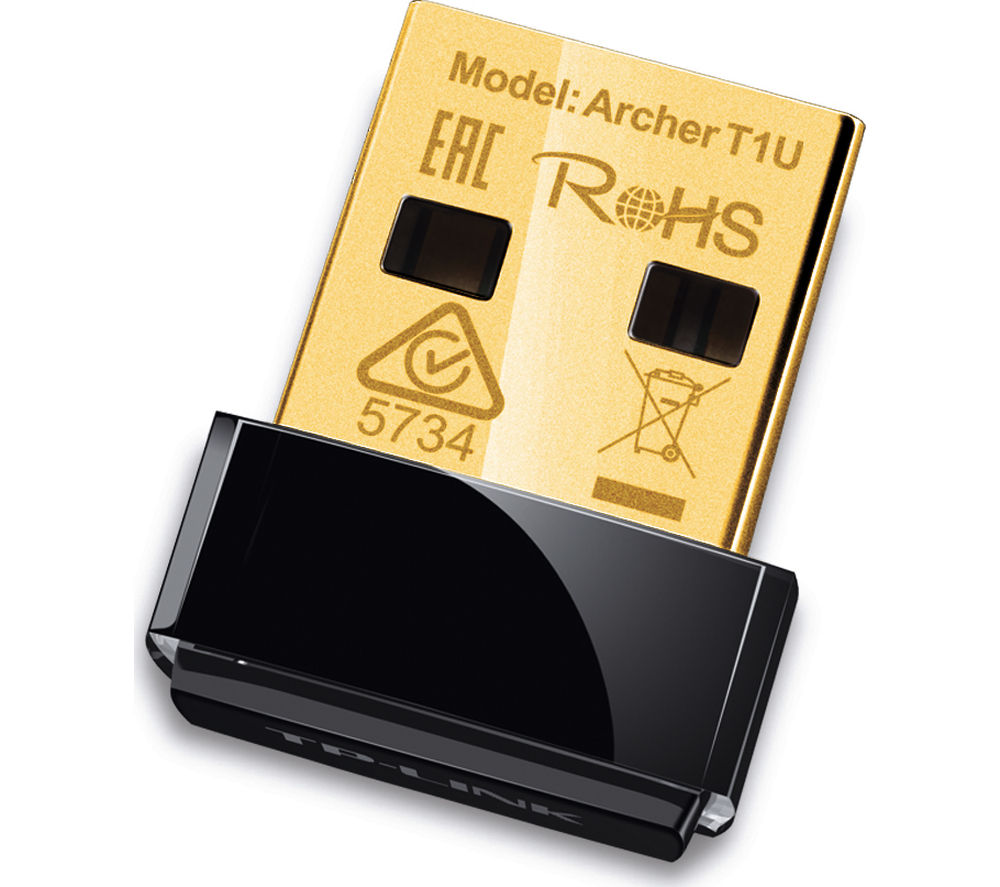 [/img]