UPDATE: CLASSIFIEDS section refreshed, redesigned, searchable: Go take a look
Anyone else having issues? I cut and paste the URL for the pic, use the IMG button, the HTML code looks right to me, but when I hit post the image isn't there??
Tester
[url= http://farm3.static.flickr.com/2601/4014512677_cd9188c1fa_b.jp g" target="_blank">
Working fine for me.
OK then... what am I doing wrong? I used to just right click on the pic, then copy the image location and paste it into the IMG thingo. Now, when I right click on the image, I don't get the option to save image location. So instead, I use the 'Share this' option on Flickr and copy the URL from there, but it doesn't show up in the post?
[img] http://www.flickr.com/photos/32746168@N08/4055010023/ [/img]
[img]  [/img]
Testing, testing.
see, there should be a picture above!?
EDIT: in my post that is 🙂
It never works for me when i use the "grab the link" address.
Trial and error led me to go to "Grab the HTML". The cut out the jpg add from the code.
Install Mozilla, then Greasemonkey for Mozilla and add this script from Bez http://www.stewartpratt.com/?p=88
It could be that Flickr have changed the Direct Linking options ?
By rights you are supposed to post the picture linking back to the flickr site (ie if you hover your mouse over the picture and click it will take you to flickr... like on my pic above). Try that.
Edit....
Install Drac's script. It is ****in brilliant. Works a treat for me.
a href=" http://www.flickr.com/photos/callmebob/3786626714/" title="Mole 1 by callmebobII, on Flickr" img src="

width="500" height="375" alt="Mole 1" / /a
Thats the Grab the html link.
I get this bit:
Then I use the IMG button above with it:
[img] [/img]
Hope that makes some sense.
works as long as you've gone to the "all sizes" link before you try to copy location - IME
(didn't know about linking back to flickr - will I be arrested soon ?)
Messy if you really don't want the ease of Phorumr then right click on the image and in Mozilla select [i]copy image location[/i] then paste that after clicking IMG.
[url= http://farm3.static.flickr.com/2430/3785813509_5b365ca088.jp g" target="_blank">
Clicky hopefully.
Joined Flickr just recently for posting up photos here, & so far no success beyond the red 'X'; trying the above advice...
Nope, once again..
[img]  [/img]
Edit; ah success, wonder what I did different??? How do you get it to link back then? Oh I'm so thick 😳
Trying to link-back again..
Epic Fail!
Thanks, Mr. Pants for the "all sizes" pointer...
Well it means your doing something wrong Rob are you photos public?
To get it to link back I used Drac's advice given above. Much easier than what I was doing.
[img]  [/img]
Psychle
what you entered is [b]" http://www.flickr.com/photos/32746168@N08/4055010023/" [/b]
this is not the url of the image
you need to use the actual image address, this will show if you go to 'view all sizes' then right click and copy the image url
it'll be this [b] 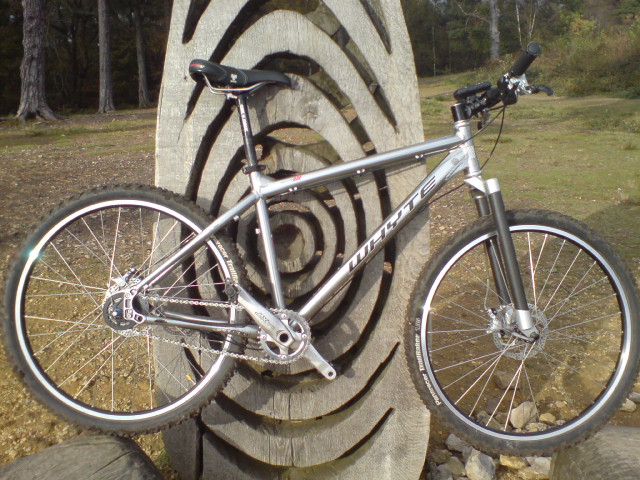 [/b]
[/b]
giving
[img] [/img]
or use greasemonkey and sam's script as suggested
[img]  [/img]
Hey it works 😀
Not fully read each reply, but I found this problem recently after many years of happily being able to post by just right clicking, choosing 'properties' and cut and pasting the stuff into img brackets. This stopped working recently and the 'stuff' that I cut and pasted changed to not having jpg at the end.
Random trials led me to clicking on the 'all sizes' choosing medium then 'properties' and it came up with the old format of 'stuff' in the bit you cut and paste. So that's what I do now. The rest is too complicated for an eejit like me, however, when I get home I'll read the instructions in the posts above and work out how to do it properly so I don't get arrested for something....
cheers all, I've figured it out now. Just like jojoA1 I've always just right clicked and copied the image address, but that no longer works for some reason... so for now I'll remember to go into 'all sizes' and copy from there 🙂
I've just started having exactly the same problem. Testing, testing
[img]  [/img]
Excellent - to tip about going to all sizes
I've only tried this once before..so here (hopefully) is a photo I tok last Saturday...
[img]  [/img]
[i]The rest is too complicated for an eejit like me, however, when I get home I'll read the instructions in the posts above and work out how to do it properly so I don't get arrested for something.... [/i]
Easy if you use the script I mentioned above, once you go to allsizes there's a new box for you to copy from paste it in STW and does it all for you no need to click IMG.
Test, Excellent!
[img]  [/img]
Drac - MemberInstall Mozilla, then Greasemonkey for Mozilla and add this script from Bez http://www.stewartpratt.com/?p=88
That is awesome, cheers for highlighting that. Makes life easier.
[url= http://farm4.static.flickr.com/3607/4039699660_149d3e416c_b.jp g" target="_blank">
[url= http://farm3.static.flickr.com/2617/4038950791_cca3d5a3da_b.jp g" target="_blank">
Ah so that's how you do it then. Cheers Drac 8)
Yeah think it should be added to Forum Help as a tip.
testing
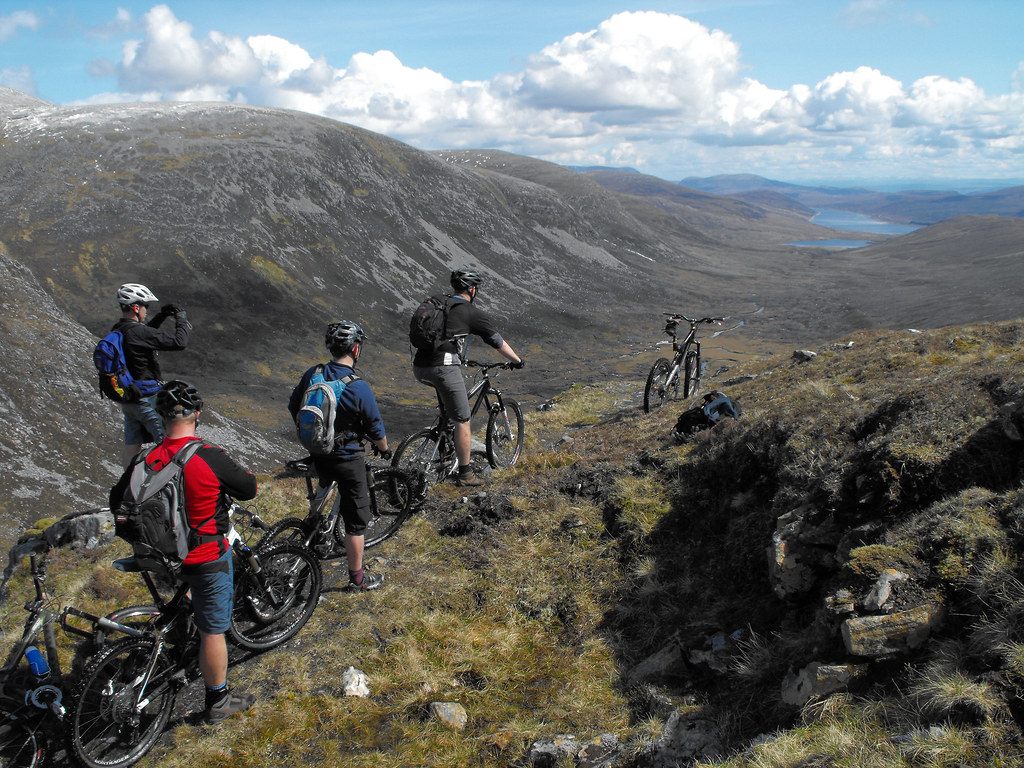
Nope!
Ehmm!
[url=  ]null
]null
Nope - again!
It's IMG not url.
[img]  "[/img]
TESTER
Ah bugger I'm still ****ing useless!
[img] [/img]
[img][url= http://farm4.static.flickr.com/3141/4056283881_a7e0934225.jp g" target="_blank">
[url= http://farm4.static.flickr.com/3141/4056283881_a7e0934225.jp g" target="_blank">
Please work this time!
Yipee! Cheers Drac.
No problem but Bez deserves the credit really.
[img] 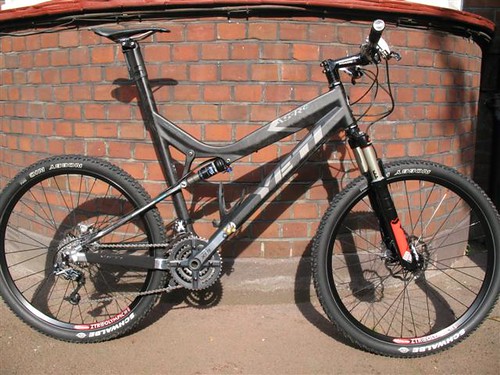 [/img]
I think I'm useless at this 😯
Edit: wow 😛 I finally did it but it's the one which doesn't link back to flickr I think. Does anyone know which one I have to use to link it back? I'm PC useless.
If you using the code posted up there ^ then when go to all size it's the third box.
[url= http://farm3.static.flickr.com/2609/4062046146_7484e76b6a_m.jp g" target="_blank">
Cheers guys, learned a new skill
[img]  [/img]
how come my pic is so small?
Manitou,
I think it depends what size you've selected from all-sizes & taken the url. eg.
this was 'small'-size url -
[img]  [/img]
this was 'medium'-size url -
[img]  [/img]
Still can't get the link back though...

