UPDATE: Reviews section refreshed, redesigned, searchable: Go take a look
Interesting about the legitimate interest thing, and how it's interpreted.
BBC is another that pre-checks that not only for the service they provide but also for all the individual advertisers (although that may be more of an issue for those of us outside UK).
To me the immediate site I visit has a legitimate interest, but any other provider behind that does not. No ad agencies, no ad companies, no cross-site tracking companies. I have no contract with them. I would have no issue with relevant first party direct advertisers (BMC sounds relevant enough to me), but it's the cross site tracking that irks me most, and in particular use of cross site tracking companies to handle EU consent.
BBC in particular I always view incognito, accept everything to shut it up, view a maximum of 3 pages before closing and deleting everything. Their legitimate interest list is a good 10 minutes' worth of effort to un-check, and even if you did waste 10 minutes of your life, on the very next page click it'll set a different set of pre-checked cookies. It probably does nothing but it makes me feel happier. I could more than happily view everything incognito.
Deleting cookies is often a suggestion in cases like these where there are issues, but I really don't like recommending that, mainly cos there's other sites where you've got cookies set just right, and you then screw them up. Deleting all cookies for 1 site, no problem at all, but all cookies no way. I use a cookie addon in the browser which helps select say all cookies with singletrack in the URL, then zap them if necessary (although I ain't doing that, cos everything is working perfectly for me 🙂 )
BBC in particular I always view incognito, accept everything to shut it up, view a maximum of 3 pages before closing and deleting everything.
Why?
Why not put your source code/bugs on GitHub and see if any of the forum members want to contribute, your 2 devs can review the pull requests..
Why?
Because BBC.com by default wants to send their advertisers all your data, and it's basically impossible to disable.
At least their pop up is actually truthful/honest...
BBC.com would like permission to share your personal data with our ad partners to allow them to show ads tailored to your interests
If only every other site that says "we value your privacy" said the same thing.
At least they also have the consent and manage options buttons equally prominent, unlike numerous sites out there that make the consent to everything prominent, and the privacy options anything from less promninent to virtually invisible (German Weather site being one where someone with bad eyesight probably can't even see that option!)
And no, BBC can bog off. They are there to provide me news. Advertisers are entitled to advertise on their site and pay BBC to do so. Advertisers are more than welcome to pay me to use my data.
anyway thats my advice, you’ll ignore it, and when I pop back in a week or so’s time to see how you are progressing I suspect it’ll be slightly further down the toilet. Real shame. Thanks for the cookies.
@DT78. Incredible prose. I might make this into one of those inspirational posters. Top top comment!
@DT78. Incredible prose. I might make this into one of those inspirational posters. Top top comment!
Yup, sums up my thoughts, sadly.
Allegedly no one understands just how complicated the STW set up is but I think anyone who has seen a Heath Robinson cartoon probably does 😀
Ok.
We have not finished yet, but....
Ads.. Anyone still seeing them logged in?
The cookie popup may still be appearing on every page for a few. We are soon rolling out a fix for that.
`The cookie pop up has just reappeared for me. Not loggod out, just not used the site for an hour or so.
cookie popup started again 10 mins ago ish. Just came back on and got though the 2 x 10 mouse clicks to post in here.
not seeing ads apart from the STW sidebar ones. but I'm not going to be clicking around to look anywhere else. can't imagine anyone else feeling like doing anything on here either.
Ok.
We have not finished yet, but….
Ads.. Anyone still seeing them logged in?
I don't know about ads (because...) but the cookie prompt has just gone away for me now
I wasn't seeing ads or the cookie message but now I'm seeing the cookie message on every single page...also done the cookie killer and logged back in and still seeing it.
Wasn't an issue before as I had none of the issues, but clearly I haven't avoided it and I can see how annoying this is going to be...hopefully the fix is quick to be implemented.
Every page now. Only started recently.
Getting beyond a joke. It can't be rocket science to fix this.
Starting about 20mins ago I've been getting the cookie popup on all pages.
I logged out and went to the following link. Then after logging back in it seems to be back to normal.
https://singletrackworld.com/cookie-reset
Excuse me previous smugness, I now get it every time I change page.
The only possible explanation is that the CBI and government are now funding ST Towers to do this to improve our productivity and boost the economy?

Still fine for me here. And I don't have an iPad.
Excuse me previous smugness, I now get it every time I change page.
Have you tried the technique on page 3 of this discussion, re the euconsent-v2 cookie ?.
This was all that was necessary for me. Your browser may have a different way of getting to it. I looked at the cookie killer page, but that doesn't reset this particular cookie, so its not going to affect it - at least for me.
@haloric is correct here. Our cookie killer doesn't clear that particular cookie. If you can't kill that particular cookie yourself don't despair. Tom is building a new page that will auto kill it and also provide us with diagnostic info on your particular browser that we can use to help fix this issue and others.
Seems to be working fine for me now, so hopefully I'm back to being good with the solutions and site.
Still fine for me here. And I don’t have an iPad.
Give it time 🙃
I've also had the cookie pop up bombard me, but I also couldn't muster up the energy to be that arsed - it's a bit of an occasional annoyance, but I can't see how it's more than that to anyone - and certainly less annoying than opening a link to the local online 'newspaper' which is basically a guaranteed privacy/can we send you notifications frenzy and ads of Russian babes seeking men over 40 in my area.
Boils my piss.
None of them are in my area.
Tried the cookie killer link at least twice and this doesn't fix the issue. Still get a prompt at least every minute which eats my bandwidth and it even pops up so fast you don't get a chance to log in either. Bloody useless
@Mark, yes, still seeing ads logged in. I've tried clearing cookies, etc., but to no avail. I'm not complaining, just responding to your question. I've got food in the cupboard and beer in the fridge, so I'm happy. 🙂

good to see its fixed
Sorry, I forgot to say I was using Chrome 93.0.4577.82 on Android 11. I also get ads using Edge on Windows 10.
Appreciate the info @brakestoomuch That's helpful.
@bruneep any chance you could help us out with some more info on your browser?
<div>@mark</div>
<div>Chrome is up to date Version 94.0.4606.61 (Official Build) (64-bit)</div>
</div>
<div>W10</div>
edit 🙄
FFS !
Having the same issue. On every single page. I accept the but asks me when i navigate to another page.
THis is on android and chrome
hmm, came to this thread in hope of finding resolution - but not really.
Logged in as member, have hit the consent I think, but popup ads everywhere still. Safari (15.0) on macOS 11.6.
Not sure I'll be on much until the ads go away - and yes, have actioned the cookie killer link.
This is just a suggestion, but having faced issues like this in the past, I think it would be useful to STW to know/be told if you have deleted ALL your STW cookies.
The cookie killer link doesn't do this, it only expires selected ones - and your browser will sending old cookies mixed in with new cookies, confusingly with the same name ( due to some technical stuff with domains and paths, which you can don't care about).
Please delete them ALL via the link below for STW, and then report any ongoing issues.
Once you have deleted your STW cookies, you will have to sign in and give consent again.
If after that you are still having issues - then the STW code is faulty for you, but until you have deleted them, you will get random results, as new cookie values are mixed in with old ones.
My browser for example has 160 cookies, many with the same name but different paths and domains just for STW.
Here is example steps on how to do this:
https://us.norton.com/internetsecurity-privacy-how-to-clear-cookies.html
@malgrey sorry for the ongoing issues. We are developing our own specific cookie ‘flush’ and building it into the site so that the old cookie (THAT WON’T DIE!) will be flushed as soon as you open any page. A bit like building in the cookie killer to every page but for a specific cookie only. Hopefully when you are back that will clear things up for you.
Mark
Thanks for the reply Mark.
Unfortunately, no change yet and just done the cookie killer again, but I'll be patient!
seems to have fixed on my W10 laptop on Chrome, but not on my android phone!
This is just a suggestion, but having faced issues like this in the past, I think it would be useful to STW to know/be told if you have deleted ALL your STW cookies.
Thanks @haloric, clearing the STW cookies fixed the problem for me. I owe you.
You can't see specific cookies on chrome on an android device. If doesn't give you that option. WHat i find strange is this problem doesn't occur on desktop for me. Even though i've bene browsing this site for years
seems excessive to need 19 cookies for this domain?

I can explain what I think happened if you want, but its only guessing 'cos I don't have any knowledge of what actually changed, and its very technical involving cookie domain name changes, and path complications, and a fairly misunderstood technical spec regarding what should happen when a cookie is sent to a website, but multiple cookies actually match the spec for what should be sent, etc. It's a common problem, often mishandled.
I have 160 valid cookies for STW as it happens, but as a non-member I only needed to clear the euconsent-v2 cookie, and it all seems to work, so I don't care how many there are until it doesn't. I have just 11 for facebook for reference.
Presumably there is a delete or clear button cropped off your image ? After using it, does it work normally again is what STW would probably want to know.
W10 and chrome here. Deleted all STW cookies. Got the cookie message only once but am still getting ads.
Completely unusable on stock Chrome this morning with no extensions. Got stuck in a loop of cookies on the cookie killer page!
Under my Firefox install with various adblockers/no tracking extensions installed (that I normally wouldn't use for STW) - it works fine...
This is on Android
This fixed it for me on Chrome:
1. Click the three dots in the top-right corner, and then "Settings".
2. Scroll down to "Privacy and Security", and then under that section click on "Site Settings".
3. Click on "View permissions and data across all sites".
4. In this new page, type "singletrack" into the search bar. You'll probably see multiple entries.
5. Next to each one, click the three dots and then "Clear settings".
I've just got back online after travelling to France and finding our internet connection bust.
I expected to see that this problem had been resolved but not for me anyway....
laptop, windows 10, firefox. Any suggestions please. It's too painful trying to go through all of this thread to try and find answers... thanks.
Try this.
www.singletrackworld.com/forum/topic/bloody-cookies/page/5/#post-12055812
@Flaperon - yup same for me. Cleared out everything for Chrome, no more nag.
Try this.
http://www.singletrackworld.com/forum/topic/bloody-cookies/page/5/#post-12055812
Thanks...I tried that but no success.
I've just tried using MS Edge which I've had sitting dormant on my laptop for ages and never used. Thought I'd try that...so far so good.
whats all this now?
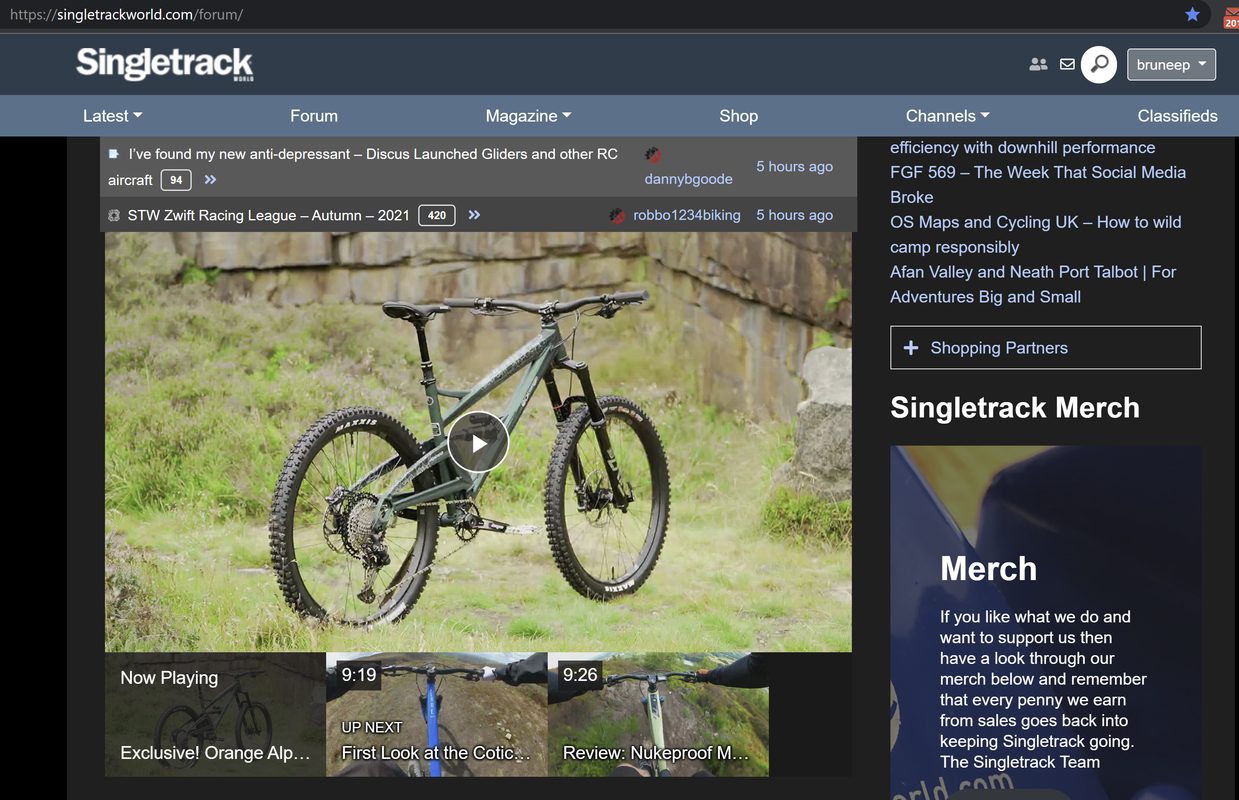
whats all this now?
I’ve been wondering that but suspected it would be a waste of time asking
It’s a video?

