UPDATE: CLASSIFIEDS section refreshed, redesigned, searchable: Go take a look
My New Years resolution is to post pics via Flickr on here. I take great pleasure from the pics on here so its only fair I contribute too. Have tried and usually get tangled up somewhere around putting the image into this 'post box'. Any simple directions will be helpful. Cheers
Flickr has changed. You need to go to the photo and click on "All Sizes"
Having done that click on the medium sized photo. Right click to get the url of the photo, i.e. the address that normally ends in .jpg
then paste into the middle of this
[ img ] url of the image [ / img ] (but remove the spaces where I have typed spaces)
click on 'forum help' at the top right of the page. it explains it in there.
I use tinypic - it is an absolute doddle.
[IMG]  [/IMG]
Hurrah
Hmmmm still not quite right me thinks (lovl). 😆
Im also trying to post pics on here.Ive followed the instructions to the letter but when i preview my post i just keep getting the little box with a red 'x' in it.
My pics are on flickr and i must choose option 1 when retrieving the url so as to provide a link back to flickr,i understand that. and im doing the [img] [ /img] bit too but it just aint working for me.I cannot see where im going wrong.Any further help greatly appreciated.Thanks
[img]  [/img]
Ah, at last. I didn't even know Flickr had changed, I just thought I'd forgot what to do!
OK I hope this works.
First you need to click on your picture in Flickr & then click on 'All sizes', when the picture open up right click on it & click on 'Copy Image location'.
On STW post click on 'IMG', then paste your picture location in the box overwriting the stuff in blue. Your picture should now be visible in 'preview post' - hopefully 🙂
esselgruntfuttocks' picture above has the 'picture location' of this
using 'IMG' you get this
[img] [/img]
Come on guys lets see your pride & joy then
[IMG] 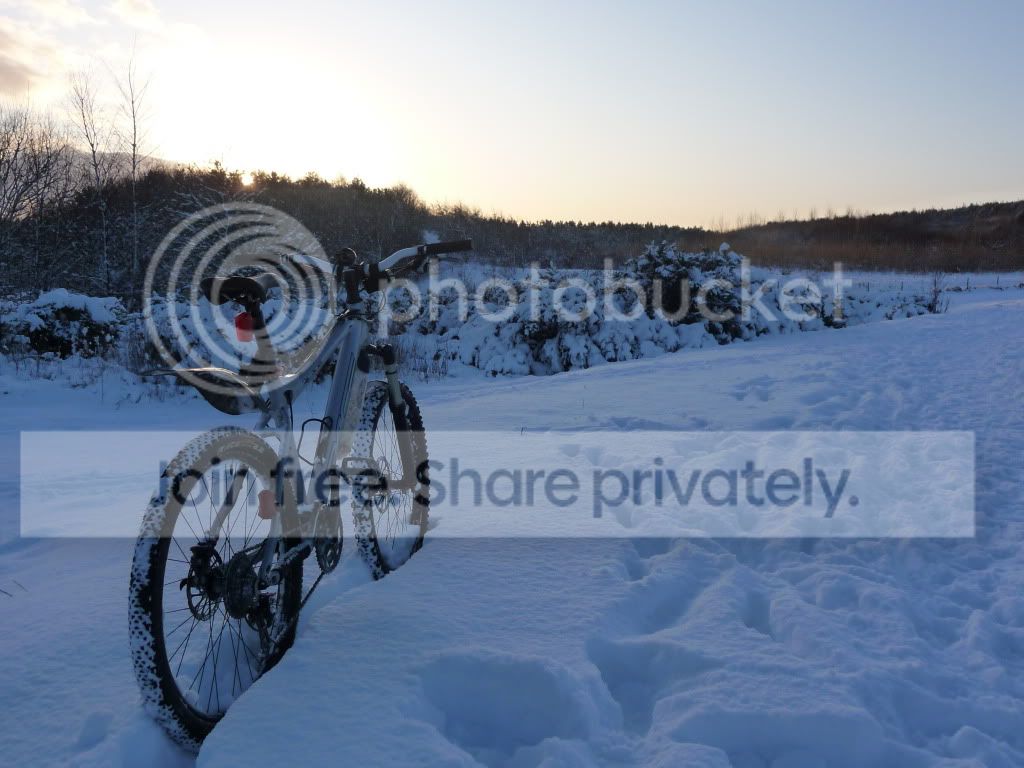 [/IMG]
[img]  [/img]
click on IMG above this reply box
'explorer user prompt' window will open (if not click on yellow bar ^^ to temporarily allow, then click on IMG again) paste URL in 'explorer user prompt' window.
Preview post and it should be there??
[img] 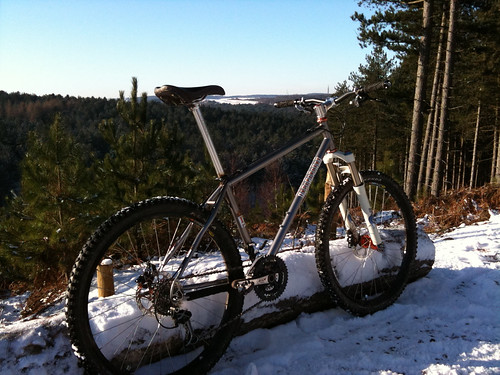 [/img]
Okay,it works if i choose option 2 which im not supposed to do so why doesnt it work with option 1?
Okay,it works if i choose option 2 which im not supposed to do so why doesnt it work with option 1?
who cares it works & you can post pics 🙂
nice bike btw
[img] [/img]<
Install Firefox, then Greasemonkey and then this script http://www.stewartpratt.com/?p=88.
It will create a Phorumr link when click on the different sizes with link back keeping within terms of flickr.
Can I do this from Facebook or a Yahoo group?
[img] http://uk.groups.yahoo.com/group/PentlandPedalers/photos/album/353240451/pic/1285384958/view?picmode=large&mode=tn&order=ordinal&start=1&dir=asc [/img]
Hope this works.
[img] http://www.flickr.com/photos/33522744@N04/3560924640/sizes/m/ [/img]
second time lucky
'err Steve I don't think you can link to pics on FB or Yahoo mate 😉
Oh ffs.
These attempts have all been from my Flickr account.
just post up the flickr pic link without using 'IMG' & I'll have a look for you.
Been told to stop faffing about and do the dishes like I said I would after which I'll probably go back to riding bikes. 😡
Hmmmm you need to have a url ending in .jpg like this

rather than the one you posted.
I've had a look on your flickr page & when I click on your pics I don't get the same layout as mine - copy the pic link above & look at my flickr page to see what I mean.
PS good luck with the doing the dishes
[url= http://farm3.static.flickr.com/2318/2319350386_597463afe0_o.jp g" target="_blank">
Ha,sorted it thanks to the flickr help forum.Option 1 is now a goer.

