UPDATE: CLASSIFIEDS section refreshed, redesigned, searchable: Go take a look
What free software/online tool to overlay pictures of spectacles onto my mug to help me choose a flattering pair?
I know certain sites do this for you but not the one I am looking at.
Al - just post a picture up of your rugged, handsome, chiselled face. Then simply sit back and leave the rest to us....
Like this?
[img] 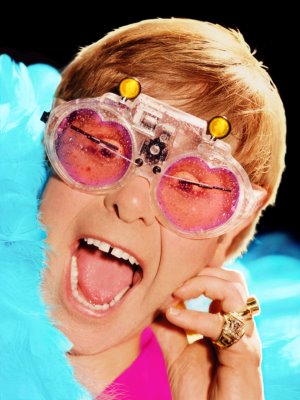 [/img]
Post the pics up here, we'll do it for you 😀
[img]  [/img]
Round face - square specs.
Square face - round specs.
Black, unless you're a kid's TV presenter/monumentally ugly.
Brown is acceptable if your a ginger.
Specific style doesn't matter.
Some people will think you're a knob whatever shape you wear, because of their own likes and dislikes.
Just pick a hero - someone you aspire to be who wears specs.
Buy those specs.
Only you will know the secret of your awesomeness.
[img]  [/img]
I love the internet.
(Sorry Al)
[img]  [/img]
Ye see, I think this is super cool, but I [i]might[/i] just not have the coolness to carry it off:
[img]  [/img]
I am tempted to post my pic up, I mean what could go wrong?
EDIT heh Bear, it would be THAT pic!
Oh.
Really?
These then.[img]  [/img]
or possibly
[img]  [/img]
?
[img]  [/img]
[img]  [/img]
[img]  [/img]
[img] 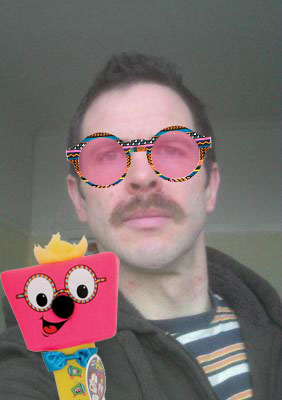 [/img]
[img]  [/img]
[img]  [/img]
[img] 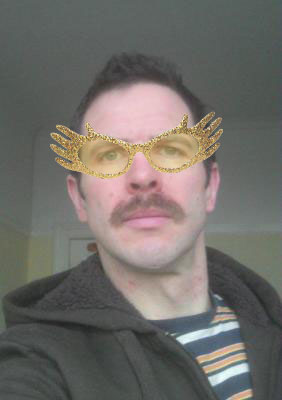 [/img]
THis looks about right
[img] 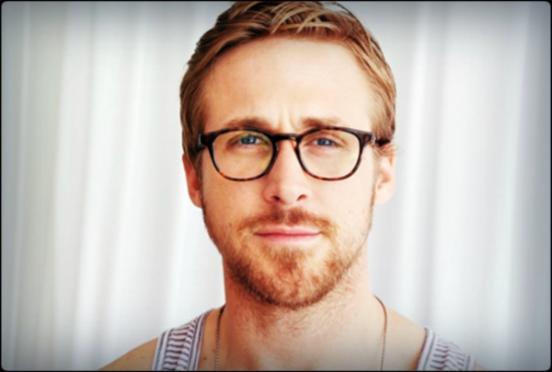 [/img]
[img] 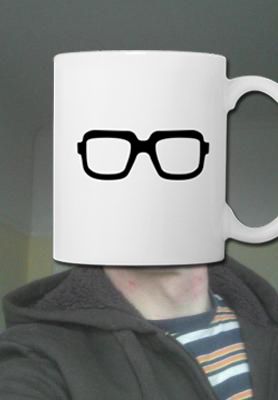 [/img]
[img] 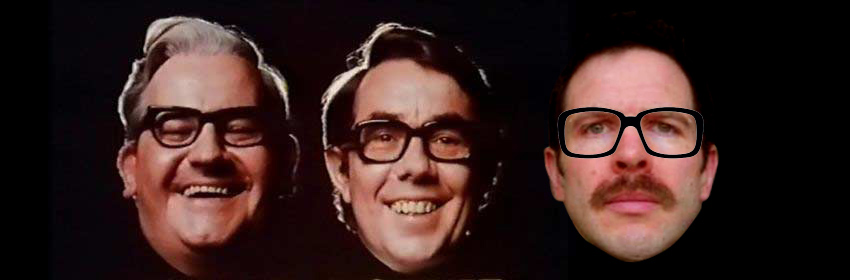 [/img]
paint.net
gimp
pixlr.com for online.
OK I am on pixlr.com.
How do I make an image of the glasses have a transparent background so I can overlay them on my face?
OK sorted that, wand tool with right tolerance. Now how to get the size right...
If the glasses are too big, move the camera closer to your head and retake the photo.
binners wins

