UPDATE: Reviews section refreshed, redesigned, searchable: Go take a look
Let me help you hainman
[img]  [/img]
tip: You have to put the url to the unadorned image, not the url of the flikr page. Right click on any web image and select "copy image url"
You can use the preview to check it works to avoid making a blank post.
buzzlightyear im having a nightmare copying the url thing.im not very computer literate!!do i need to do anything or is my pic safe??
Everything is cool.
Your piccy url looks like this:
If you stuff that into the address box of your browser and press "go" it will show the image without all the flikr page gubbins.
To make it appear on a forum post you have to put it inside some tags that look like this:
(img) (/img)
... except instead of ( ) and (/ ), you use [ ] and [/ ]
nice one.how do you find that url ??im having a nightmare finding it.everytime i right click it doesnt give me the option of pic url!!
[img] [/img]
at the duncombe view on my doorstep 🙂
[s]Ahh your new here! Welcome.
Prolly depends what browser your using... Hover mouse over image and right click should pop up a little floating menu.
In Google Chrome there is an option called "Copy image URL". Select it and you can now paste it into things.
In Firefox, the menu item is called "Copy Image Location"
In Internet Explorer it's more complicated (typical Microsoft): the floating menu has an option "Properties". Select it which brings up a dialog box, then left-click-drag to select the address URL field so it's highlighted (it begins with http and ends in jpeg/jpg/gif/png), then right-click again and you get another little floating menu - select copy. You can now paste it into things.[/s]
EDIT: you did it yay!
[url= http://static.zooomr.com/images/9362210_4e92710fcd_o.jp g" target="_blank">
[IMG]  [/IMG]
Ride past this often enough but wasn't on the bike this time tbh.
[img]  [/img]
[IMG]  [/IMG]
Great thread - some incredible images!
Th one from kcr two images up is just unbelievable!
Took this today...
[img]  [/img]
Redthunder, I really like that photo.
[img]  [/img]
[img]  [/img]
[img]  [/img]
Lammermuirs
[img] 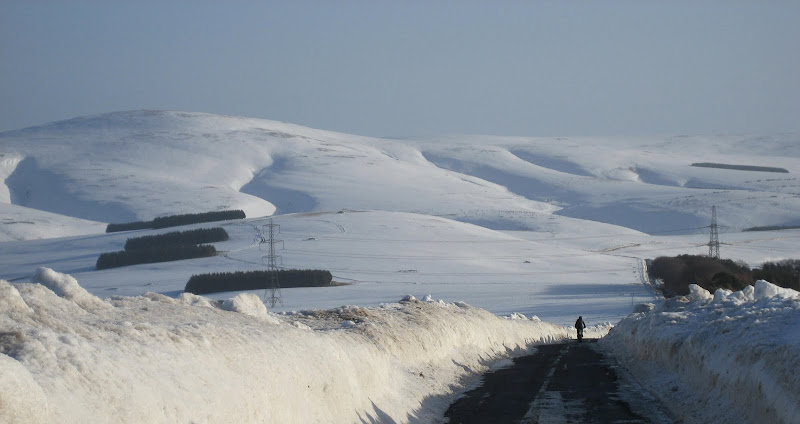 [/img]
[img] 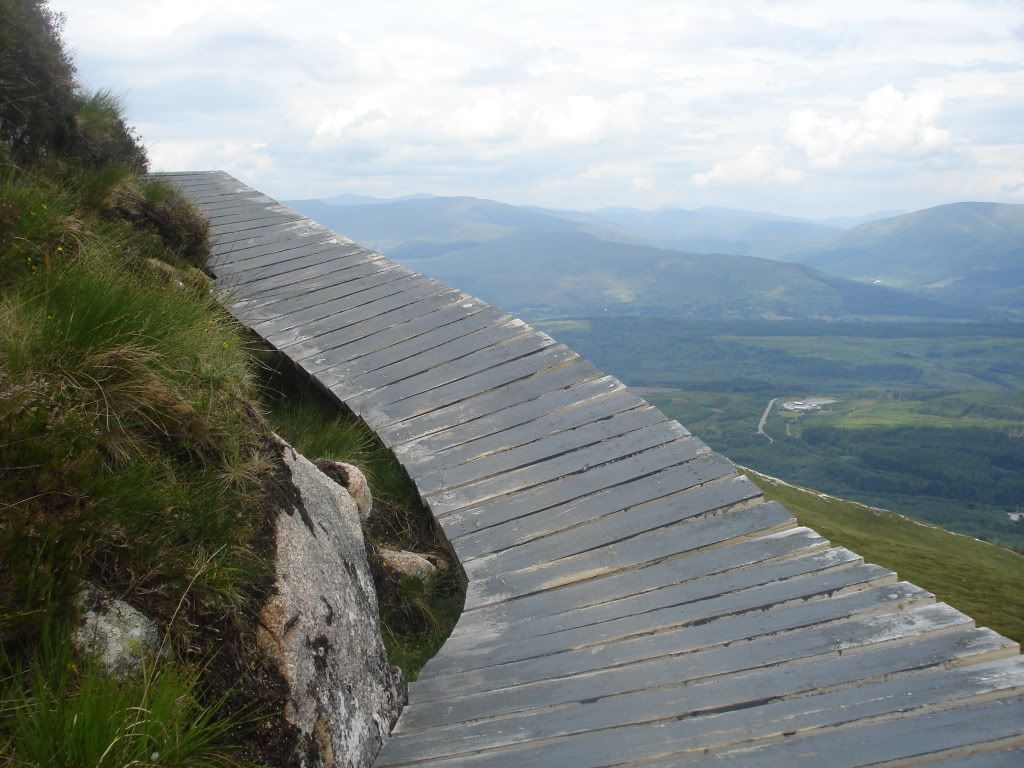 [/img]
One from the boardwalk on the Fort William red.
[img]  [/img]
(Dialled bikes appreciation society)
[img]  [/img]
[img]  [/img]
[img]  [/img]
Not sure if this really counts as big sky, but I do like it:
[img]  [/img]
No bike, but I was on one:
[img]  [/img]
From a bike:
Derbyshire.
[img]  [/img]
Off a bike:
Northumberland.
[img]  [/img]
scott_mcavennie2 - love those pics. Where are the first two taken?
Big sky? Must be the Fens:
[img]  [/img]
Cheers ell_tell - the first two are both from Snowdon. The best one I got that morning was this one, which I didn't post as it has been posted a few times on here and has no bike in it, however:
[img]  [/img]
Forgot these:
[img]  [/img]
[img]  [/img]
[img]  [/img]
[img]  [/img]
[img]  [/img]
[img]  [/img]
[img]  [/img]
Admittedly most have no bikes in shot but all taken while riding.
A couple from last year's Megavalanche start line. More sky than riding
[img]  ?zz=1[/img]
[img]  ?zz=1[/img]
[img]  ?zz=1[/img]
It really is about time I dusted my camera off.
Oh my god!!! such amazing photos! someone get these printed in a mag/calender something, i would pay!
Awesome pics
East Lothian coast
[img]  [/img]
[img]  [/img]
[img]  [/img]
[img]  [/img]
Pentlands
[img]  [/img]
Berwickshire
[img]  [/img]
[img]  [/img]
did a 100km nightride/bivvy last night. bizkaia, basque country:
[IMG] 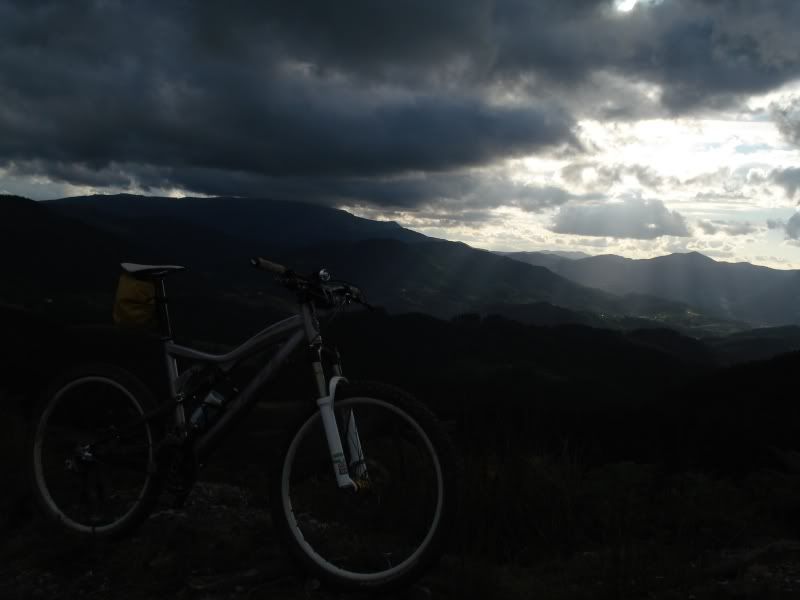 [/IMG]
Bottom section of Haweswater to Nanbield. Icy December.
[img] 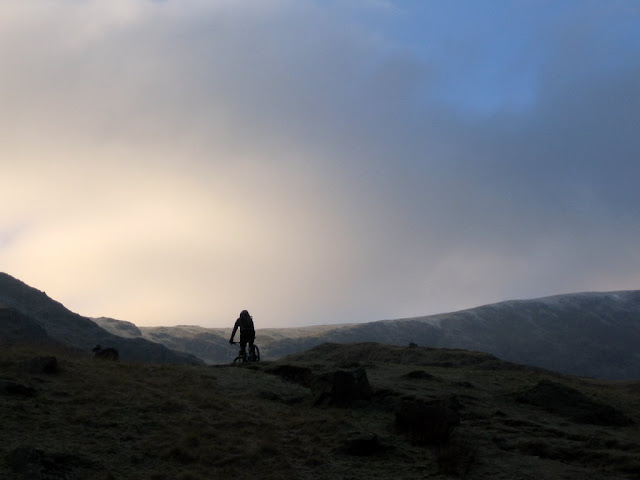 [/img]

