UPDATE: Reviews section refreshed, redesigned, searchable: Go take a look
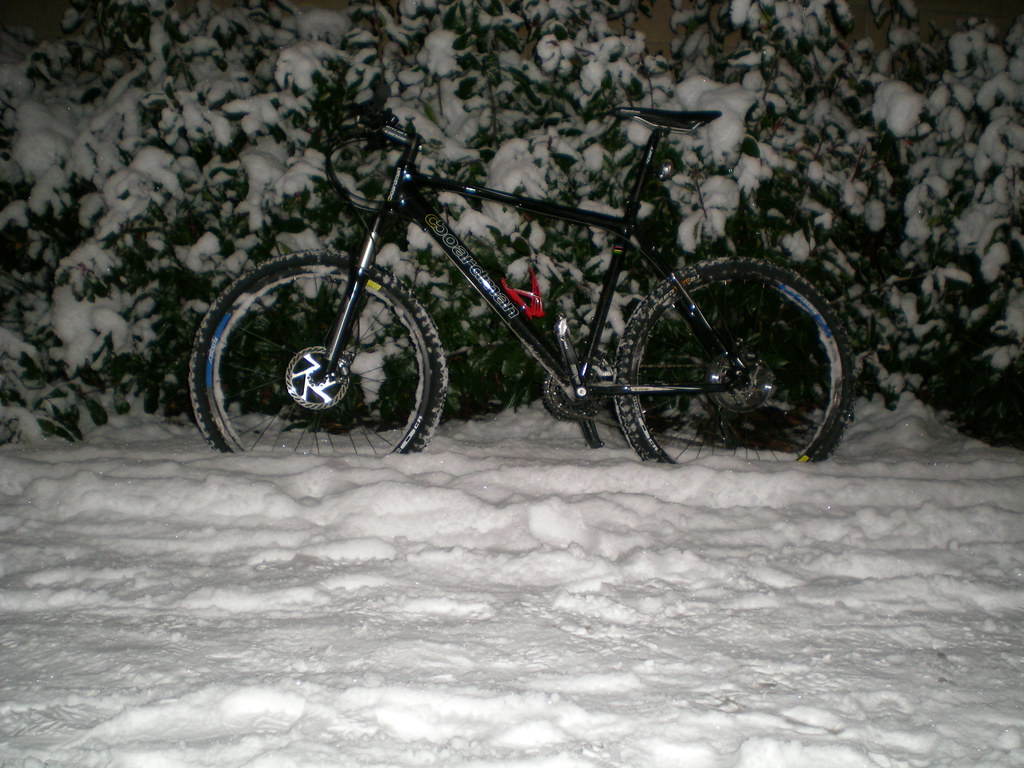
help i have read the help but i am confused its not difficult. i have my pictures uploaded but how do i link them?
Then go to the forum and type :
[img]  [/img]
do i add the location on the back of here in my post??
well that didnt work
[img]  [/img]
You are missing the bit before and after from the guide
[img] [/img]
http://www.flickr.com/photos/pete379/4222705376/
In flickr you need to click on 'all sizes' & then right click on the picture & 'copy image location'. On STW in reply post click on IMG & paste 'copy image location' over the blue stuff & hey presto you get this
[img]  [/img]
this is the script just without the blank before the second bracket & after the third bracket
[img ] [ /img]
have another go you can do it 🙂
[img] [/img]
WOOOOOOOOOOOOOOOOOOOOOOOHOOOOOOOOOOOOOOOOOOO
i am not that computer minded as you can see
I can see your picture above the WOOOOOOOOOOOOHOOOOOOOOOO post
Well done & welcome to the picture posting club
Hey thanks for the help C.B
YGM
Too late, congrats
I use tiny pic which provides you with the correct address, so you just copy and paste it up.Must say that I'm a complete luddite with all that stuff but I was able to post up first time. 😆
Seriously Mods. Put up a sticky about posting pics.
Put up a sticky about posting pics.
Which would contain what different content to that in the help which the OP says he'd already read?
I have to admit personally I'd change the instructions to "get an account on photobucket (or tiny pic apparently), upload your photos to that, then copy and paste the link they give you", which would save all this hassle with people using other sites which aren't so helpful.
Testing
Why doesn't it work with Fotopic.net pictures?
How do I post these pics?

